Quick Answer
4x5 is 1080×1350 pixels, the portrait size for feed posts on Instagram, Facebook and LinkedIn; Instagram accepts reels at any ratio from 1.91:1 to 9:16, so it uploads as is. Film or generate in portrait: a 3:4 clip cropped to 4:5 keeps 94% of its frame, a 9:16 clip 70%, a 1:1 clip 80% of its width, and a 16:9 clip less than half. None of the video models in Percify's playground outputs 4:5, but 21 offer 3:4, so generate at 3:4 and crop. Export H.264 MP4 at 1080×1350 and 30 fps.
Is your 4x5 video falling flat? Learn 3 expert secrets to optimize dimensions, avoid common errors, and skyrocket your social media reach for 2026.
Free tool, runs in your browser
Aspect ratio calculator
Pick a ratio and type one side to get the other, or type a width and height to get the ratio. Answers update as you type.
Open the tool →
Keep reading
Related next steps
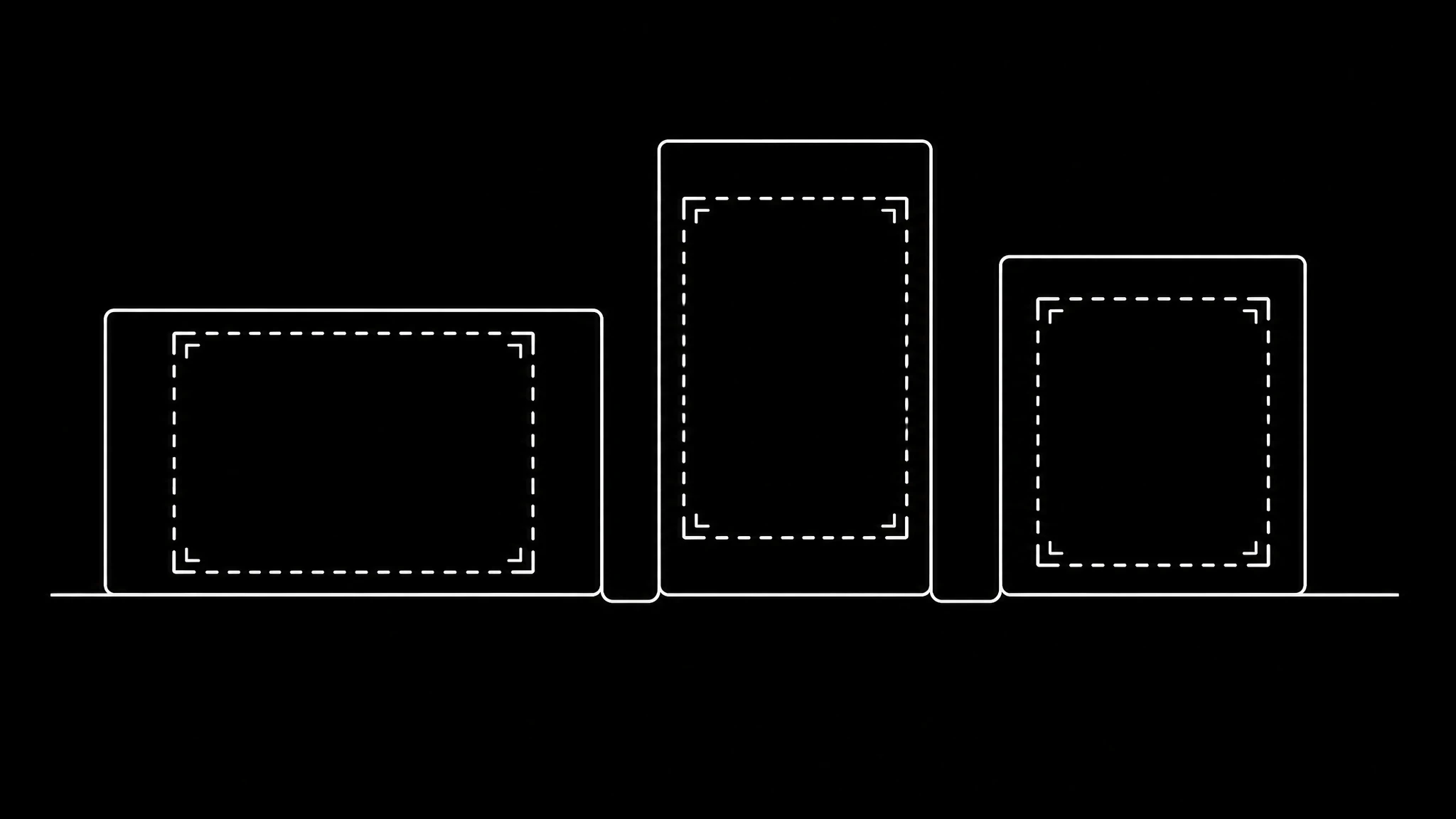
Aspect ratio to pixels
1,080 × 1,350px
4:5 at 1080p — Instagram feed portrait
| Ratio | 1080p | Used for |
|---|---|---|
| 4:5 | 1,080 × 1,350 | Instagram feed portrait |
| 9:16 | 1,080 × 1,920 | Reels, TikTok, Shorts |
| 1:1 | 1,080 × 1,080 | Square feed post |
| 16:9 | 1,920 × 1,080 | YouTube, landscape |
| 4:3 | 1,440 × 1,080 | Classic / presentation |
| 3:2 | 1,620 × 1,080 | Photography |
Need a video in 4:5? Make one from a single photo.
4x5 Video Dimensions: Complete 2026 Guide (Resolution, Specs, Examples)
If you're producing video for Instagram, Facebook, or LinkedIn in 2026, the 4x5 aspect ratio is the format to know. It fills more vertical space than a square post but stays inside the feed without going full screen. This guide covers the exact 4x5 resolution specs, when to use it vs. other ratios, and how to produce 4x5 video without filming in portrait mode.
Quick Reference: 4x5 Video Specs
| Spec | Value |
|---|---|
| Aspect ratio | 4:5 (width:height) |
| Standard 4x5 resolution | 1080 × 1350 px |
| HD 4x5 resolution | 1440 × 1800 px |
| 4K 4x5 resolution | 2160 × 2700 px |
| Frame rate | 30 fps (Instagram asks reels for at least 30 FPS) |
| Codec | H.264 (MP4) |
| Best platforms | Instagram feed, Facebook feed, LinkedIn, Pinterest |
| Instagram reel upload range | Any ratio from 1.91:1 to 9:16, at least 720 px (4:5 is inside it) |
| Facebook video limits | Up to 10 GB, under 240 minutes |
Bottom line: if someone asks for "1080x1350" or "1080 by 1350 video", they mean 4x5. The two terms are interchangeable.
What Is 4x5 Aspect Ratio?
A 4x5 aspect ratio is a near-square portrait format where the video's width is 4 units for every 5 units of height. Render it at the standard 4x5 resolution of 1080×1350 pixels and you get a portrait frame 25% taller than a square at the same width.
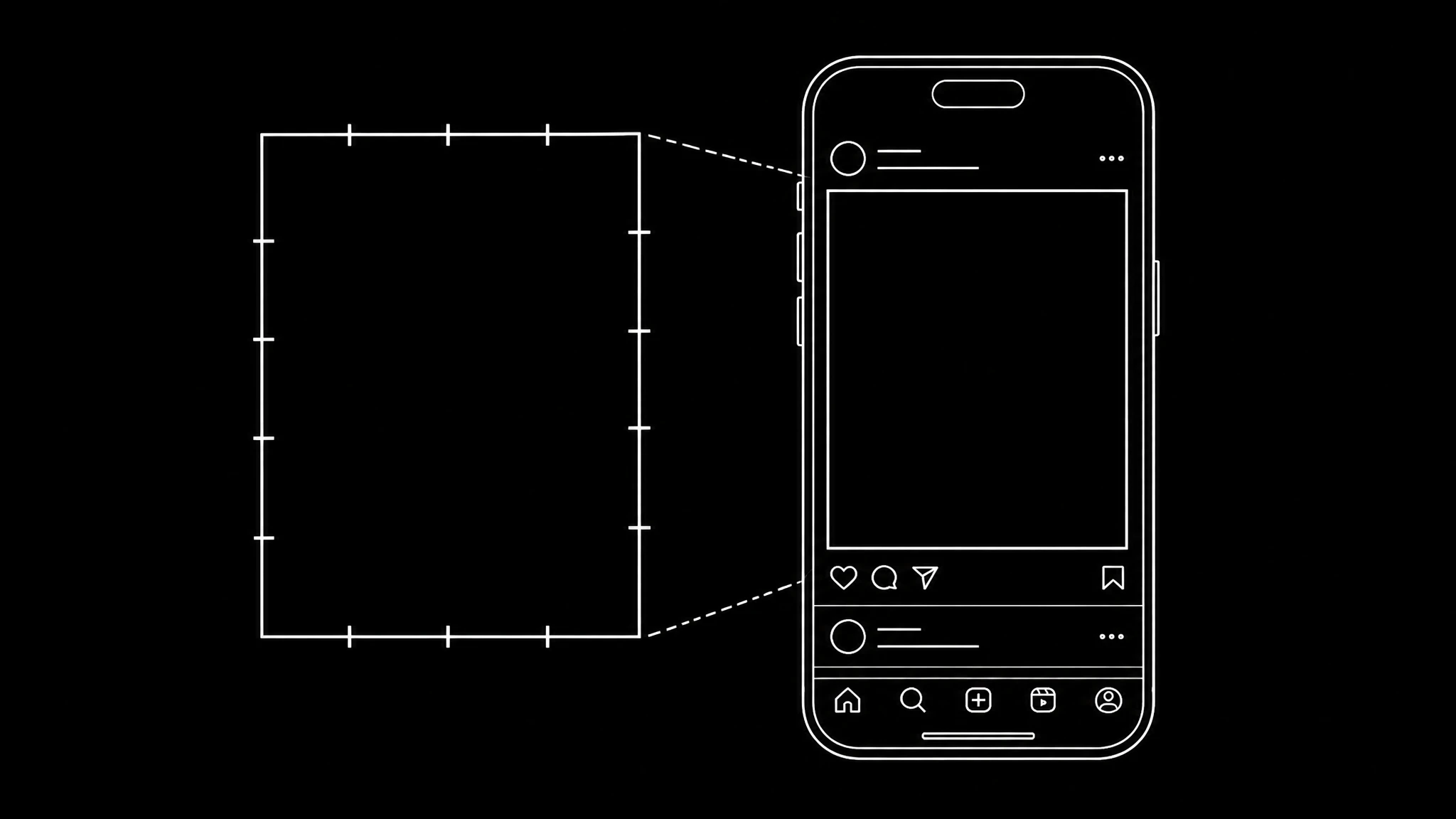
It's *not* the same as 9:16 (TikTok / Reels / Stories) or 1:1 (classic Instagram square). 9:16 is taller and meant for full-screen mobile experiences. 1:1 is the legacy Instagram format. 4:5 sits between them: taller than 1:1, and shorter than 9:16, which is built for full screen placements.
4x5 Resolution in Pixels: The Common Sizes
There's no single correct 4x5 resolution, because the format is a ratio. These are the sizes you'll actually use:
- 1080 × 1350: the standard. What Instagram, Facebook, and LinkedIn expect for feed video. Use this 90% of the time.
- 1440 × 1800: HD upscale. Good if you're producing for ads where higher fidelity matters.
- 2160 × 2700: 4K equivalent. Future-proof for archival; most platforms downsample anyway.
- 864 × 1080: small / draft. Avoid for production, useful for previews.
If your editor exports a slightly different resolution (e.g., 1080×1349) due to rounding, that's fine. Feed platforms accept a range of ratios, so one pixel of rounding does not matter.
Why 4x5 Wins on Mobile-First Platforms
Three reasons to use 4:5 for feed posts, each one checkable:
- More height at the same width. At 1080 pixels wide, a 4:5 frame is 1350 tall, against 1080 for a square and 608 for 16:9, so it fills more of a portrait phone screen than either.
- It fits inside a post. 9:16 is built for full screen placements such as Reels and Stories; a 4:5 frame leaves room around it for the caption and buttons in a feed.
- It is inside every major range. Instagram accepts reels from 1.91:1 to 9:16 and Facebook supports 16:9 to 9:16, so a 4:5 file uploads to both without being rejected.
4:5 vs. Other Common Aspect Ratios
| Aspect Ratio | Resolution | Best Use | Height at 1080 wide |
|---|---|---|---|
| 16:9 | 1920×1080 | YouTube, TV, desktop video | 608 px |
| 9:16 | 1080×1920 | TikTok, Reels, Stories | 1920 px |
| 1:1 | 1080×1080 | Square posts, some ads | 1080 px |
| 4:5 | 1080×1350 | Instagram feed, Facebook feed, LinkedIn | 1350 px |
Platform-Specific 4x5 Specs (2026)
Instagram (Feed Video, Reels Cover)
- Resolution: 1080×1350
- Accepted ratios: any from 1.91:1 to 9:16 ↗, so 4:5 uploads as is
- Minimum: 30 FPS and 720 pixels
- Reel cover photo: 420×654 (1:1.55)
Facebook (Feed Video)
- Resolution: 1080×1350
- Max file size: 10 GB ↗
- Max length: under 240 minutes
LinkedIn (Feed Video)
- Resolution: 1080×1350
- Max length: 15 minutes from desktop, 10 from the mobile app ↗
- Note: LinkedIn plays feed video muted by default, so caption your videos.
Pinterest (Standard Pin Video)
- Resolution: 1080×1350 (same as 4:5)
- Codec: MP4, MOV, M4V
TikTok (Cross-Posted)
TikTok prefers 9:16, but 4:5 *displays* with subtle vertical bars. Acceptable for cross-posting; not optimal as a primary format.
How to Create 4x5 Videos Without Filming in Portrait Mode
If you're already producing 16:9 content, you have three paths to 4:5:
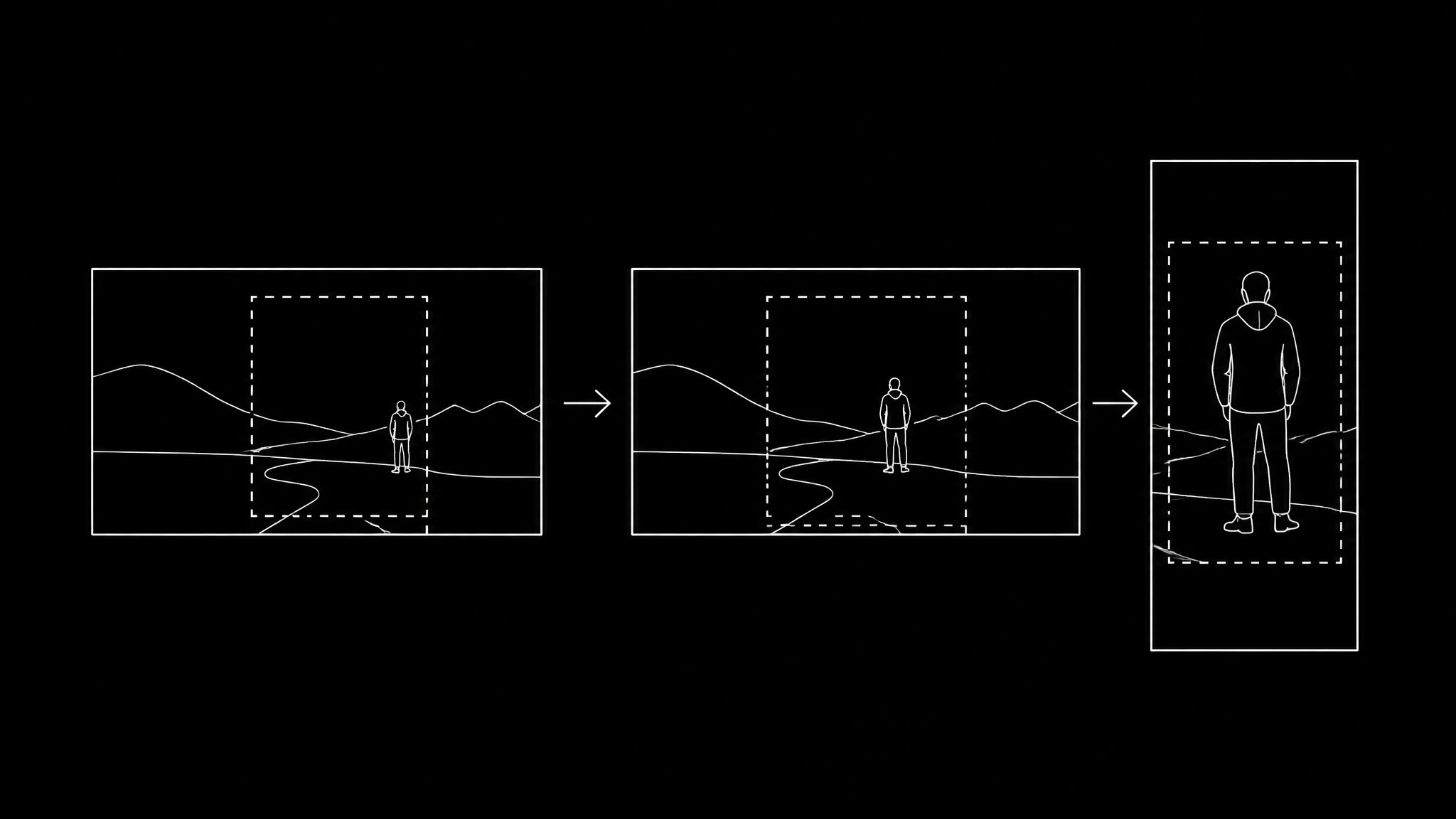
- Reframe + crop: center your subject, crop to 1080×1350. Loses width.
- Generative fill: let an AI model fill the additional vertical space using context from the surrounding pixels. Modern editors (Premiere, DaVinci, Descript) ship this.
- Re-shoot in vertical: best quality, highest cost.
If the footage does not exist yet, you can generate it, but generate it portrait, not wide. A 9:16 clip cropped to 4:5 keeps about 70% of its frame; a 16:9 clip cropped to 4:5 keeps less than half of its width. The section below has the numbers, and what the AI video models can and cannot output.
Generating 4x5 Footage with AI: What Works and What Does Not
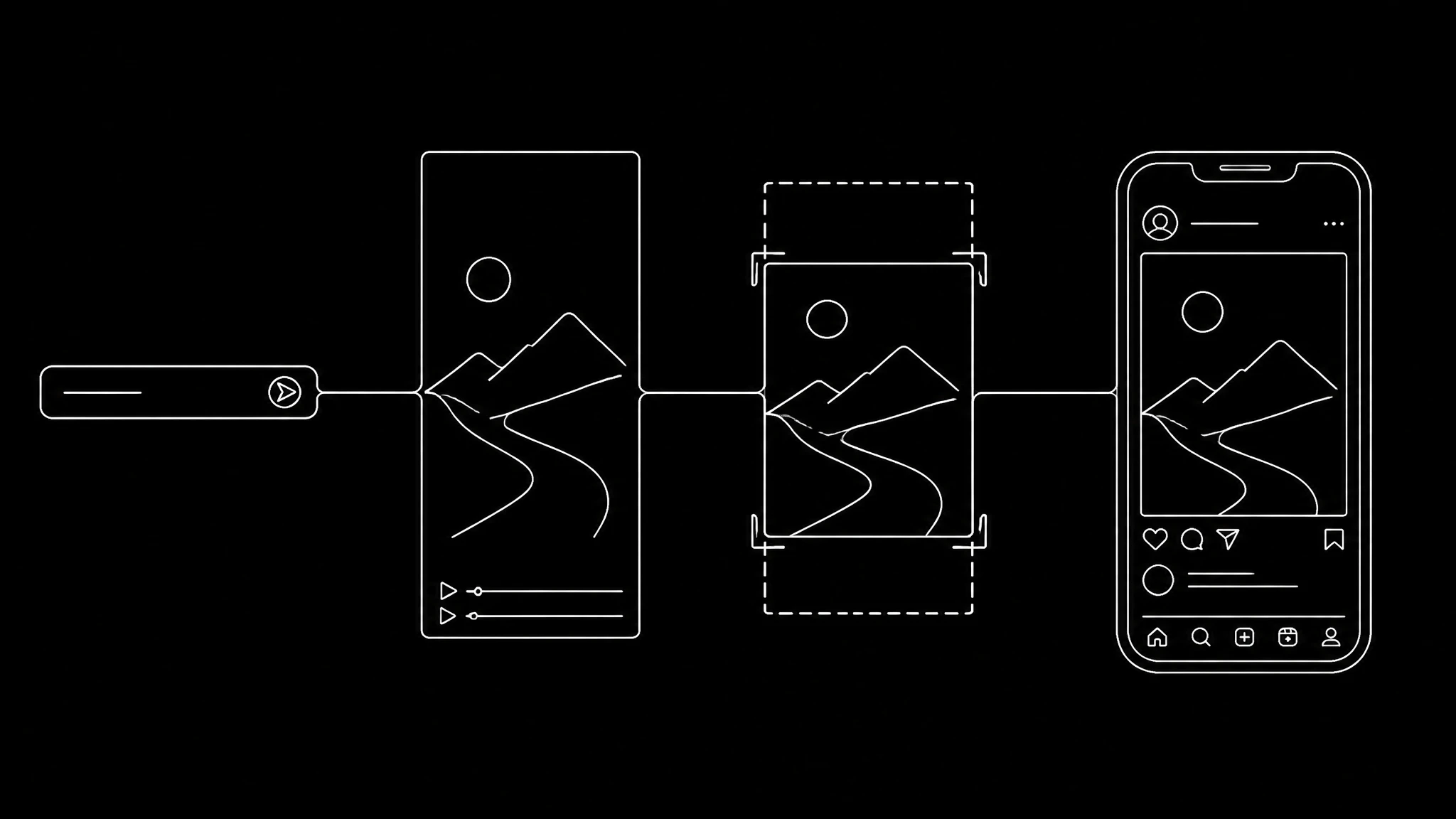
A straight answer, because a lot of pages get this wrong: none of the 72 video models in Percify's playground offers 4:5, checked on 16 September 2026. Depending on the model they offer 16:9, 9:16, 1:1, and in 21 of them 3:4 as well. So the question is not "which tool renders 4:5", it is "which source ratio loses the least when you crop to 4:5". The arithmetic:
| Generate at | Crop to 4:5 keeps | What you lose |
|---|---|---|
| 3:4 (1080×1440) | 94% of the height | a thin strip at the top and bottom |
| 9:16 (1080×1920) | 70% of the height | a strip at the top and bottom |
| 1:1 (1080×1080) | 80% of the width | a sliver on each side |
| 16:9 (1920×1080) | 45% of the width | more than half the frame |
So for a feed post, pick a model that offers 3:4 and generate at that ratio; if it only offers 9:16 or 1:1, use 9:16, or 1:1 when the composition is centred. Then crop to 1080×1350 in your editor. For a still image rather than video, several image models in the playground offer 4:5 directly, including GPT Image 2.5, FLUX, Nano Banana Pro and Seedream 5 Pro. Ask for a centred, chest up subject in the prompt so the crop has nothing to chase. Every model in the playground is priced per clip in credits, and you can compare two models on the same prompt before spending on the longer render.
The one case where the framing is decided before generation is a talking-head clip made from a photo: Percify lip-syncs a face to audio (billed per second of video), and the output inherits the photo's framing. Use a portrait photo with the face in the upper half, and a 4:5 crop keeps everything that matters.
Open the video playground ↗ to see the models and what each costs per clip, or read how AI lip sync goes wrong and how to fix it before you generate a talking clip.
Common 4x5 Video Mistakes
- Cropping a widescreen subject without reframing. You'll cut off heads, hands, and product details. Always reframe before cropping.
- Burning in captions outside the safe zone. Instagram lays its caption and buttons over the lower part of the video. Keep text in the middle 80% vertically.
- Mismatched cover frame. The first frame becomes the static thumbnail in feed. Pick a strong visual; don't let it auto-default to frame 0.
- Exporting at the wrong frame rate. 24 fps looks cinematic but stutters on aggressive scroll. 30 fps is the safe default for feed video.
- Forgetting LinkedIn captions. Default-mute means a captionless video gets ignored.
4x5 Video Production Checklist
Conclusion
The 4x5 aspect ratio at 1080×1350 resolution is the portrait size for feed posts on Instagram, Facebook and LinkedIn, and every one of them accepts it as uploaded. Whether you crop existing footage or generate new footage with AI, the rule is the same: start from the ratio that loses the least.
If you generate footage with AI, generate it in 3:4 where the model offers it and crop to 1080×1350, which keeps 94% of the frame; from 9:16 the same crop keeps 70%.
Ready to Create Your Own AI Avatar?
Make a talking video of yourself from one photo, in your own voice. No watermark on any plan.
Cancel anytime from your profile
Got questions?
Frequently asked
4x5 aspect ratio is a near square portrait format where the width is 4 units for every 5 units of height. At the standard resolution of 1080×1350 pixels it is 25% taller than a square at the same width, which is why it is the usual size for feed posts on Instagram, Facebook and LinkedIn.
The standard 4x5 video resolution is 1080×1350 pixels. HD upscale is 1440×1800 pixels, and 4K is 2160×2700 pixels. All three preserve the 4:5 aspect ratio. Use 1080×1350 unless an ad placement asks for more.
Yes — 1080×1350 is the standard pixel resolution for the 4:5 aspect ratio. The two terms are used interchangeably. If a platform spec calls for '1080×1350 video,' you're being asked for 4:5.
Yes. Instagram accepts reels at any aspect ratio between 1.91:1 and 9:16, so a 4:5 video at 1080×1350 uploads as it is, and it asks for at least 30 FPS and 720 pixels. For full screen Reels and Stories, 9:16 (1080×1920) fills the screen. Checked on Instagram's help page on 16 September 2026.
4x5 (1080×1350) is 270 pixels, or 25%, taller than 1:1 (1080×1080) at the same width, so it fills more of a portrait phone screen. Use 1:1 when a placement asks for a square.
9:16 (1080×1920) is full vertical — designed for Stories, Reels, and TikTok where the video takes over the full screen. 4:5 (1080×1350) sits inside the feed, leaving room for captions, like buttons, and comment counts. Use 9:16 for full-screen mobile experiences and 4:5 for feed-discovery content.
Three options: (1) reframe and crop your existing 16:9 footage to 1080×1350 — you keep less than half of the width, so centre the subject; (2) use generative fill in editors like Premiere or DaVinci Resolve to extend the vertical space; or (3) generate the footage with an AI video model at 3:4 and crop to 4:5, which keeps 94% of the frame, or at 9:16, which keeps 70%. None of the video models in Percify's playground outputs 4:5 directly.
Not among the 72 video models in Percify's playground, checked on 16 September 2026. They offer 16:9, 9:16 and 1:1, and 21 of them also offer 3:4. Generate at 3:4 and crop to 1080×1350, which keeps 94% of the frame; from 9:16 the same crop keeps 70%. Several image models do offer 4:5 directly.
30 fps. Instagram asks for at least 30 FPS for reels, so it is the safe default for feed video; 24 fps can fall below that requirement, and 60 fps mainly adds file size.

