

AI Voice Cloning A 5 second sample is enough
Record 5 to 60 seconds of yourself talking, or upload a clip, then type what you want said and hear it in your own voice. Each generated clip costs 5 credits, about 10 cents, and the clips can be used in talking avatar videos.
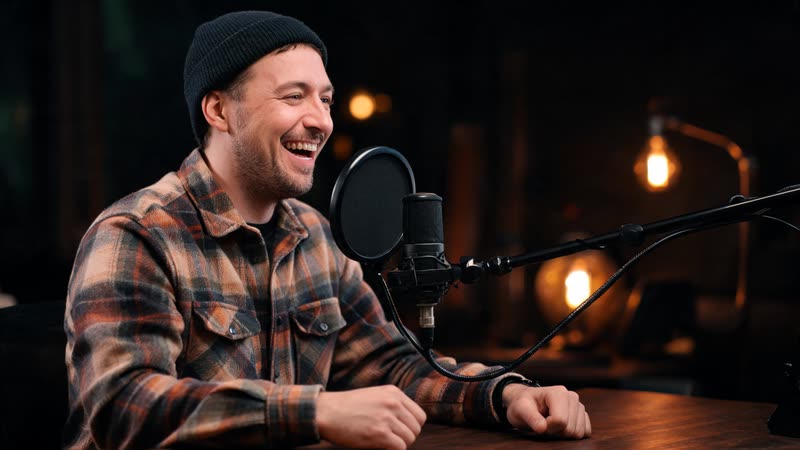
Natural AI voice synthesis
Advanced neural networks ensure natural prosody and human-like speech patterns.
Voice Cloning
Create AI voices from a short sample: 5 to 60 seconds of speech is all the recorder takes, and each generated clip costs 5 credits.
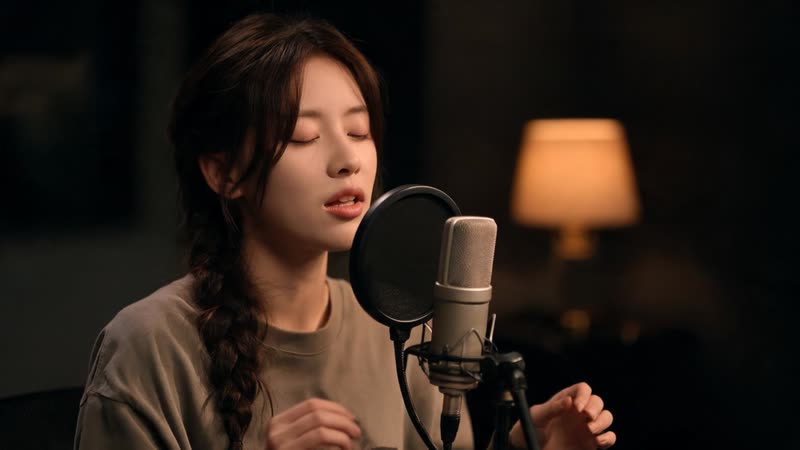
Choose the Mood
MiniMax voices take a mood setting: auto, happy, sad, angry, fearful, surprised or calm, so the same script can sound warm or urgent.
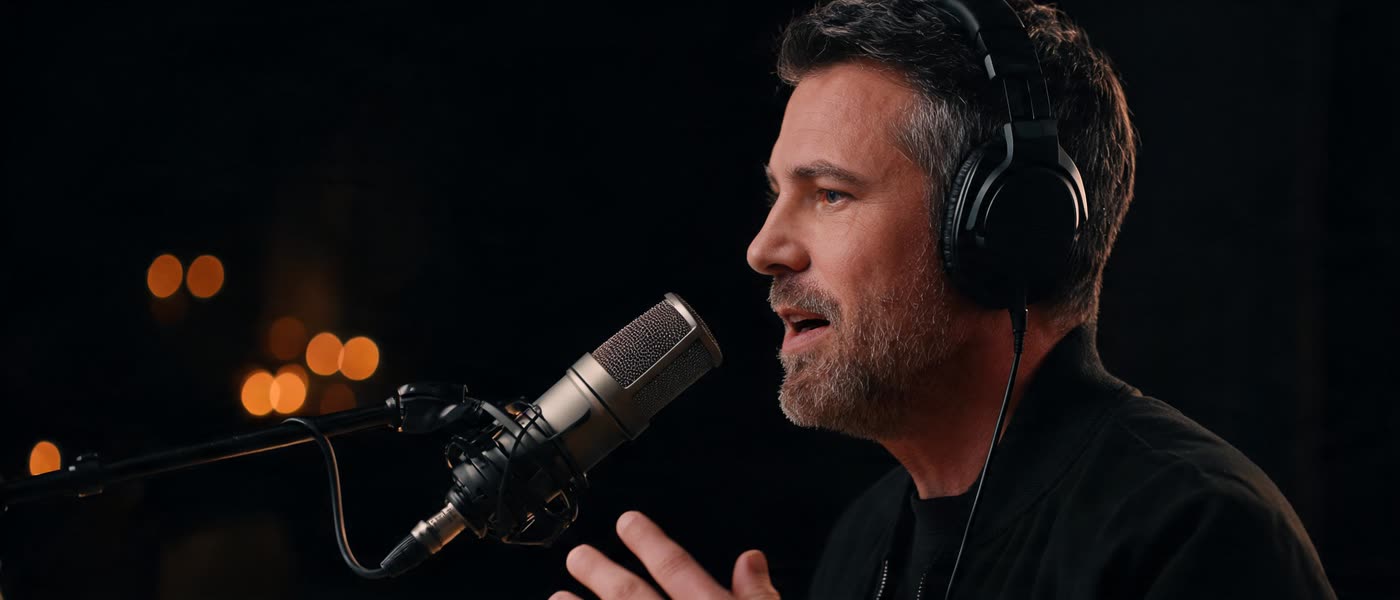
Type, Generate, Reuse
Type a script and generate speech in your cloned voice, then reuse the saved clip in talking avatar videos. Generation times depend on the model and the length you ask for, so we do not quote a fixed latency.
Ready to clone your voice?
A 5 second sample is enough.
Every voice model and what it costs: AI voice generator · clone a voice with Zonos 2 · make a photo speak it
Questions?
Everything you need to know about voice cloning.
How long does it take to clone a voice?
Five seconds is the minimum the recorder accepts and 60 seconds is the maximum. Use most of the 60 seconds for the best result; a longer, varied sample carries more of your voice than a short one repeated.
What languages are supported?
Many. Zonos 2 clones a voice from a short sample and speaks multilingually, and XTTS-v2 is a multilingual voice cloning model; each lists its own coverage in the playground. The one-click clone inside Voice Studio generates English, so pick a playground model when you need another language.
What decides how good the clone sounds?
The sample, more than any setting. Record in a quiet room, keep a steady distance from the microphone, and use most of the 60 seconds rather than the 5 second minimum: a longer, varied sample carries more of your voice than a short one. Recording or uploading a sample costs nothing, so it is worth redoing a bad one before you spend credits on clips.
What does each clip cost, and what can I do with it?
Each generated clip costs 5 credits, about 10 cents, whether it uses your clone or a Voice Library voice. Uploading or recording the sample is free. Clips are saved in your library, so the same voice can narrate a talking avatar video instead of being stuck as a standalone audio file.
