









Your face, your voice, on every video
One clear photo is enough. Percify syncs the mouth and head to your voice.
 portrait.jpgFront facing, sharpReady to talk
One photo is enough
No training session and no studio footage. A sharp, front facing photo of one person is all it takes to make it talk.
Explore talking photo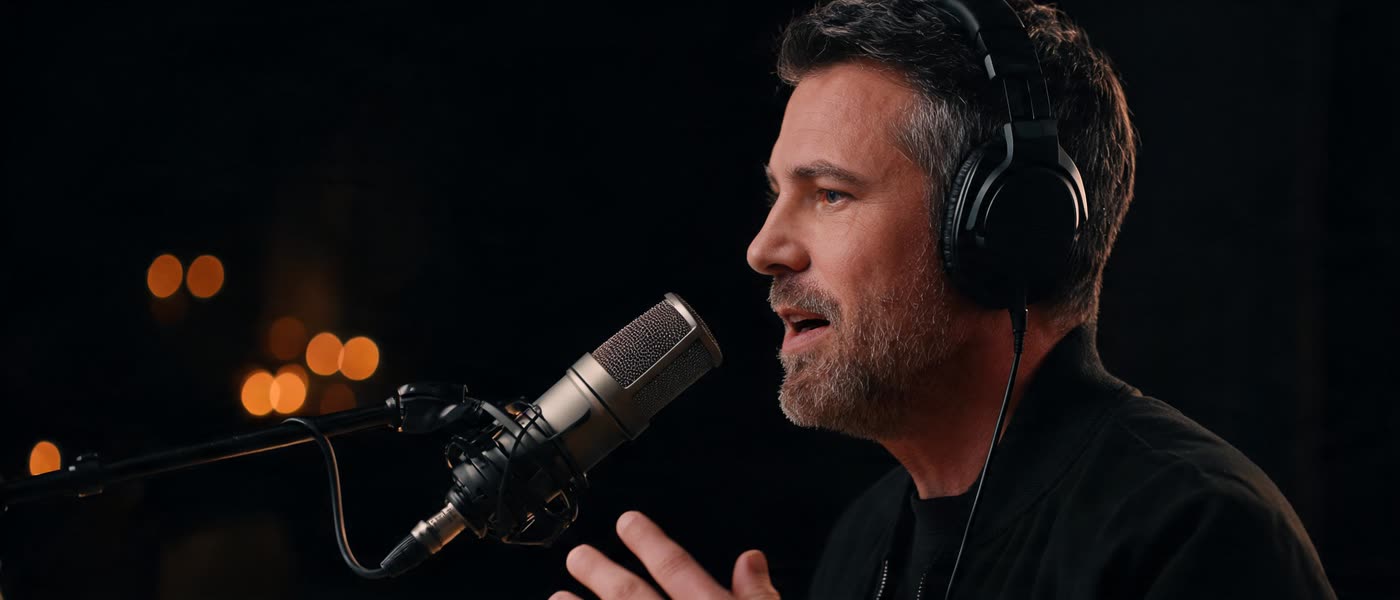 Your voiceSaved for new scripts
Your own voice
Record yourself, upload an audio file, or clone your voice once and type new scripts for it.
Explore voices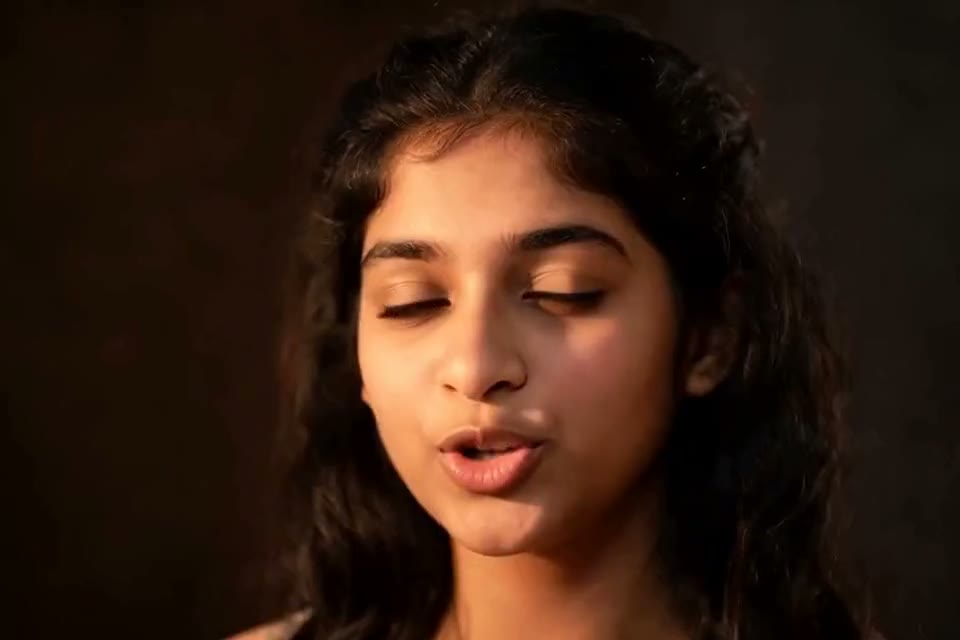
Lips that follow the audio
The mouth follows each word of the track you give it, whether you recorded it or typed it.
See examples EspañolDeutsch
Other languages
Pick a voice in your language and type the script, or translate a finished video and re‑sync the lips.
Explore translation


Any face you have rights to
Your own photo, a colleague who agreed to it, or a ready made presenter if you would rather not use yours.
Explore avatars
From one still photo to a talking video
Give it a photo and a voice track. You get back that face speaking it.
See more examples Your photo
Type what it should say, get the video
Write or record the script. Percify voices it and syncs the lips.

Record, upload or type
Use a recording you already have, record one in the browser, or pick a voice and type the words.
Explore talking photoPriced per second
2 credits a second on InfiniteTalk Fast: a 30 second clip is 60 credits, and a minute costs roughly $2 to $3.
See pricingFailed runs refunded
If a video fails, the credits come back. You pay for the clips you get, not for the attempts.
See plans
Photo, voice and script in one place
Change a line and generate again. Same face, same voice, no timeline to learn.
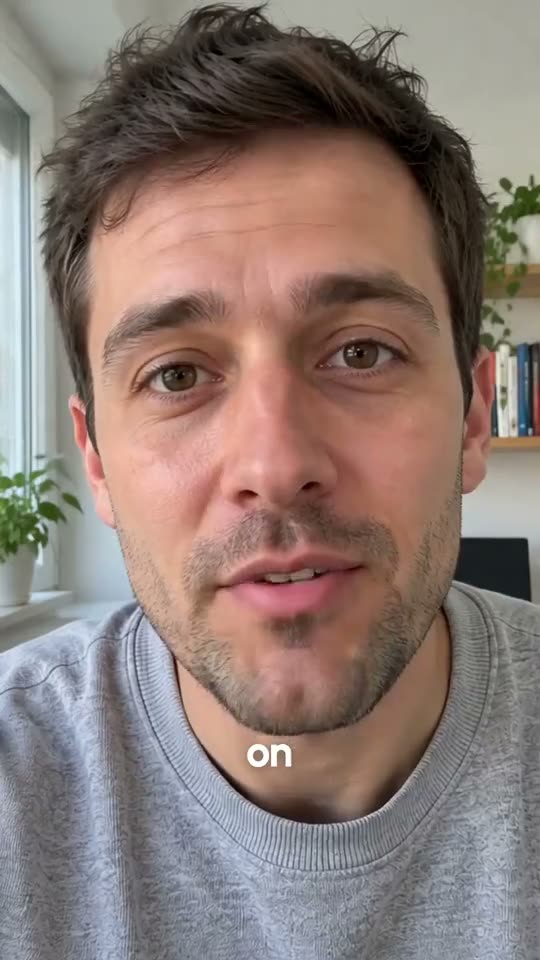
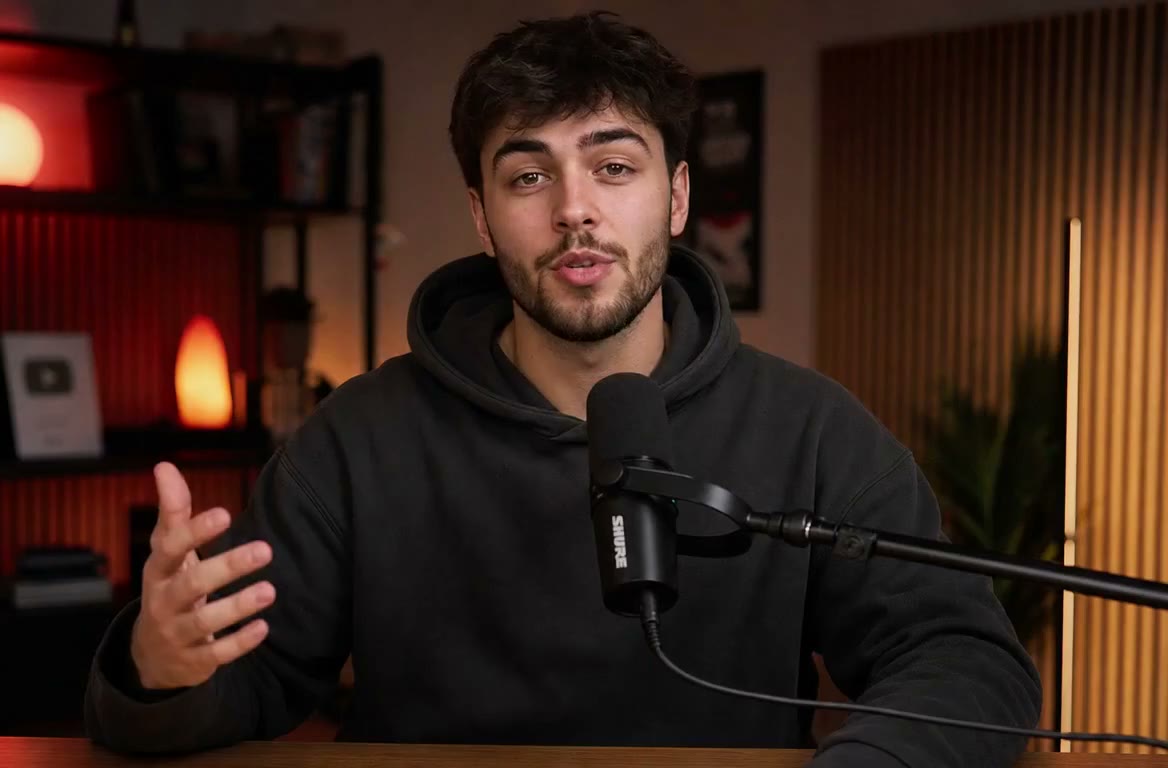
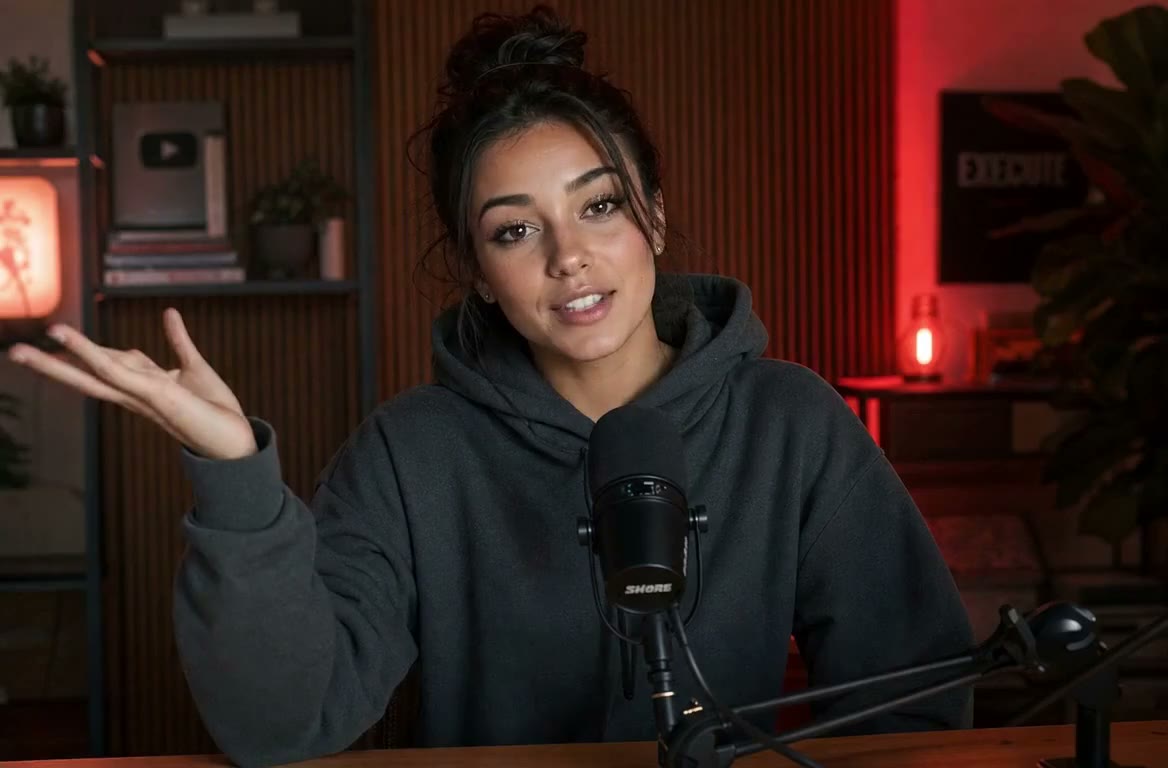
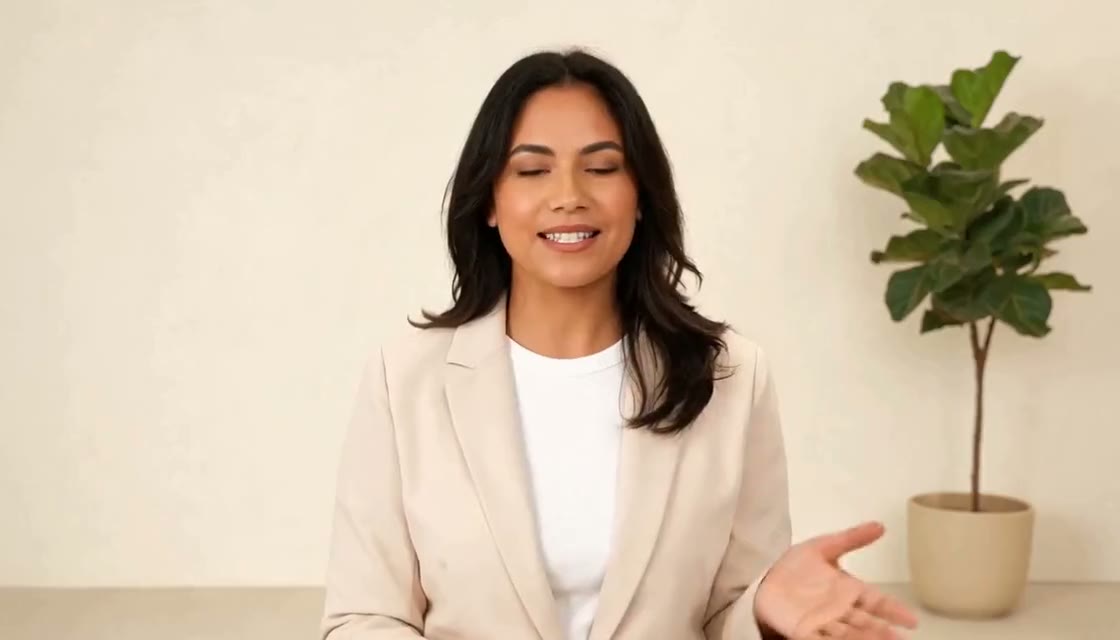
Hi everyone, quick update on this month. We shipped three things you asked for, and I want to walk you through each one in under a minute.
Save your voice once
Clone your voice from a recording, then type any new script for it instead of recording every take.
Explore voicesKeep the same face
Reuse the same photo for every clip, so a whole series looks like one presenter.
Explore talking photoDownload and post
You get an MP4 with no watermark, yours to post wherever you like, under our terms.
See plansSay it in another language
Translate a video with the lips re‑synced, or type a script in your language.

Translate a finished video
Upload a video you already made and get it back in another language, with the lips re‑synced to the new speech.
Explore translationPick a voice in your language
Choose a voice that speaks your language, type the script, and your photo says it.
Explore voicesOne face for every audience
Use the same photo for every version, so each audience sees the same presenter.
Explore talking photo 0:15
0:15Talking Photo
Turn one photo into a lip synced talking video with your voice or a typed script.
Explore tool Your voice
 Voice Cloning
Clone your voice from a recording and type new lines for it, no studio needed.
Explore tool Français
Video Translation
Put a finished video into another language with the lips re‑synced to the new audio.
Explore tool Presenter
AI Avatars
Pick a ready made presenter when you would rather not use your own face.
Explore tool Animate
Image to Video
Animate a still into a short clip with video models such as Kling, Veo and Seedance.
Explore tool audio.mp3
Audio to Video
Give it a voice recording or a podcast clip and get a talking video of a face saying it.
Explore tool
Made by you, owned by you
Yours to post, with no mark on the video and no charge for failed runs.
Read the termsNo watermark, any plan
Videos come out clean on every plan. There is no upgrade to remove a mark because there is no mark.
You own the output
Our terms say you own the content you create. You need the rights to the photo and the voice you use.
Failed runs refunded
If a generation fails, its credits are returned. You pay for the videos you get.
What you can make today
The studios people open first in the app. Each one runs on the same credits.
See pricing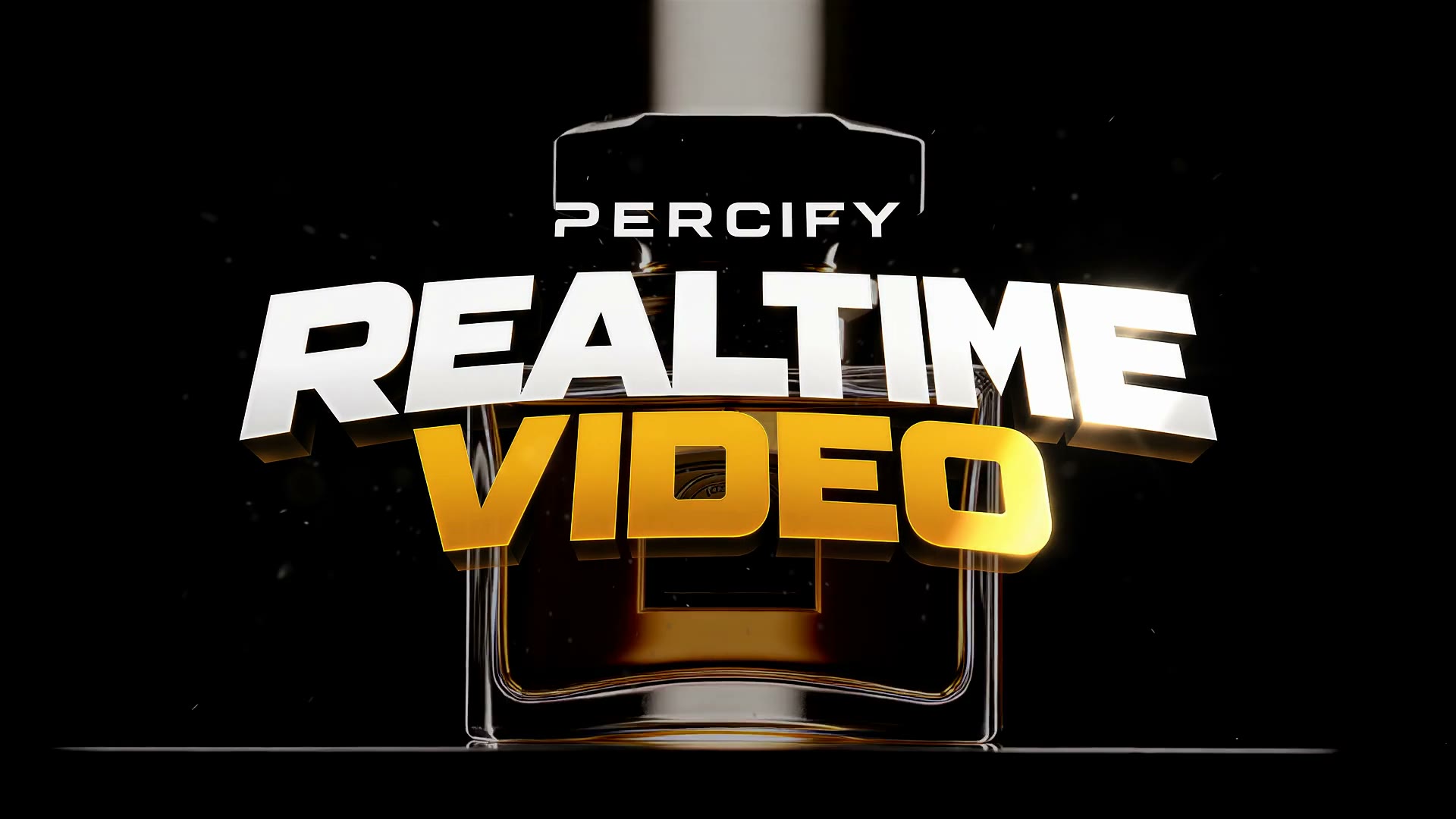
Realtime Video
Type a prompt and get a finished shot in about five seconds.
Open in the app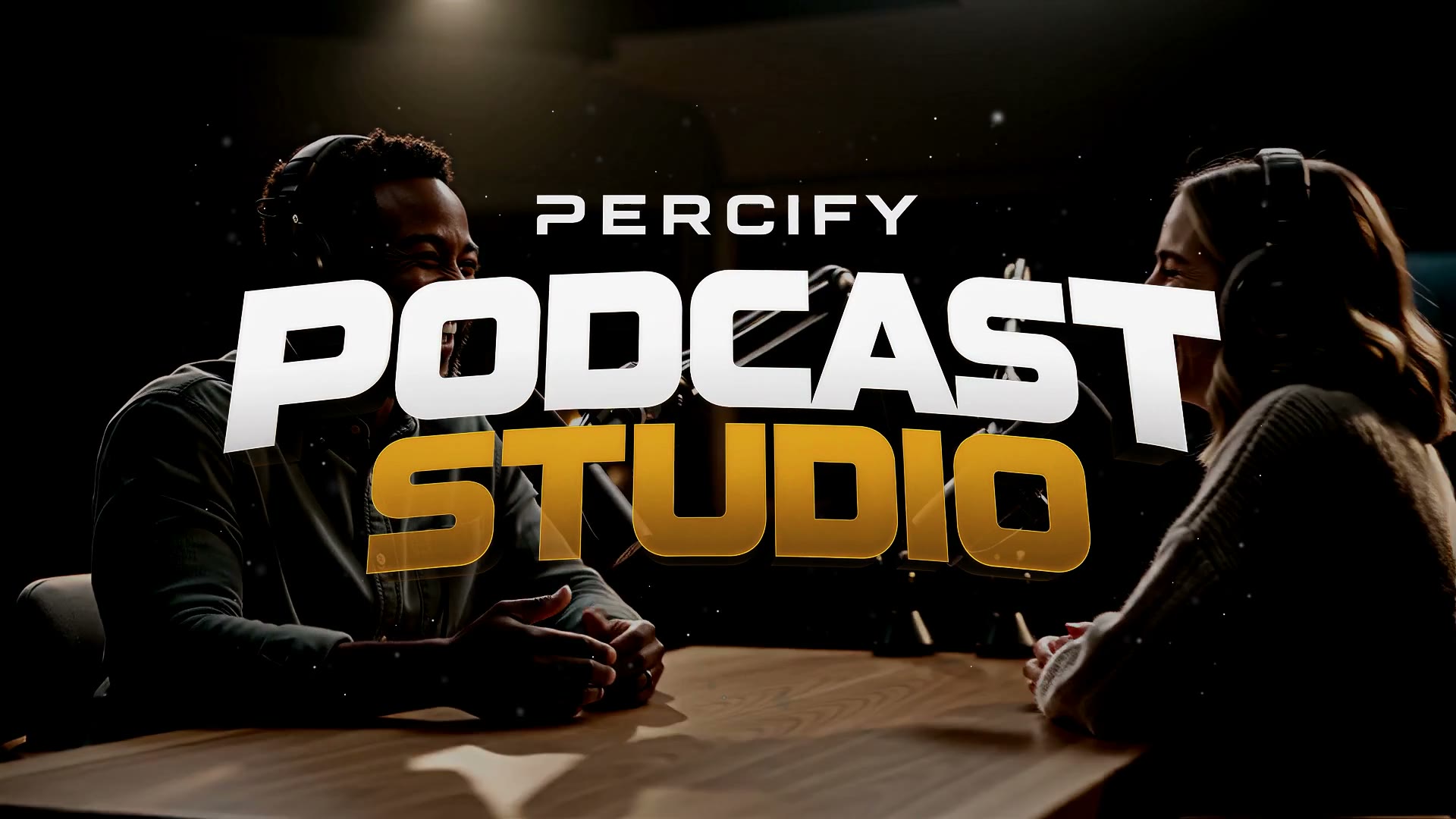
Podcast Studio
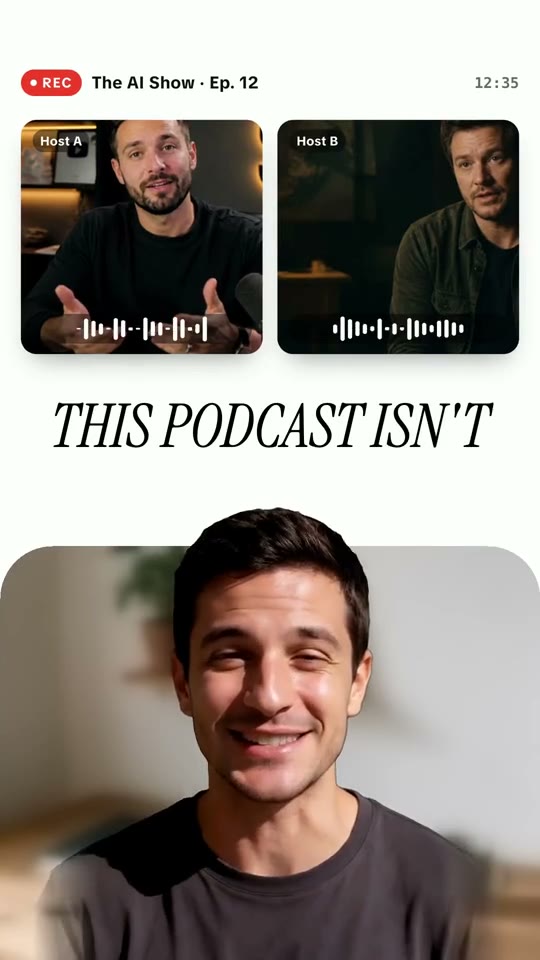
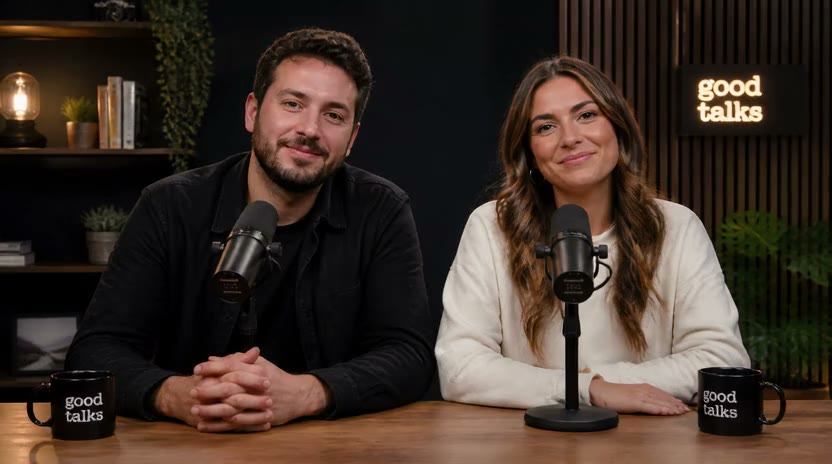
Two hosts talking through your script, ready to post as a video podcast.
Open in the app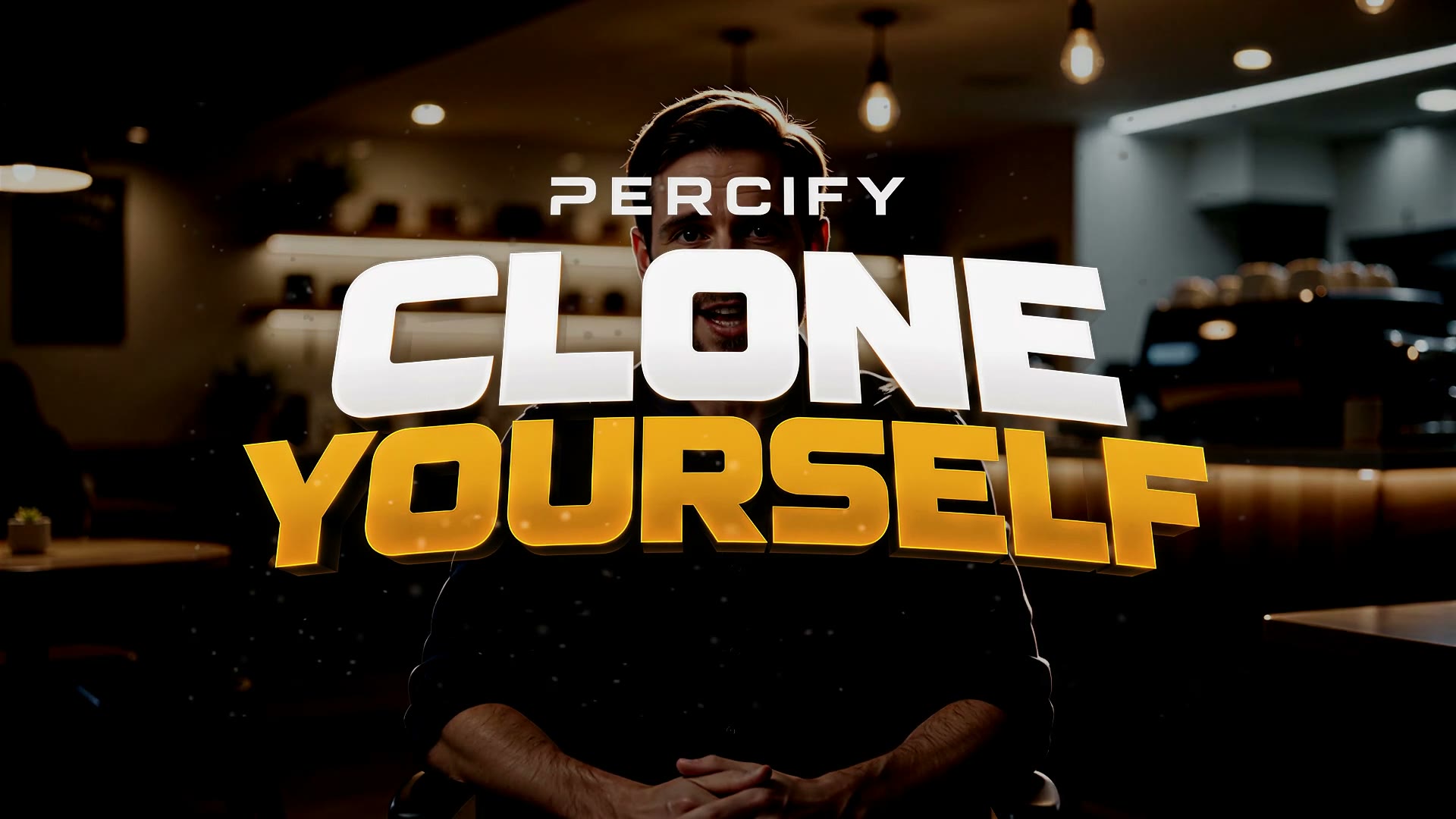
Percify Yourself
Upload your face once and put yourself in any style or scene.
Open in the app
Voice Studio
Clone your voice once, then type new lines for it instead of recording every take.
Open in the app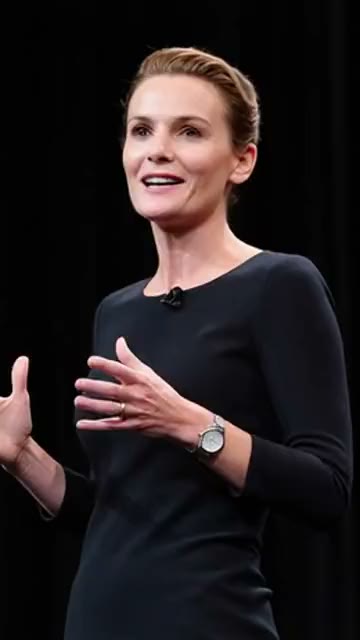



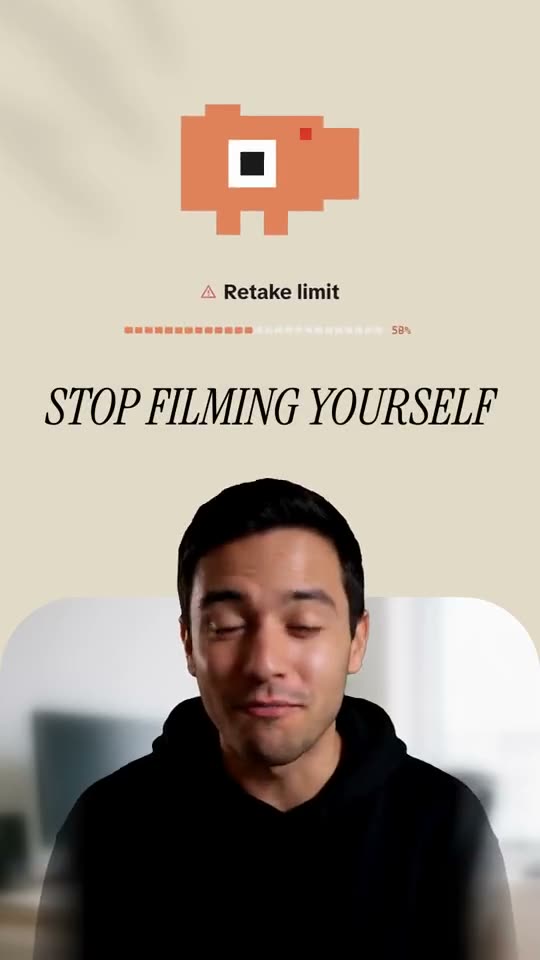


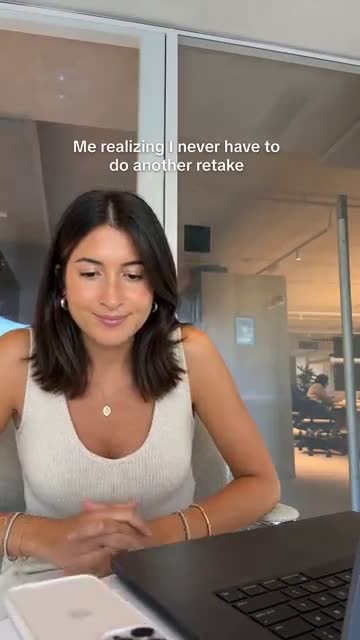
See a talking avatar video, start to finish
Two of our own demos. Press play for sound, then use the arrows for the next one.
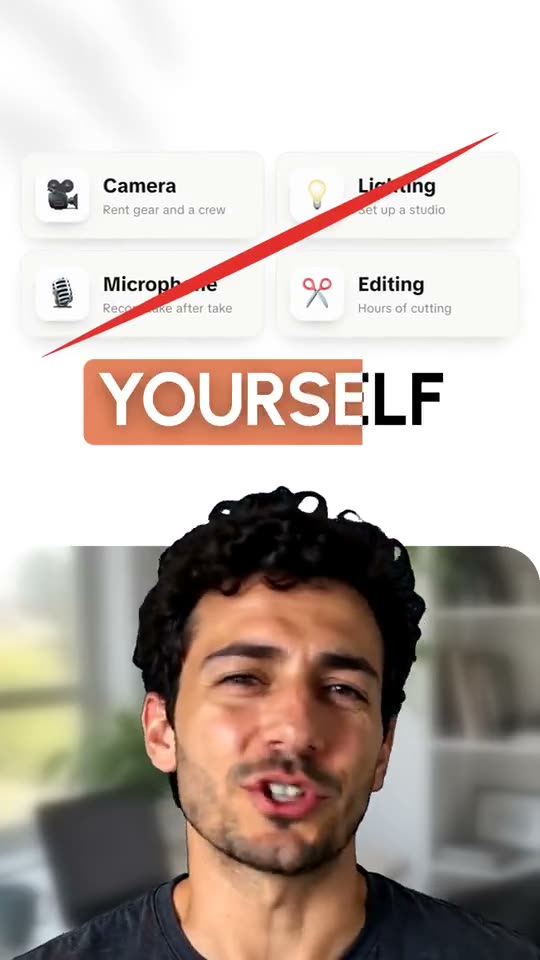
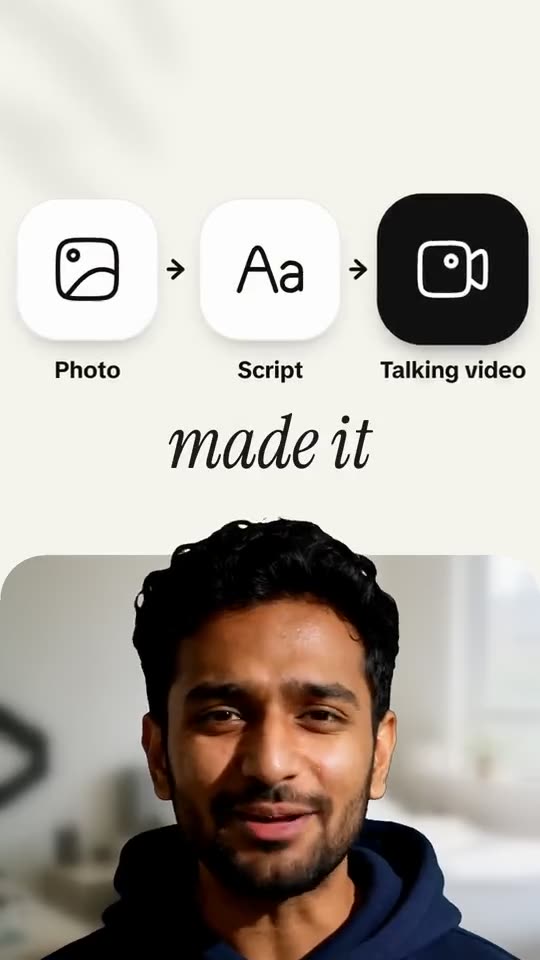
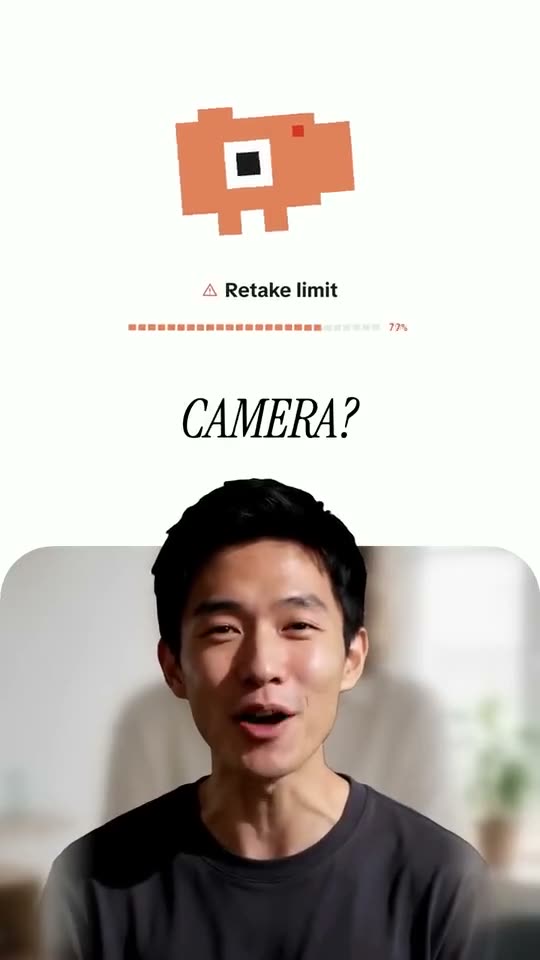
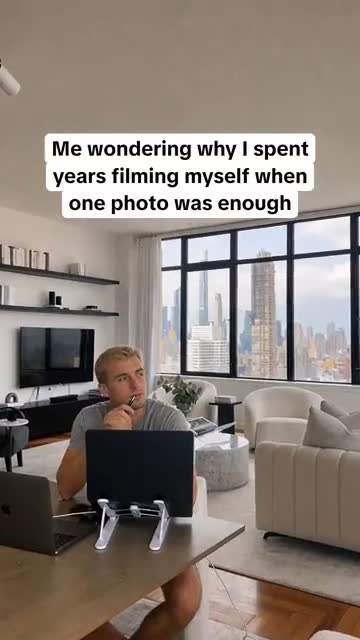
One photo, a typed script and a voice. The Percify screens in this clip are the whole workflow: no camera, no lighting, no retakes.
Percify demo: no filming
Read before you make one
Our most read guides on voice cloning, lip sync and animating a photo.
All guides Voice
VoiceHow to clone your voice with AI in 2026
Eight options compared: which tools include cloning, how long a sample you need, and which open models are free.
Read the guide Lip sync
Free AI lip sync video generators in 2026
Twelve tools compared: free plan limits and watermarks for hosted tools, plus open models with no limit.
Read the guide Photo
PhotoBest apps to animate a photo in 2026
Seven apps compared: which make a face talk, which move the scene, and real render times.
Read the guide Captions
Best lip reading apps in 2026
Ten options for iPhone, Android and web: apps that read lips from video and free caption apps.
Read the guideQuestions, answered
How do I make a talking video of myself?
Upload a clear, front facing photo, add the voice (record it, upload an audio file, or pick a voice and type what it should say), and generate. You get an MP4 of that face speaking, lip synced to the audio.
What does it cost?
Talking photos cost 2 credits a second on InfiniteTalk Fast, so a 30 second clip is 60 credits and a minute is 120. Credits work out at about 2 cents each depending on the plan, so a minute costs roughly $2 to $3. Plans start at $26 a month.
Is there a watermark?
No. Videos come out clean on every plan.
Can I use my own voice?
Yes. Record or upload your voice for a clip, or clone it once and type new scripts for it.
Can I make the video in another language?
Yes. Pick a voice in your language and type the script, or upload a finished video and translate it, with the lips re‑synced to the new speech.
Which models can I use?
Talking photos run on InfiniteTalk. The same credits also run video models such as Kling, Veo and Seedance.
Who owns the videos?
You do. Percify’s terms say you own the content you create, subject to the terms. You need the rights to the photo and the voice you use.
What if a video fails?
Runs that fail are refunded, so you only pay for videos you get.
