Percify turns one portrait and a voice (recorded, uploaded or typed) into a lip synced MP4. It costs 2 credits a second on the fast model, so a 10 second clip is 20 credits and a minute is 120, about $2 to $3.20 depending on the plan. No watermark on any plan, and you own the result. Failed runs are refunded.
What it costs
Talking photos are priced per second of video. Runs that fail are refunded.
| Model | Credits a second | 15 s clip | 60 s clip |
|---|---|---|---|
| InfiniteTalk Fast | 2 | 30 | 120 |
| InfiniteTalk, 480p | 3 | 45 | 180 |
| InfiniteTalk, 720p | 6 | 90 | 360 |
Credit prices by plan are on the pricing page. These figures are read from the live model catalogue, so they follow the price rather than a date someone checked.
Which lip sync model
The same portrait and the same script through each, so the difference you see is the model and not the input.
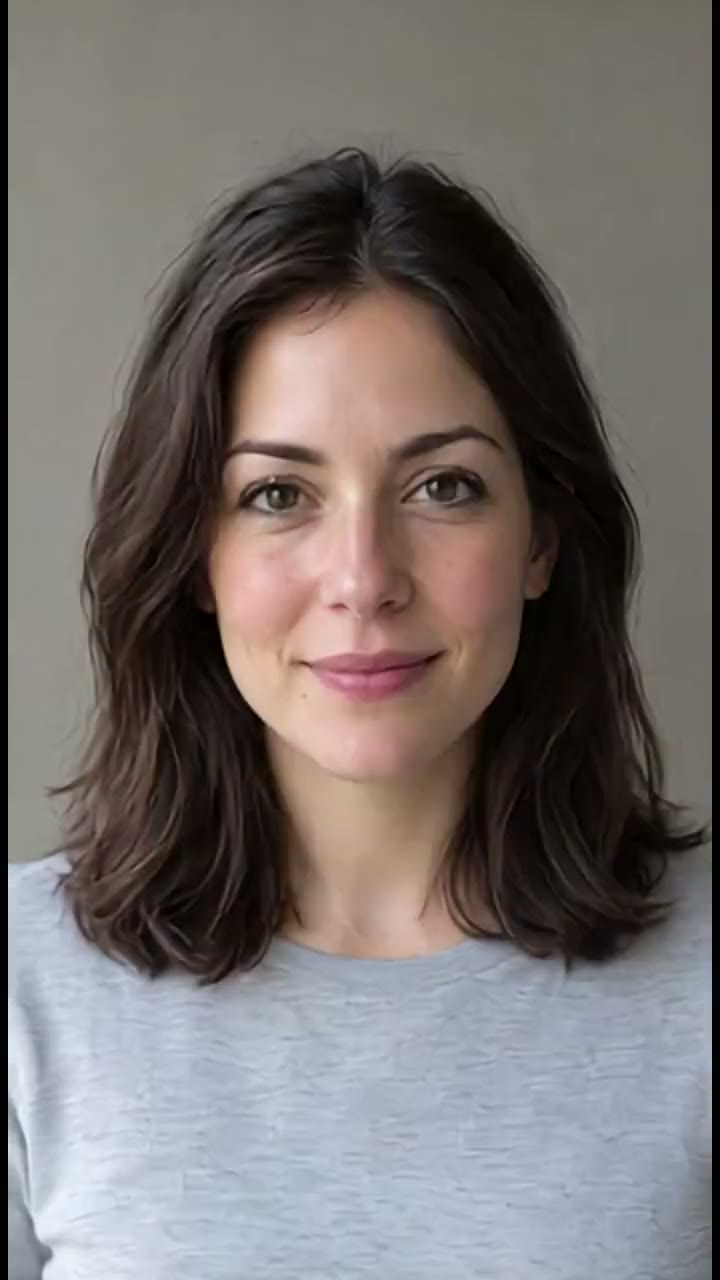
InfiniteTalk Fast
20 credits for 10 seconds at 480p

InfiniteTalk
60 credits for 10 seconds at 720p
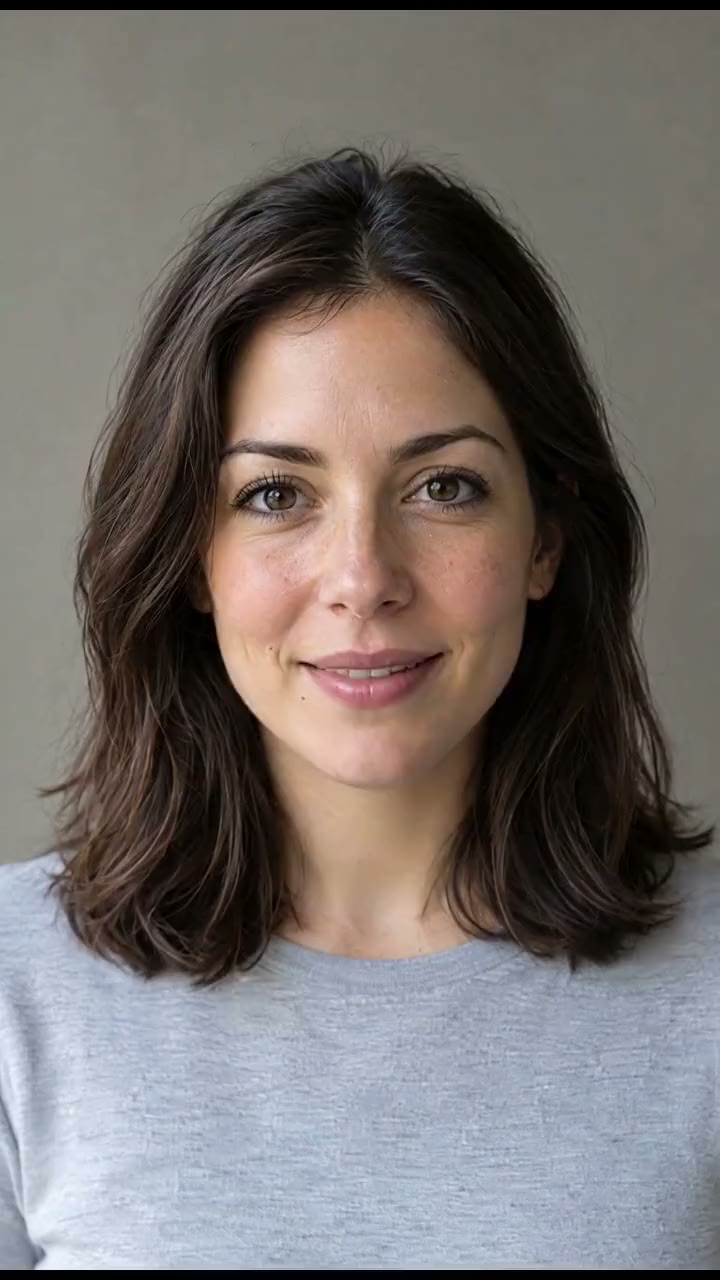
H3 Max Lip-Sync
96 credits for 10 seconds at 768P
The same portrait and the same 10 second script through every model, with what each clip costs, is on lip sync models compared.
Talking photo apps compared
The question is rarely whether a tool can make a photo talk. It is what the free plan leaves on the video and what you are allowed to do with it.
| Tool | Free plan | Watermark removed from |
|---|---|---|
| Percify | No watermark, commercial use allowed | Never added, on any plan |
| HeyGen | Watermarked, personal and evaluation use only | Creator, $29 a month |
| D-ID | 14 day trial with a full screen watermark, personal use | Only Enterprise removes it fully |
| Vidnoz | Commercial licence, but with its watermark | Starter, $26.99 a month |
Read from each vendor's own pricing page on 17 September 2026; prices change, so check theirs before relying on a figure. The full table with sources is on best AI avatar generator, and HeyGen specifically, the tool most often compared with this one, on Percify vs HeyGen for talking photos. Percify is our product.
Watermarks, rights and consent
- No watermark on any plan.
- You own the content you generate, under Percify's terms. It is not exclusive: similar inputs can give similar output for someone else.
- Use your own photo and voice, or ones you have permission to use.
Details, and how to check any other tool for hidden watermarks: AI avatar watermarks and commercial use.
Make it sound like you
For a video in your own voice, record a clean sample once and reuse it for every script. Check the recording with the free voice sample checker, then set up Clone Yourself with your photo and voice.
Make it move instead of speak
Lip sync animates the mouth to a voice. If you want the picture itself to move, with the subject and the camera in motion and no speech, that is image to video: 23 models from 3 credits a second, with the price of a five second clip on each one.
Neither of those is lip reading, which is working out what a silent speaker said. Percify does not do that, and nor does anything else reliably yet; the apps that try are compared in the lip reading app comparison.