

Video Tutorials
Master the art of AI video creation with our step-by-step video guides.

Learn the basics
Everything you need to know to get started with Percify.
Creating Your First Avatar
A complete walkthrough of the avatar creation process. Learn how to upload footage, record voice samples, and generate your first digital twin.

Scripting & Voice Settings
Learn how to use our advanced text-to-speech editor to add pauses, emphasis, and emotion to your avatar's voice for natural-sounding delivery.
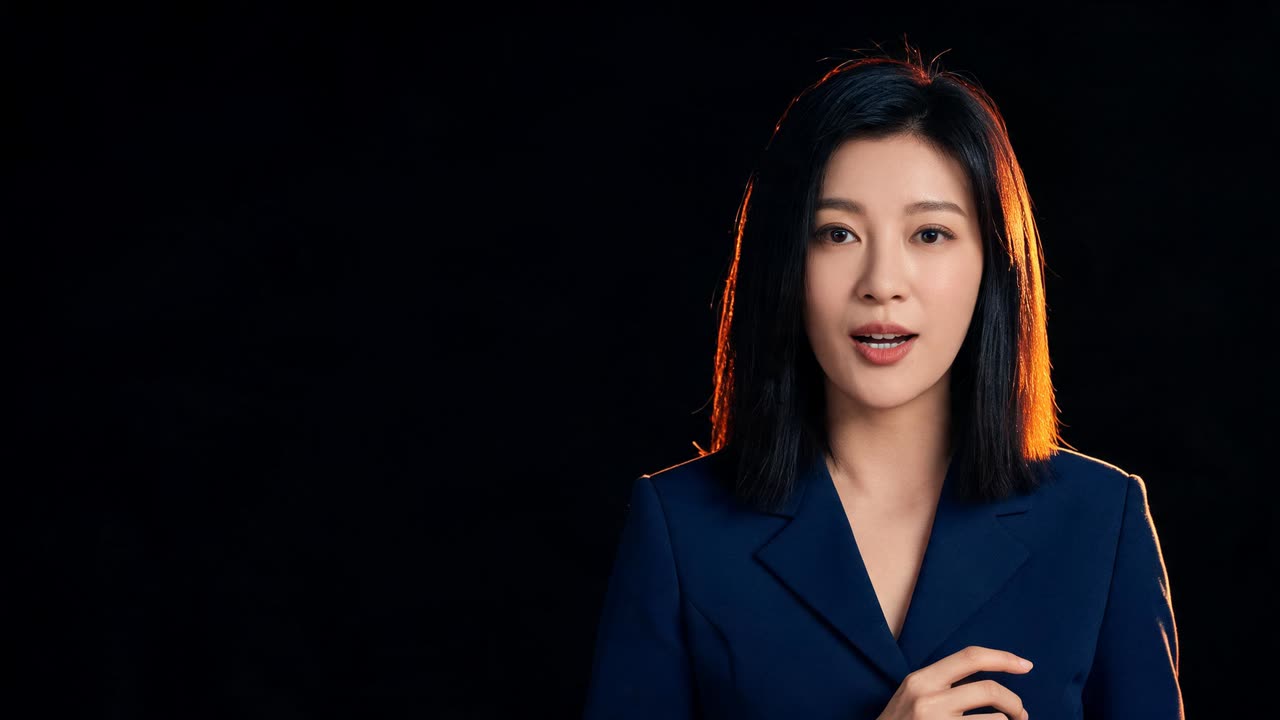
Video Editing & Export
When the render finishes, download it as an MP4 with no watermark on any plan. Talking videos render at up to 720p; re-render with an edited script whenever you need a new version.

Browse all tutorials
Visit our YouTube channel for dozens more guides.
Learning Resources FAQ
Questions about learning Percify.
Do you offer live training?
We do not run live training sessions. The tutorials here, the model catalog and the API documentation are the fastest way to get started, and support can answer specific questions.
Where can I find the API documentation?
Our comprehensive API documentation is available at docs.percify.io.
How often are new tutorials released?
We release new video tutorials and feature guides weekly on our YouTube channel and in our newsletter.
