AI VideoGenerator
The complete platform for generating, editing, and sharing AI-powered video content. From script to final cut in minutes.
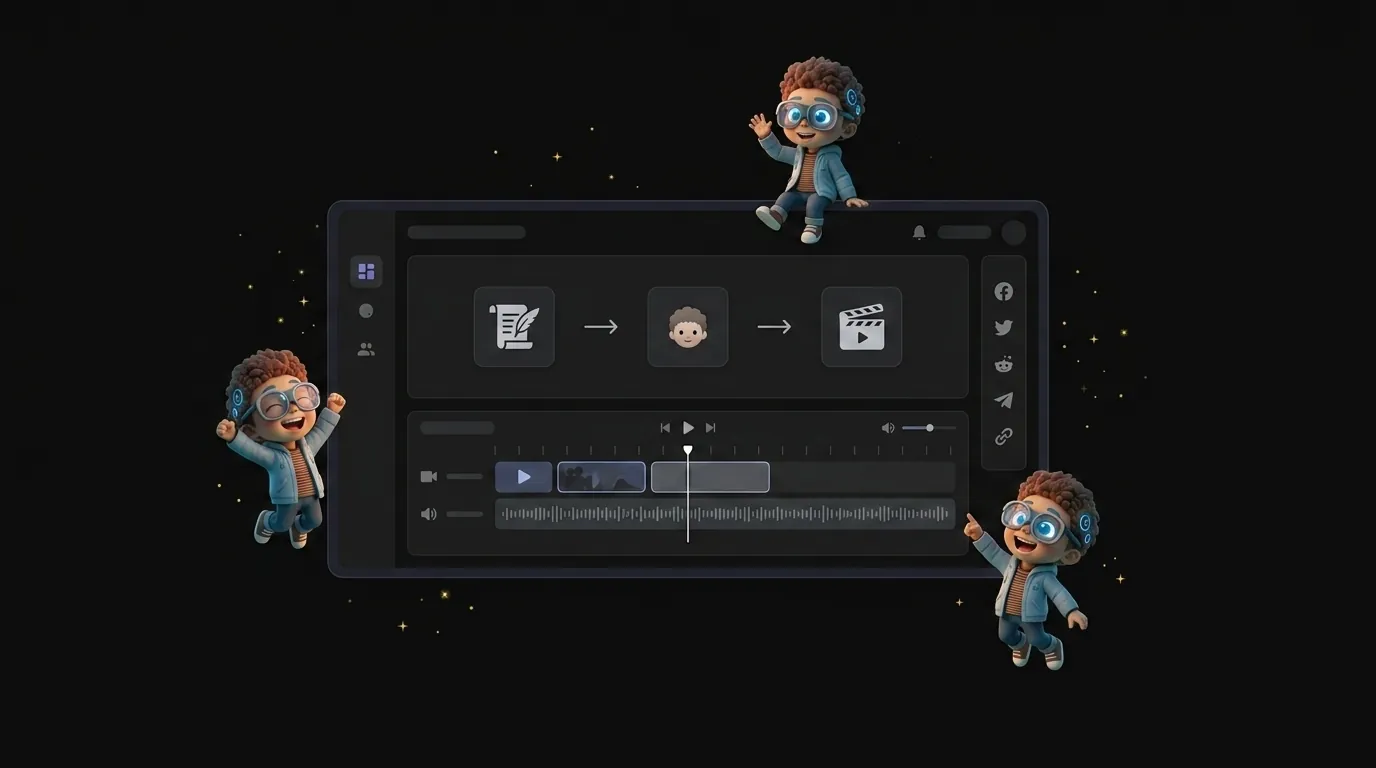
Create faster with AI
Automate the tedious parts of video production so you can focus on the story.
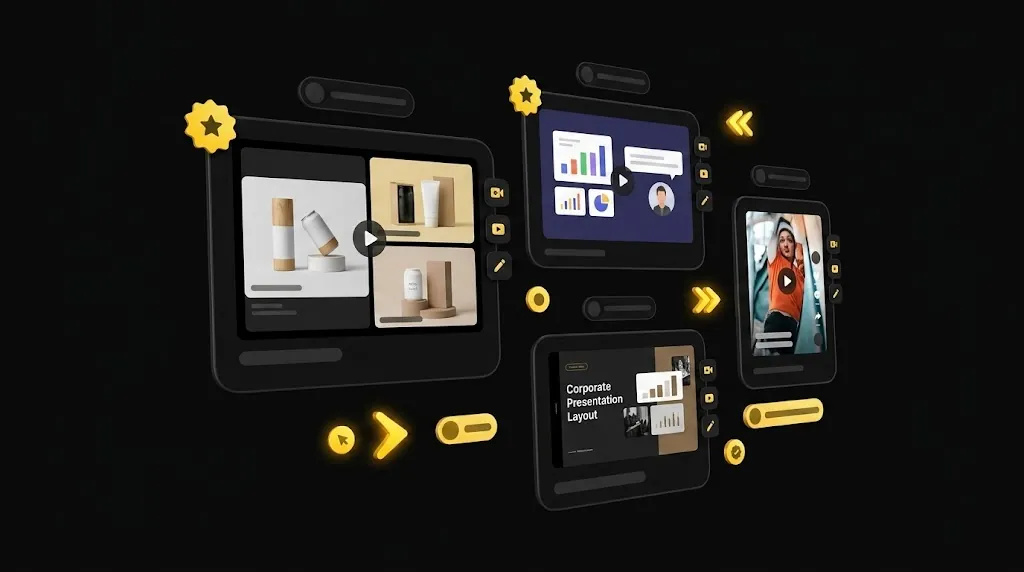
Smart Templates
Jumpstart your creativity with ready made templates for marketing, education, social media, and internal comms.
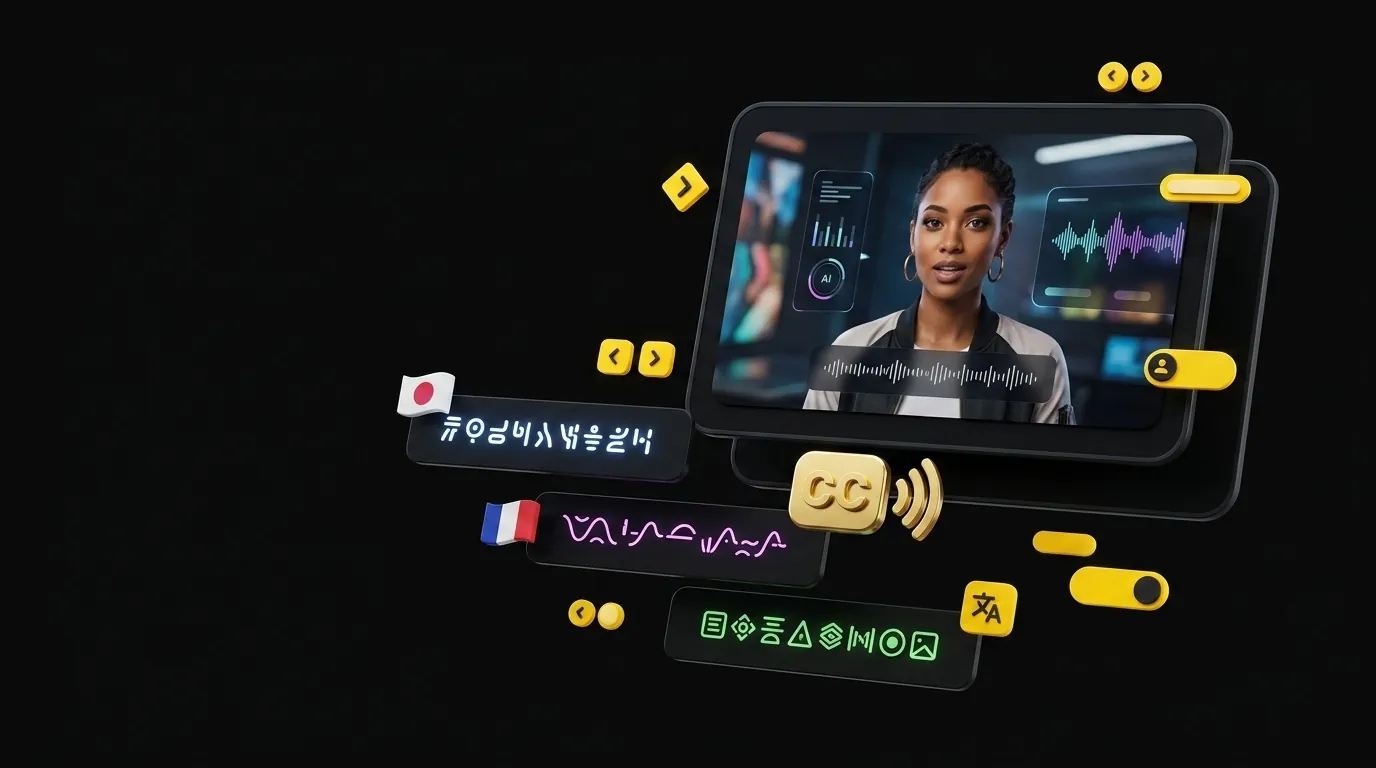
Auto-Captions
Generate subtitles for your videos and burn them in, so a clip works on mute. Improve accessibility and engagement instantly.
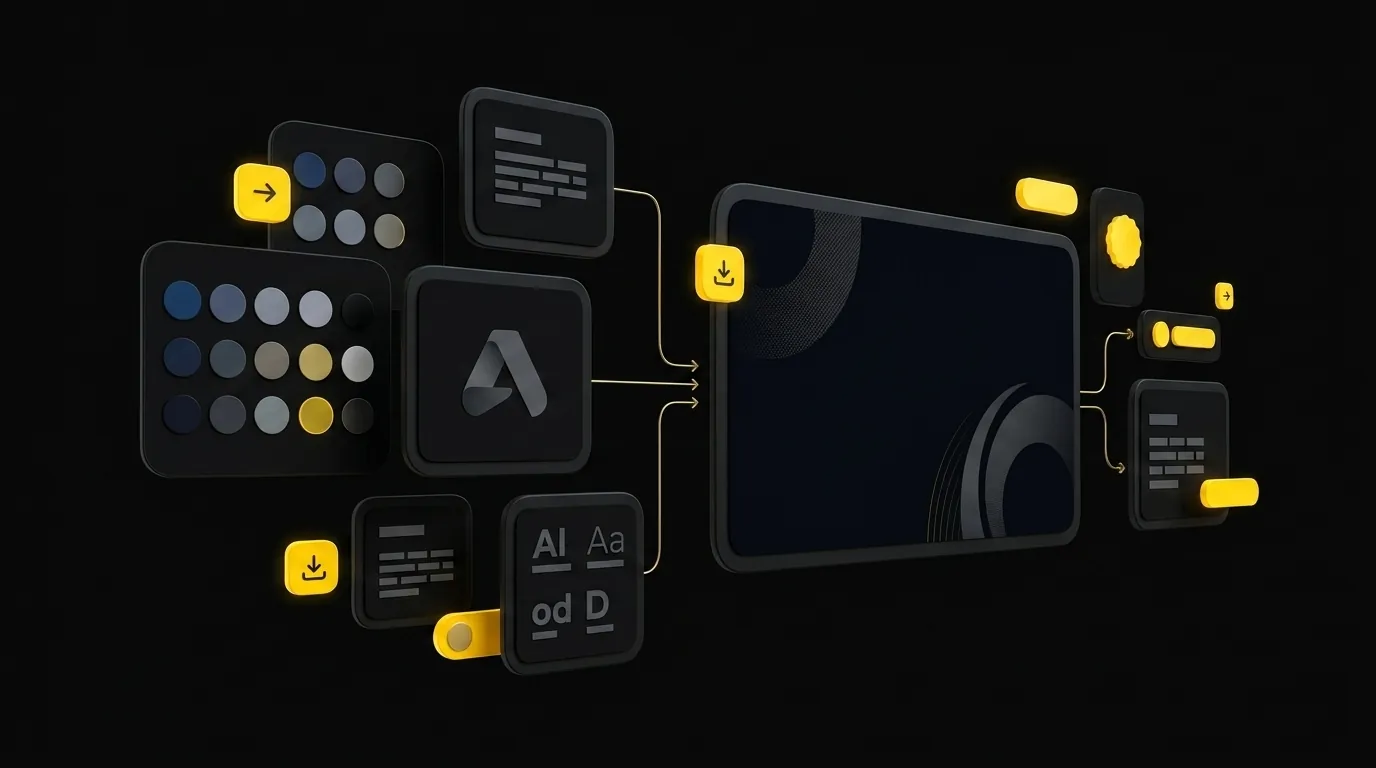
Brand Kit
Keep your content on-brand. Upload your logos, fonts, and color palettes to ensure every video reflects your corporate identity.
Rich Stock Media
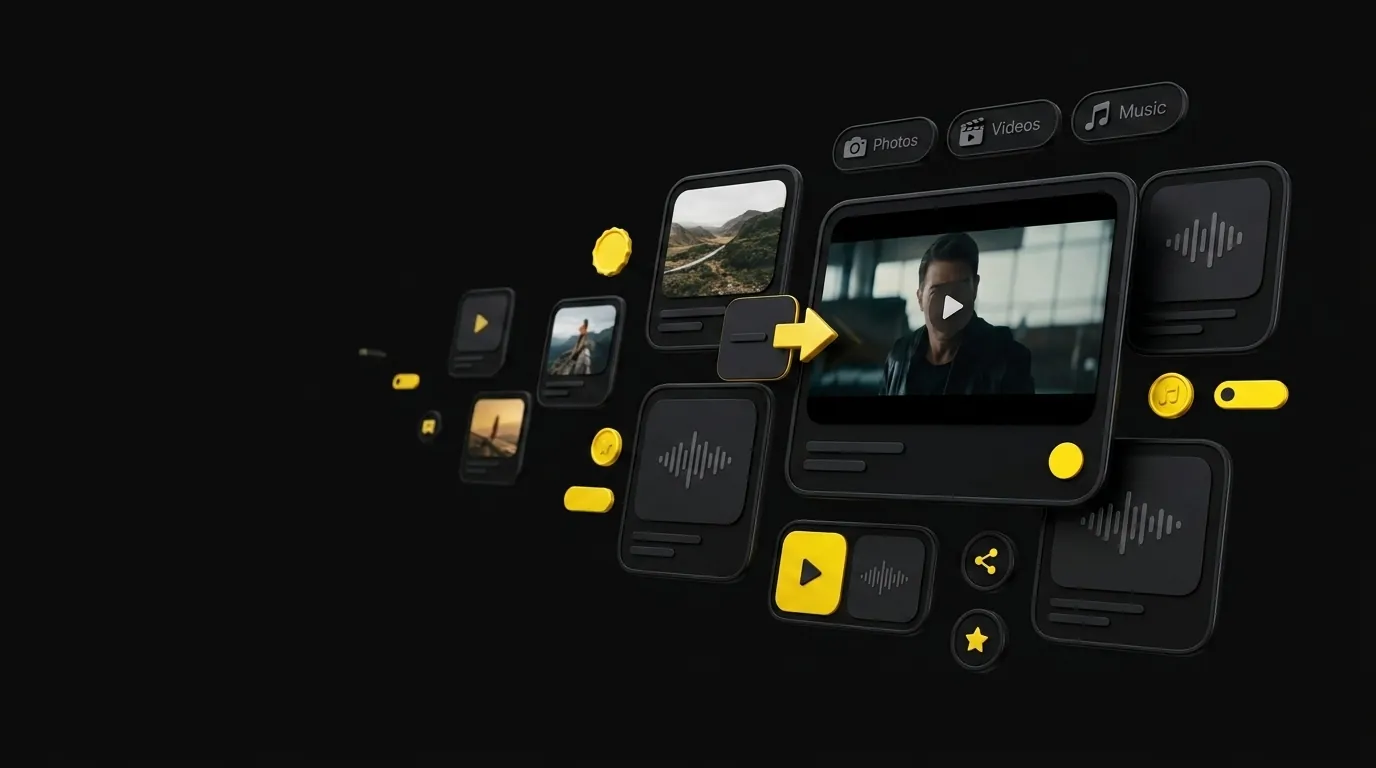
Access millions of royalty-free images, videos, and music tracks directly within the editor. Find the perfect assets without leaving the platform.
Need an avatar to star in your video?
Explore our library of stock avatars or create your own.
Video Generator FAQ
Questions about our video creation platform.
Is there a watermark on the free plan?
No. Percify does not apply a watermark to output on any plan, including the free one, and you own what you generate on every plan. Paid plans differ by how many credits they carry, not by watermarking or licensing.
Why does my AI video look different every time I generate it?
Because text-to-video has nothing to anchor to. The model invents the subject, the motion and the scene together, so the same prompt run twice returns different people and places. If the subject has to stay the same between shots, start from an image instead: image-to-video keeps the person in the photo fixed and generates motion around them.
Why doesn't the generated video match my prompt?
Usually because the prompt describes a style rather than a scene. Prompts like “cinematic” or “professional” give the model no subject, framing or motion to work from, and it fills the gaps itself. Name the shot instead: who is in frame, how they are framed, what moves, and how it is lit. The more of the scene you specify, the less the model invents.
Why does the subject drift or distort in longer clips?
Generated motion accumulates error over time, so the opening seconds hold together better than the end. Faces and hands show it first because small distortions are most visible there. Generate in shorter segments and join them rather than asking for one long take, and frame tighter so there is less for the model to invent.
Can I collaborate with my team?
Each plan includes brand workspaces — one on Starter, five on Creator, ten on Scale and thirty on Ultra — so separate brands or clients keep their own profile, competitor boards and assets.
What export formats are supported?
You can export videos in MP4 format up to 4K resolution. We also support exporting audio-only files.
How the video tools actually work
Step-by-step guides with the exact credit costs, written against the live product.