Create Amazing AI Avatars Simply Powerful
Transform your ideas into stunning avatars with our cutting-edge AI generation technology. The world's most advanced AI avatar technology, simplified for every creator.
Everything you need to create
Powerful tools designed to help you bring your digital identity to life.
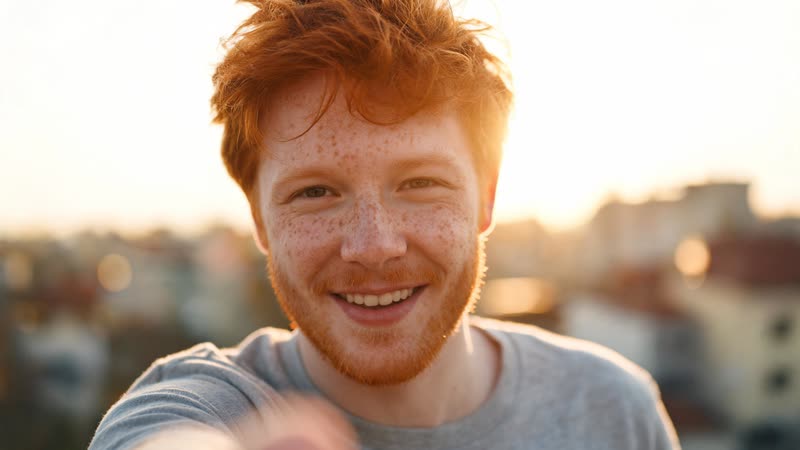
Text-to-Avatar
Create stunning avatars from simple text descriptions using advanced AI models. Just describe what you want to see, and watch as our AI brings your imagination to life in seconds.
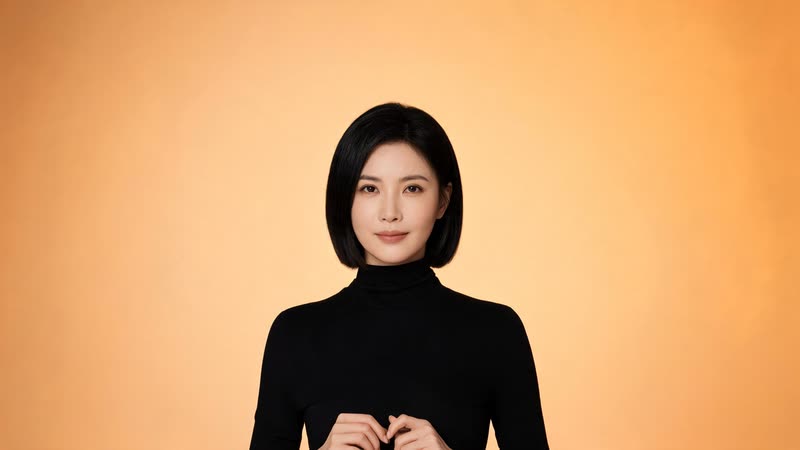
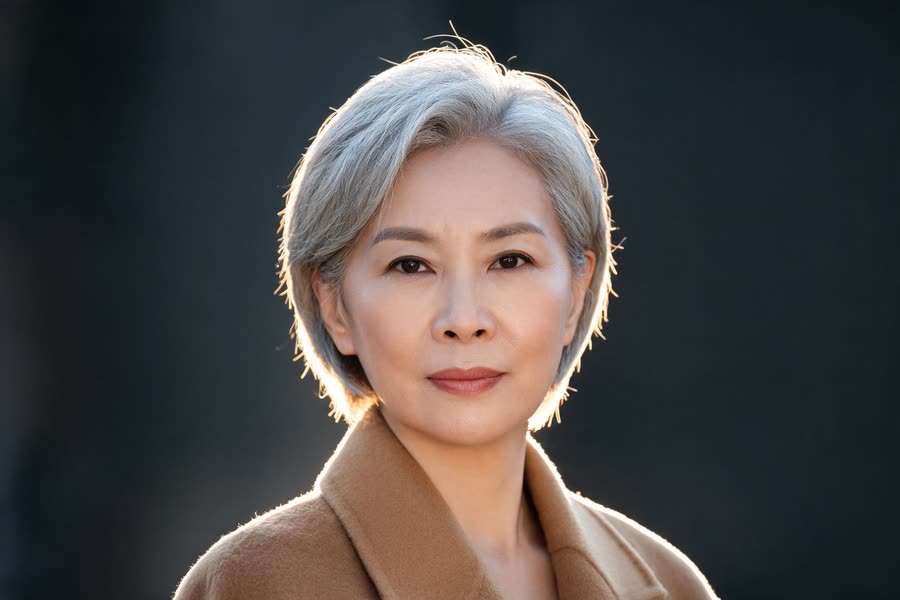
Photo-to-Avatar
Transform your photos into stylized avatars while preserving unique facial features. Upload a selfie and choose from dozens of artistic styles to create a personalized avatar that looks just like you.
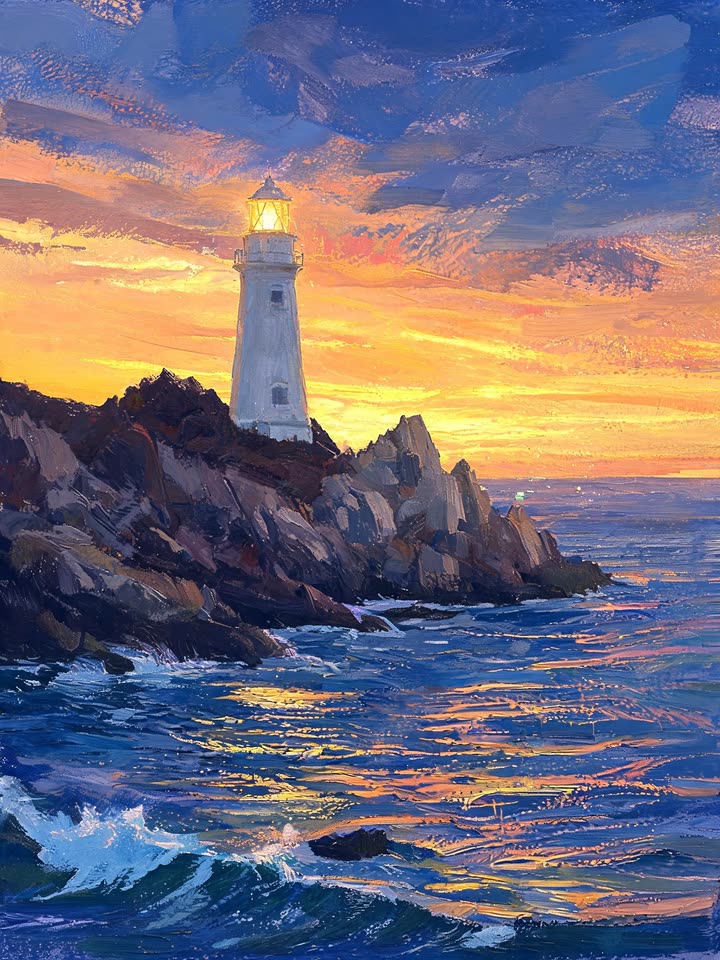
Style Transfer
Apply artistic styles and filters to create unique avatar variations instantly. From 3D Pixar-style characters to oil paintings and cyberpunk aesthetics, the possibilities are endless.
Ready to bring your avatar to life?
Join thousands of creators using AI-powered avatar generation.
Questions?
Everything you need to know about AI avatar generation.
How long does it take to generate an avatar?
Most avatars are generated in under 30 seconds. Complex styles or high-resolution outputs may take slightly longer, but our optimized AI pipeline ensures you get results quickly.
Can I use my generated avatars commercially?
Yes. You own the content you generate on every plan, and no output carries a watermark at any tier. Rights cover the generated content itself, not the likeness inside it — using a real person’s face or voice still needs their consent.
What image formats are supported?
We support all major formats including PNG, JPG, and WebP for inputs. Outputs can be exported in PNG (with transparency), JPG, or SVG for vector-based styles.
How accurate is the photo-to-avatar feature?
How closely an avatar resembles you depends mostly on the photo you give it: a clear, evenly lit, front facing face with nothing across it carries the likeness best. We do not publish an accuracy percentage, because there is no honest way to measure one across every face and style.
Can I edit my avatar after generation?
Yes. Regenerate with an edited description, or run your avatar through an image edit model such as Flux Kontext or Nano Banana Edit to change clothes, background or style while keeping the face.
