Lip sync · characters
Make a cartoon character talk
AI cartoon lip sync takes one image of a character and a voice track, and generates the mouth frame by frame from the audio, so there is no rig and no mouth chart to keyframe. Generated characters are the easy case for lip sync: nothing crosses the mouth, the face is usually large in frame and the head holds still. When cartoon lip sync looks low quality, the cause is almost always a small face, motion in the source or a variable frame rate.
- 1
- character image
- 0
- mouth keyframes to draw
- 7.5 s
- of compute per second of video
- 1
- still image is all the face it needs
Credits cost about 2 cents each depending on the plan, so a minute of talking video at 120 credits works out at roughly $2 to $3.
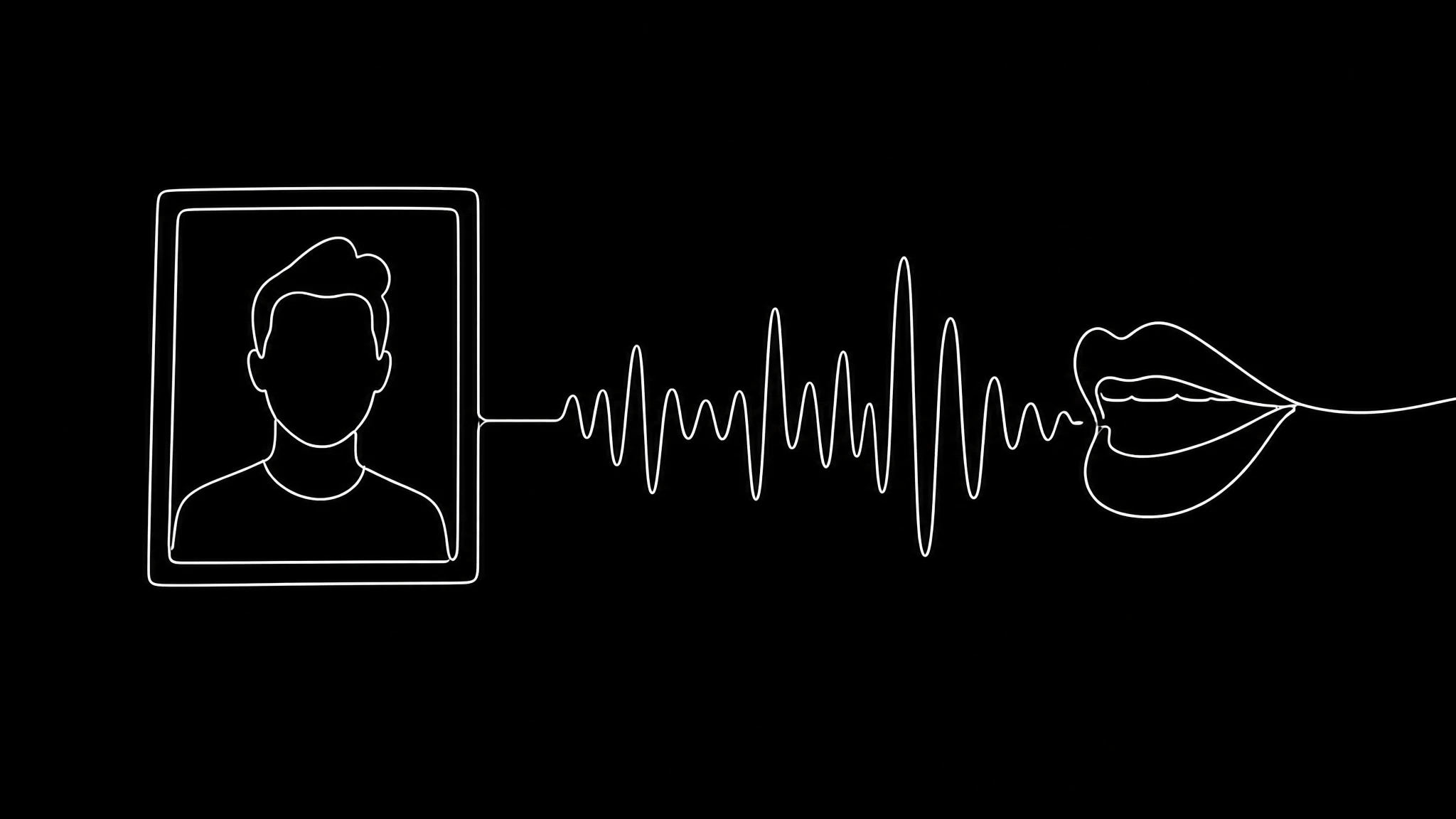
Why characters sync more reliably than people
Lip sync models rebuild the mouth region from the audio, and most failures come from what the source does to that region. A filmed person turns their head, raises a hand, holds a microphone. A generated character does none of that. With a character, the whole class of faults where something crosses the mouth disappears, because nothing is there to cross it.
That is why a still character image is one of the most reliable inputs there is. When a clip has to be redone, the cause is far more often the source image than the model, and a clean character image avoids most of those faults.
Getting the character image right
The image decides the result more than any setting. Start from one that gives the model a clear mouth to work with:
- The face fills at least a third of the frame.
- The mouth is visible and relaxed, closed or slightly open.
- A front or three quarter view, not a profile.
- Nothing near the lips: no mask, hand, prop or hair.
- Even lighting in the artwork, without a hard shadow across the face.
Fixing low quality cartoon lip sync
Match the symptom to its cause before generating again:
| What you see | Likely cause | Fix |
|---|---|---|
| A soft, mushy mouth | The face is small in frame | Crop closer before generating |
| Sync slips toward the end | Variable frame rate | Convert to a constant frame rate |
| Jitter around the face | Motion in the source clip | Start from a still image instead |
| Shapes do not match the words | Mouth made from different audio | Generate from the track that plays |
Free animation software, or AI
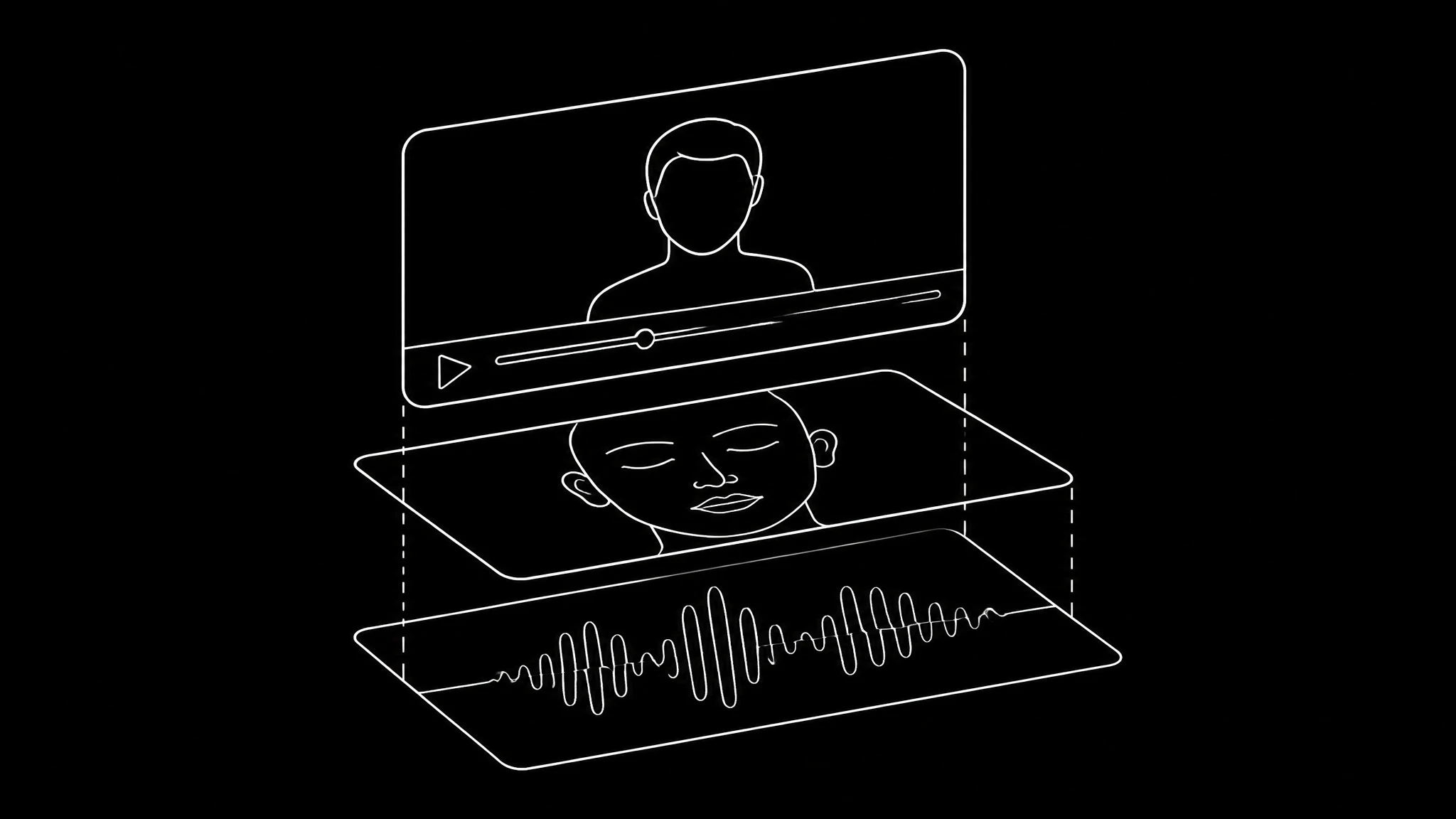
Traditional lip sync animation tools map the audio to a mouth chart that you then draw and time, and the free ones do that well if you already animate. AI skips the chart: you supply a finished character image and the voice, and the mouth is generated. If you animate frame by frame for a living, a chart gives you more control. If you need the character talking this afternoon, AI is faster. The shapes themselves are covered in AI mouth animation.
Giving the character a voice
The preset voices include character voices as well as narrators, or you can clone a voice actor who has agreed to it; a clone needs at least 5.6 seconds of clean speech. A short audio clip costs 3 credits, so trying a few voices on the same line is cheap. Keep the voice once you choose it, because a new voice reads as a new character.
Make it talk in three steps
- 1
Start from a clean character image
Face large, mouth clear, front or three quarter view.
- 2
Add the voice
A character preset, or a licensed clone. Write the line with commas where you want pauses.
- 3
Generate and check M, B and P
If the lips fully meet on those sounds, the rest of the sync is almost always right.
Characters that talk
Stylised faces with mouths generated from the audio.
Sarah
an anime look
Animated character
a cartoon child, lip synced
Tyler
a 3D character
Frequently asked questions
How do I make a cartoon character talk?
Start from one clear image of the character, add a voice track, and generate the lip sync. The mouth is built frame by frame from the audio, with no rig or keyframes.
Why does my cartoon lip sync look low quality?
Usually the face is too small in frame, the source clip moves, or the file has a variable frame rate. Crop closer, start from a still image, and convert to a constant frame rate.
Is there free lip sync animation software?
Traditional tools that map audio to a mouth chart exist and suit people who already animate. With AI you supply the character and the voice instead; plans start at $12 a month.
Does AI lip sync work on anime and 3D characters?
Yes. Stylised characters are among the most reliable inputs, because nothing crosses the mouth and the head holds still.
What voice should a cartoon character have?
Pick one of the character presets, or clone a voice actor who agreed to it, then keep that voice for every clip so the character stays the same.
Keep reading
Give your character a voice
One image, one voice track, no mouth chart.