Lip sync · troubleshooting
Fix AI lip sync that looks wrong
AI lip sync almost always fails for one of four reasons: the face is too small in frame, the head moves too fast, something crosses the mouth, or the mouth was generated from different audio than the track you hear. When a clip has to be redone, the cause is nearly always one of those four faults in the source, not the model. Find the fault first, because retrying an unchanged clip buys the same result.
- 4
- faults behind almost every bad lip sync
- 145 of 160
- source images worked first time
- 2 in 3
- jobs run at 480p and are kept
- 1/4
- of frame width: below it, expect smearing
Credits cost about 2 cents each depending on the plan, so a minute of talking video at 120 credits works out at roughly $2 to $3.
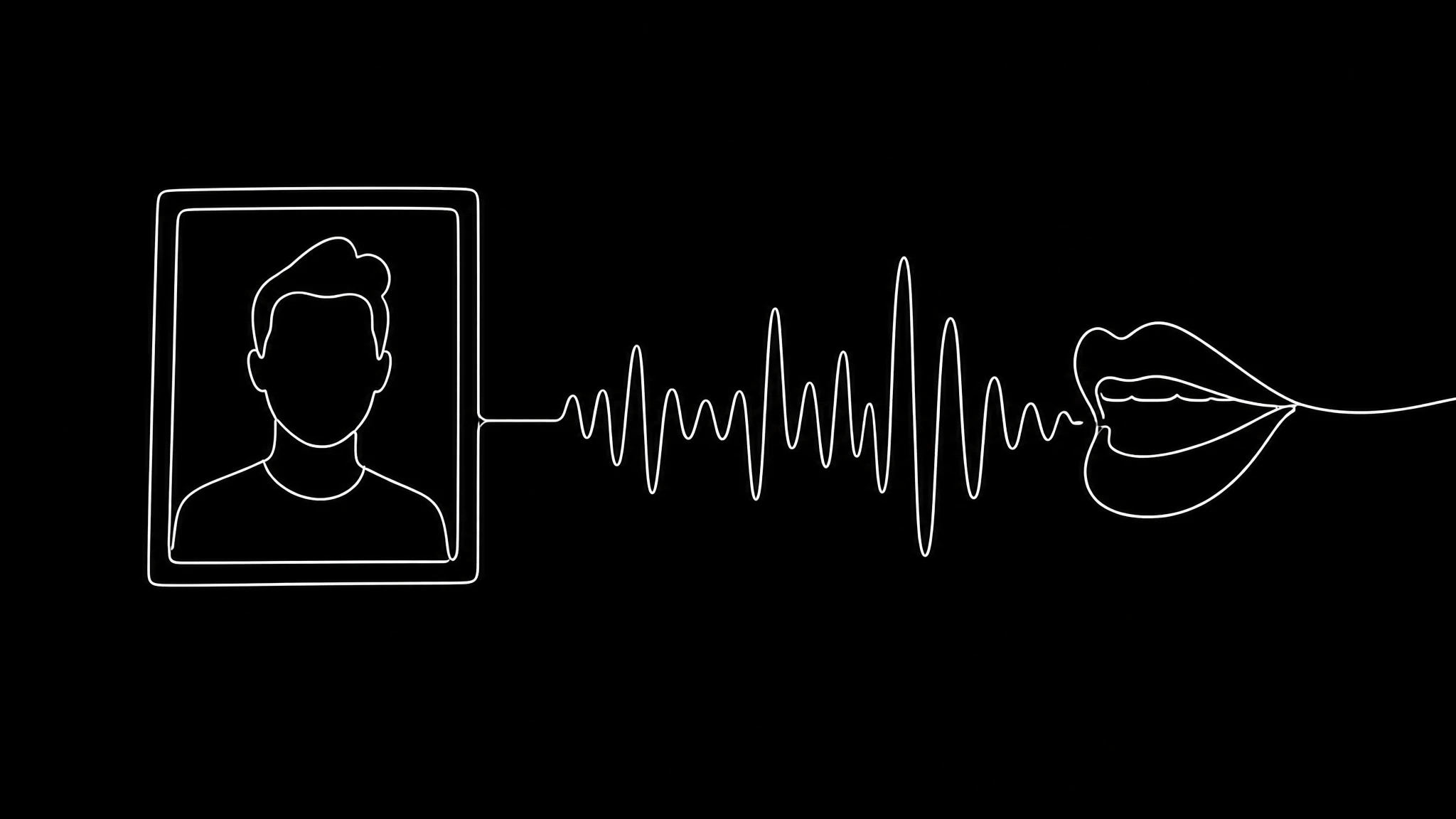
The four faults, and which ones a retry can fix
Lip sync models rebuild the mouth region of every frame from the audio. They do not animate a rig, so anything that starves or confuses that region shows up as smearing, jitter or mouth shapes that do not match the sound.
Only the first fault below is reliably fixable without a different clip. For the other three, the same input will fail the same way however many times you pay for it.
| Fault | What you see | Retry helps? | The fix |
|---|---|---|---|
| Face too small in frame | A soft, smeared mouth at any resolution | Yes, once the input changes | Crop closer, or upscale the source before generating |
| Head moves too fast | Jitter, the mouth lags behind the motion | No | Stabilise the footage or cut around the movement |
| Something crosses the mouth | Hands, microphones or hair melt into the lips | No | Pick another take, or start from a generated face |
| Mouth made from other audio | Timing looks right, every shape is wrong | No | Regenerate the mouth from the track that plays |
How much face the model needs
The useful measurement is not resolution, it is how wide the face sits in the frame. Two thirds of jobs on Percify, 67.6%, run at 480p, and that is not people economising: a head and shoulders shot at 480p hands the model more mouth detail than a wide shot at 720p.
Cropping in is the cheapest fix there is. Taking a wide shot to a chest up framing costs nothing and moves you up this table. Upscale the source, never the output: the model needs the detail before it generates, not after.
| Face width in frame | What happens |
|---|---|
| More than half | Best case, 480p is plenty |
| A third to a half | Reliable at 480p |
| A quarter to a third | Usable, 720p starts to help |
| Under a quarter | Expect smearing at any resolution |
Right timing, wrong shapes: the dubbing trap
This is the fault people misdiagnose most. The video was lip synced to the original audio, then a translation was laid over it. The timing is inherited correctly, but the mouth shapes belong to another language, because the shapes a mouth makes for each sound differ between languages.
No retry fixes it, because the fault is in the order of operations. Translate first, then generate the mouth from the translated track. Length changes too: a sentence that runs four seconds in English can run five and a half in German, so leave dubbed edits loose. The full sequence is in AI video dubbing.
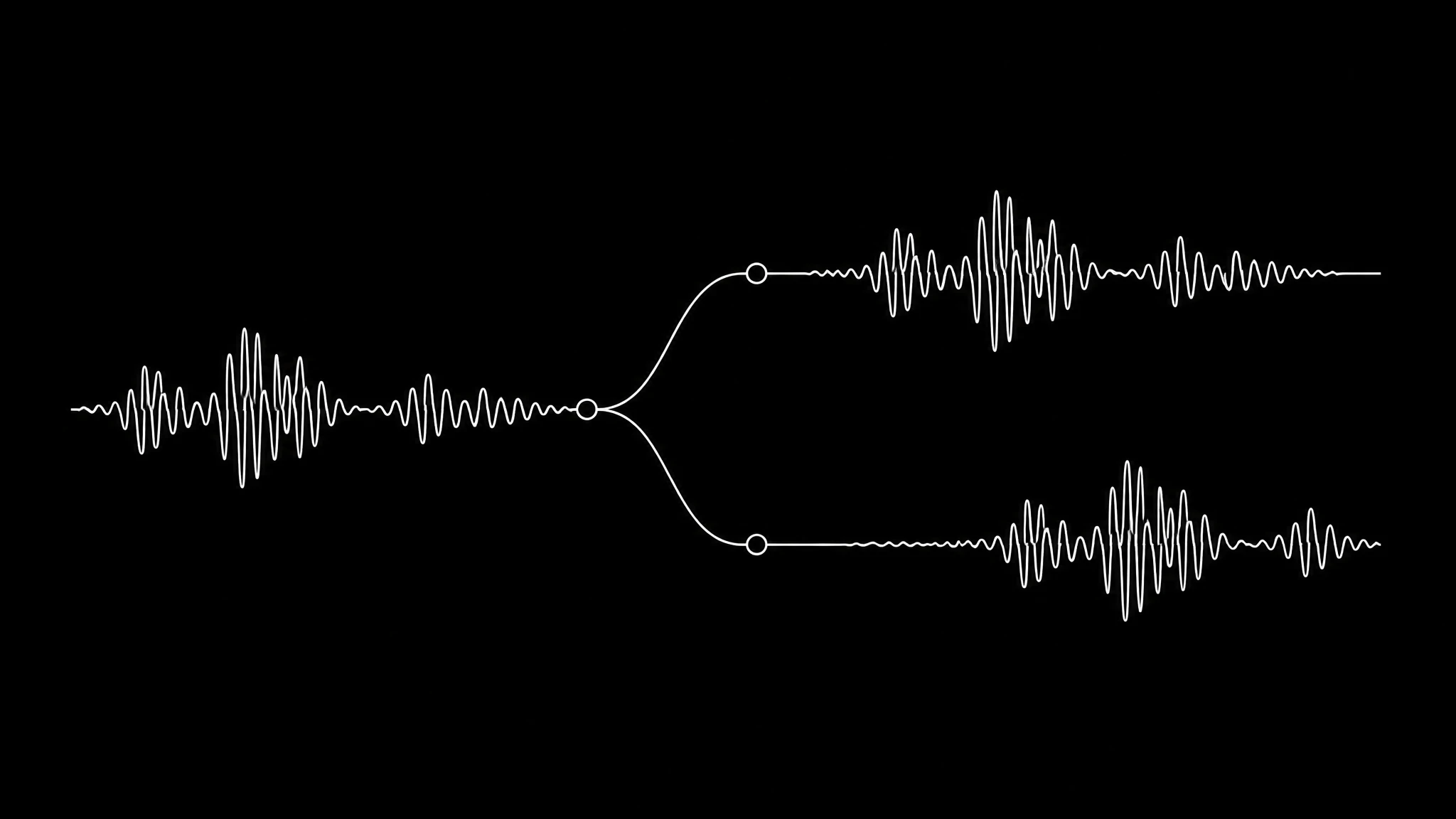
Sync that starts right and drifts
If the mouth matches at the start and slips by the end, suspect the file, not the model. Phones record variable frame rate by default, so the frame timestamps and the audio slowly pull apart. Convert the clip to a constant frame rate before you generate, and the drift disappears.
When the avatar itself looks unrealistic
Most "it looks fake" complaints are the photo, not the engine. The photo is what the model conditions on, so it decides quality before you press generate.
- The face fills at least a third of the frame.
- Nothing crosses the mouth: no hand, microphone or stray hair.
- Even, frontal light. Hard side light bakes a shadow into every generated frame.
- A neutral or slightly open mouth. A wide smile is a hard starting position to animate out of.
Diagnose before you pay again
- 1
Measure the face
If the face is under a quarter of the frame width, crop or upscale the source. This is the one fault a retry fixes.
- 2
Check motion and the mouth
Fast head turns and anything crossing the lips will not improve on a retry. Cut around them or choose another take.
- 3
Match the mouth to the audio
If the audio is a dub, regenerate the mouth from the translated track rather than keeping the original one.
- 4
Fix the frame rate
Sync that drifts over time is variable frame rate. Convert to a constant rate, then generate again.
Lip sync that holds
Real renders, one photo each. The face fills the frame, nothing crosses the mouth, and the audio you hear is the audio that drove it.
Alex
talks from one photo
Christine
a close, evenly lit portrait
News anchor
seated, steady framing
Frequently asked questions
Why does my AI lip sync look wrong?
Almost always one of four faults in the source: the face is too small in frame, the head moves too fast, something crosses the mouth, or the mouth was generated from different audio than the track that plays.
Why is the lip sync right at the start and wrong at the end?
That is variable frame rate, not the model. Phones record it by default, so frames and audio drift apart over the clip. Convert the video to a constant frame rate before generating.
Does 720p fix bad lip sync?
Only when the face is small in frame, because 720p puts more pixels on the mouth. If the face already fills a third of the frame, 720p costs three times as much (6 credits a second against 2 on the fast model) for no visible gain.
Why does dubbed video have bad lip sync?
Because the mouth was usually generated from the original language while the dub plays. The timing matches but the shapes do not. Regenerate the mouth from the translated track; retrying the old order will fail the same way.
How do I stop an AI avatar looking unrealistic?
Start from a better photo: the face at least a third of the frame, even frontal light, nothing across the mouth and a neutral expression. The photo decides quality more than any setting does.
Keep reading
Try it on a photo that fills the frame
One clear photo and a script. Crop close, keep the mouth clear, and the first render is usually the one you keep.