Quick Answer
Across 160 source images on our platform, 15 were re-run and 145 worked first time , about a 9% retry rate. The faults behind retries are: the face is too small in frame, the head moves too fast, something crosses the mouth, or the audio is a translation while the mouth was generated from the original. Only the first is reliably fixable without a different clip. Two thirds of users pick 480p and get results they keep.
Nine percent of clips get retried on our platform, almost always for one of four reasons. How to tell which you have before spending credits again.
Keep reading
Related next steps
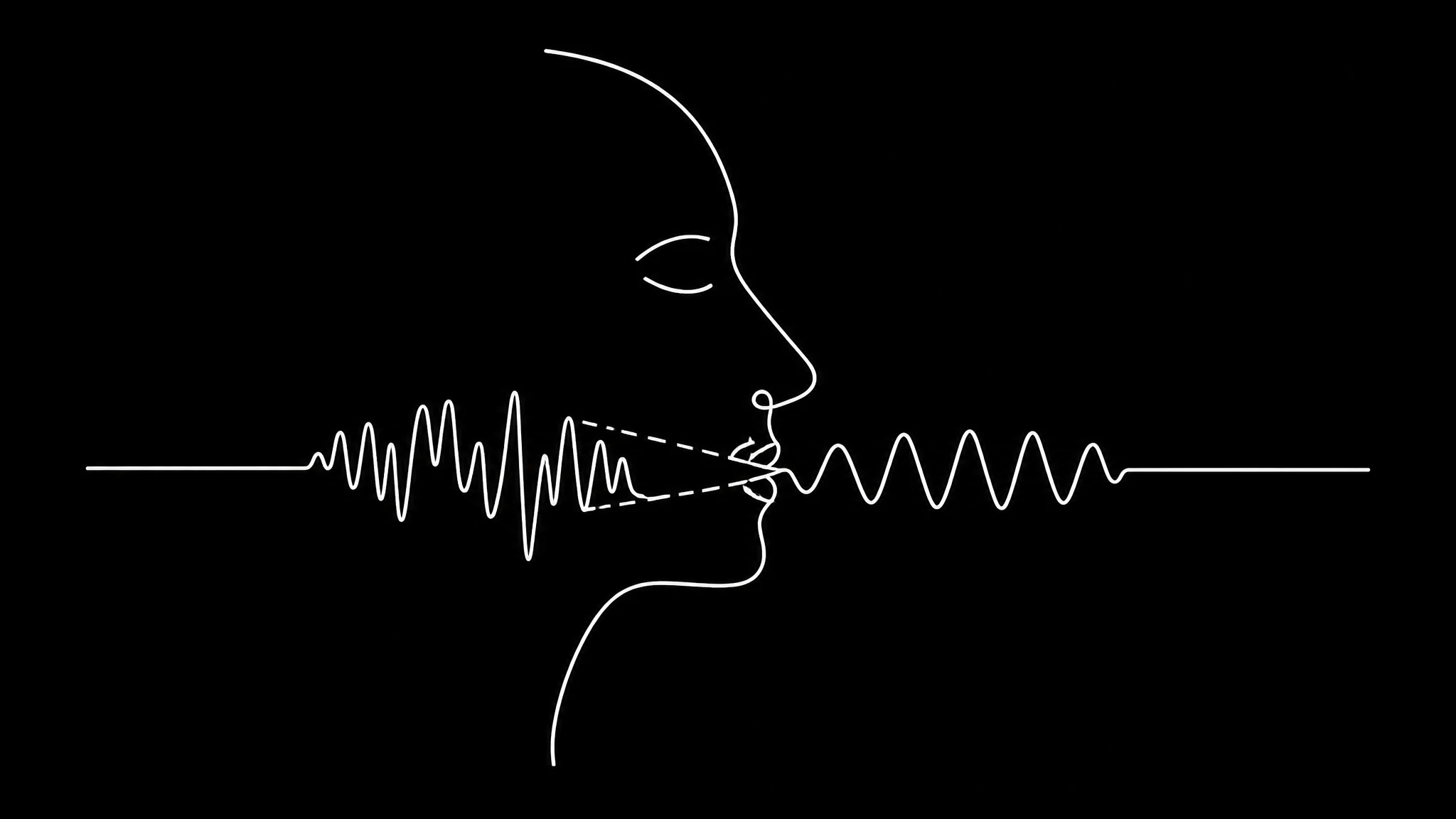
We looked at every source image put through lip sync on our platform. 160 distinct images, 179 jobs. 145 of those images were used once and never again. 13 were run twice, one was run three times, and one was run five times. The same pattern shows up across avatar generators, which is why the fixes below are not specific to one product.
So roughly 9 percent of clips get retried. That is the honest quality figure. It is not a benchmark score, it is simply how often somebody was unhappy enough to spend credits a second time.
The image somebody ran five times is the interesting one. Nobody repeats the same source five times because of a model problem. They do it because that particular clip cannot produce a good result, and nothing told them why. Everything below is aimed at recognising that situation before you pay for it again.
The resolution number is not what decides quality
Two thirds of jobs on our platform, 67.6 percent, run at 480p. About 29 percent run at 720p. Resolution changes what you pay far more than what you see, and the current credit cost per render makes that trade explicit before you commit to a setting.
That 480p majority is not people economising. Lip sync models rebuild the mouth region of the frame, so what limits them is how many pixels the mouth occupies, not the number printed on the resolution setting. A head and shoulders shot at 480p hands the model more mouth detail than a wide shot at 720p does.
The practical version: if your subject fills the frame, 480p is not a compromise. If your subject is small in frame, no resolution setting saves you, and you should reframe or crop instead.
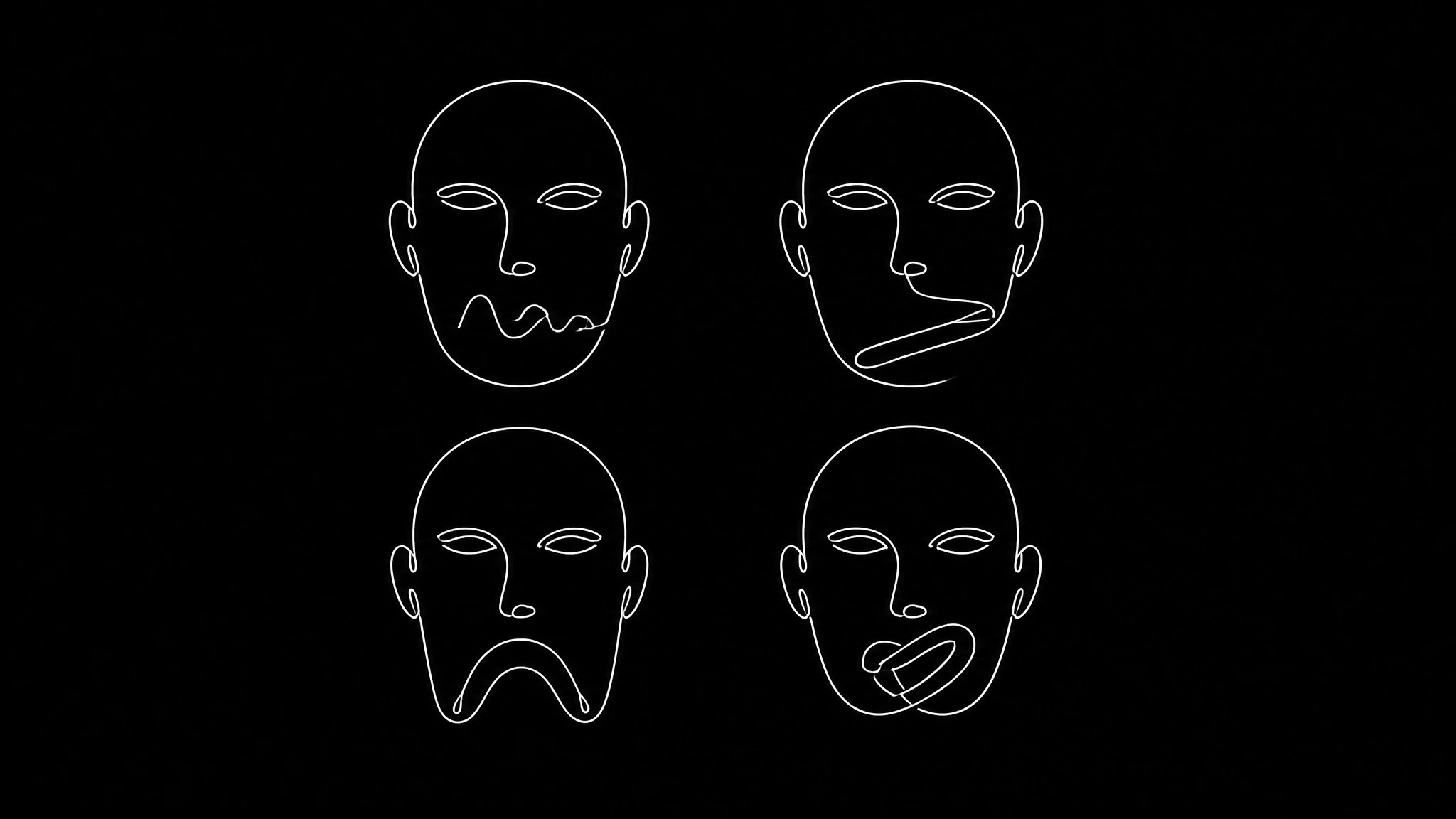
Fault one, the face is too small
What it looks like: the mouth is smeared or mushy rather than mistimed. Detail is missing, not wrong. If a clip keeps failing this test, the wider troubleshooting guide covers the encoding faults that produce the same symptom for a different reason.
Below roughly a quarter of the frame width, there is not enough information to rebuild a mouth convincingly. This is the one fault where retrying is worth it, provided you change something first. Crop closer, or upscale the source before generating. Upscaling the source beats upscaling the output, because the model then has more to work with rather than being asked to enlarge its own guess.
Fault two, the head moves too fast
What it looks like: the mouth is correct while the head is still, and slides or ghosts during movement. Models differ in how much motion they tolerate, and the model list sets out which engine drives each render.
Retrying will not fix this. Stabilise the footage or cut around the movement. Seated talking head footage is the easy case for a reason, which is also why generated avatars sync more reliably than filmed footage, and it is why most of the clips that work first time look like that.
Fault three, something crosses the mouth
What it looks like: the fault appears and disappears, always at the same moments in the clip.
Hands, microphones, hair and heavy facial hair all break the mouth region. If your source is a generated character rather than a filmed person, for example from the anime avatar maker, this class of fault disappears entirely, because the model has to invent what sits behind the obstruction. This is essentially not fixable after the fact. Choose a different take.
Fault four, right timing and wrong shapes
What it looks like: the mouth moves in time with the audio but forms shapes that do not match the sounds. Shape errors usually begin in the audio, so it is worth checking which voice generators preserve phoneme detail before blaming the video model.
This is the dubbing case, and it is the one people misdiagnose most often. The mouth was generated from the original audio while the audio playing is a translation. The timing is inherited correctly and the shapes belong to another language. Some sounds have no visual equivalent across languages at all.
No amount of retrying helps, because the fault is in the order of operations rather than in the clip. The mouth has to be regenerated from the translated track. We cover the full sequence in our step by step dubbing guide.
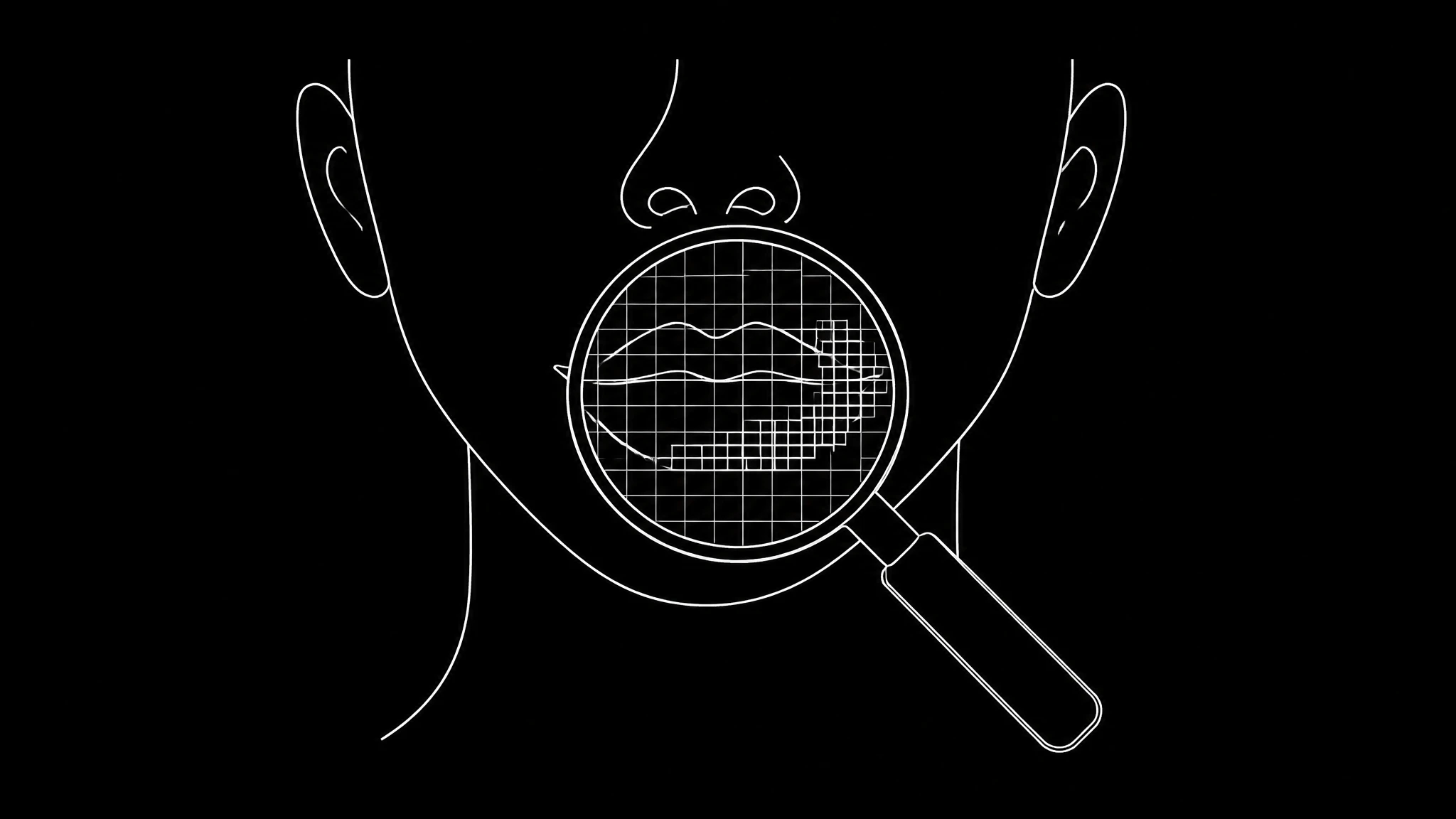
How much face you actually need
The useful measurement is not resolution, it is how wide the face sits in the frame.
| face width in frame | what happens |
|---|---|
| more than half | best case, 480p is plenty |
| a third to a half | reliable at 480p |
| a quarter to a third | usable, 720p starts to help |
| under a quarter | expect smearing at any resolution |
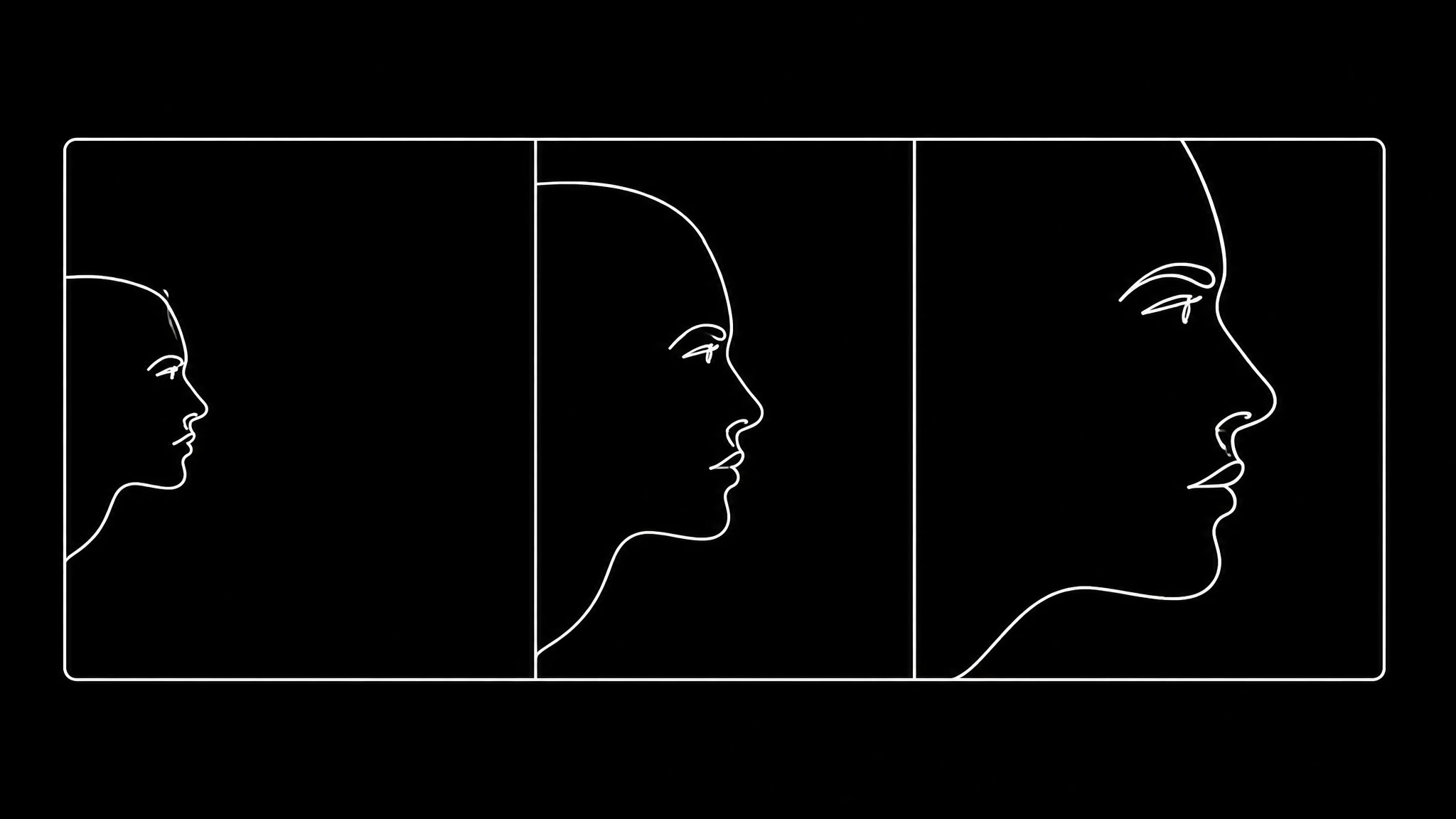
That last row is why some clips cannot be rescued by settings. A face occupying a fifth of a 720p frame gives the model fewer mouth pixels than a face filling a 480p frame. If you can reshoot or crop, do that instead of paying for the larger render.
Cropping in is genuinely the cheapest fix available. A crop that takes a wide shot to a chest up framing costs nothing and moves you two rows up that table.
Frame rate, the fault nobody suspects
If sync looks correct at the start and wrong at the end, the cause is almost never the model. Phones record variable frame rate by default, meaning the file claims 30fps while actually varying, something MediaInfo ↗ will show you in one pass between about 24 and 30 depending on lighting. Every tool downstream assumes constant frame rate, so timing drifts a little more with each second. Frame rate survives every later stage, so it is worth settling before you compare software on lip sync quality.
Transcode to constant frame rate before generating with ffmpeg ↗, a step that matters for every tool in the suite. This costs nothing and removes an entire category of failure. You can check what you have with any media inspector, and if the reported frame rate has a decimal that wanders, that is your answer.
The order of operations for a dub
When the audio is a translation, sequence matters more than settings: The full sequence, with the timing trap that sits at each stage, is written out in the dubbing walkthrough.
- Transcribe with per segment timestamps
- Translate while preserving segment duration
- Clone the voice from a clean sample
- Generate lip movement from the translated audio
- Review proper nouns and numbers
- Check the final ten seconds for drift
Step 4 is the one that gets inverted. If lip movement is generated before or independently of translation, you get correct timing over wrong shapes, permanently. The full version of this sequence is in our step by step dubbing guide.
Diagnose in thirty seconds, before spending credits
Play the output at quarter speed with the sound off, whether the source is filmed footage or a generated avatar and watch only the mouth. If the clip fails two of these, it is usually cheaper to reshoot than to retry, and the source footage rules describe what to reshoot toward.
Smeared means resolution or framing. Sliding means motion. Appearing and disappearing means something is crossing the mouth. In time but wrong shapes means the phonemes came from the wrong audio.
Before you generate at all, three questions catch most of it. Is the face at least a quarter of the frame width. Does the head stay reasonably still with nothing crossing the mouth. Is the footage constant frame rate. Variable frame rate footage, which most phones produce by default, is the usual cause of sync that looks fine at the start and drifts by the end.
What good source footage looks like
Most of the quality problem is decided before generation. Footage that works reliably has five things in common, and none of them require a studio: Several free lip sync tools will accept footage this strict, which makes them a cheap way to test a difficult clip before spending credits on it.
The subject is seated or standing still. This is one reason avatar generated footage behaves so predictably. Not rigid, just not walking or gesturing near their face. Natural head movement is fine. Turning to look at something is not.
The face fills at least a third of the frame. Chest up framing is the sweet spot. It gives the model detail without cropping so tight that head movement pushes the face out of frame.
Even, front facing light. The same lighting rules apply across every tool in the suite. Strong side light creates shadow on half the mouth, and standard three point lighting ↗ removes the problem entirely, and the model has to guess at what it cannot see. A window in front of the subject beats a ring light behind them.
Nothing crosses the mouth. No handheld microphone, no hands near the face, no hair falling across the jaw. This is the single most common recoverable mistake, because people position a microphone for audio quality without thinking about what it hides.
Constant frame rate. Set this in the camera app if it offers the option, or transcode afterwards.
Footage that meets all five works first time nearly always. Footage that misses two or more is where the 9 percent retry rate comes from.
The economics of retrying
A retry costs the same as the original generation, and you can see the per second rates on the pricing page, which makes the diagnosis worth thirty seconds of your time. At 2.00 credits per second of audio, a 45 second clip is 90 credits, and the full rate card covers the other tiers. Running it three times because you did not identify the fault is 270 credits to arrive at the same output. Because a retry costs exactly what the first attempt cost, the plan you are on decides how much diagnosis is worth doing before you press generate.
The only fault where an unchanged retry helps is none of them. Every cause in this article is deterministic. The model will make the same decision about the same pixels every time. If you have not changed the source, the crop, the audio or the frame rate, you will get the same result and pay again for it.
This is worth saying plainly because the retry pattern in our data suggests people do not know it. One source image was run five times. Five identical inputs, five identical costs, and almost certainly five similar outputs.
What no current model handles
If you are publishing the result, most platforms now expect synthetic media to be labelled, for example YouTube's disclosure requirement ↗. Profile shots beyond about 45 degrees. Mouths fully hidden for more than a few frames. Singing, which is a genuinely different problem rather than a harder version of this one. Where those limits sit differs by product, and the comparison of lip sync tools is the fastest way to see which ones state them openly.
If your clip contains any of those, the answer is a different clip rather than a different tool or a higher resolution. You can see how the current generation of tools compares in our comparison of AI avatar generators, or try your own footage on the AI video dubbing page.
Ready to Create Your Own AI Avatar?
Make a talking video of yourself from one photo, in your own voice. No watermark on any plan.
Cancel anytime from your profile
Got questions?
Frequently asked
About 9% on our platform. Of 160 distinct source images, 145 worked first time, 13 were run twice, one three times and one five times.
It depends on framing, not resolution. Lip-sync models rebuild the mouth region, so what matters is how many pixels the mouth occupies. A close-up at 480p has more mouth detail than a wide shot at 720p. 67.6% of jobs on our platform run at 480p.
The face is too small in the source frame , below roughly a quarter of frame width there is not enough mouth detail to rebuild. Crop closer or upscale the source before generating, not the output after.
The mouth was generated from the original audio while the audio you are hearing is a translation, so the shapes belong to another language. Regenerate lip movement from the translated audio; retrying the same way will not help.

