Characters · brand mascots
A character your brand can reuse
An AI character generator turns a written character sheet into a consistent figure you can reuse across images and video: a mascot, a guide, a recurring host. On Percify you generate the character with image models, save the winner as an avatar for free, make new images of it for 2 credits each in the chat, and give it a voice and lip sync so it talks. What separates a reusable character from a one off picture is consistency, and that comes from one canonical description and one saved source image.
- 5
- credits to save a character as an avatar
- 2
- credits per new image of it
- 120+
- models to design it with
- 1
- description, reused in every prompt
Credits cost about 2 cents each depending on the plan, so a minute of talking video at 120 credits works out at roughly $2 to $3.
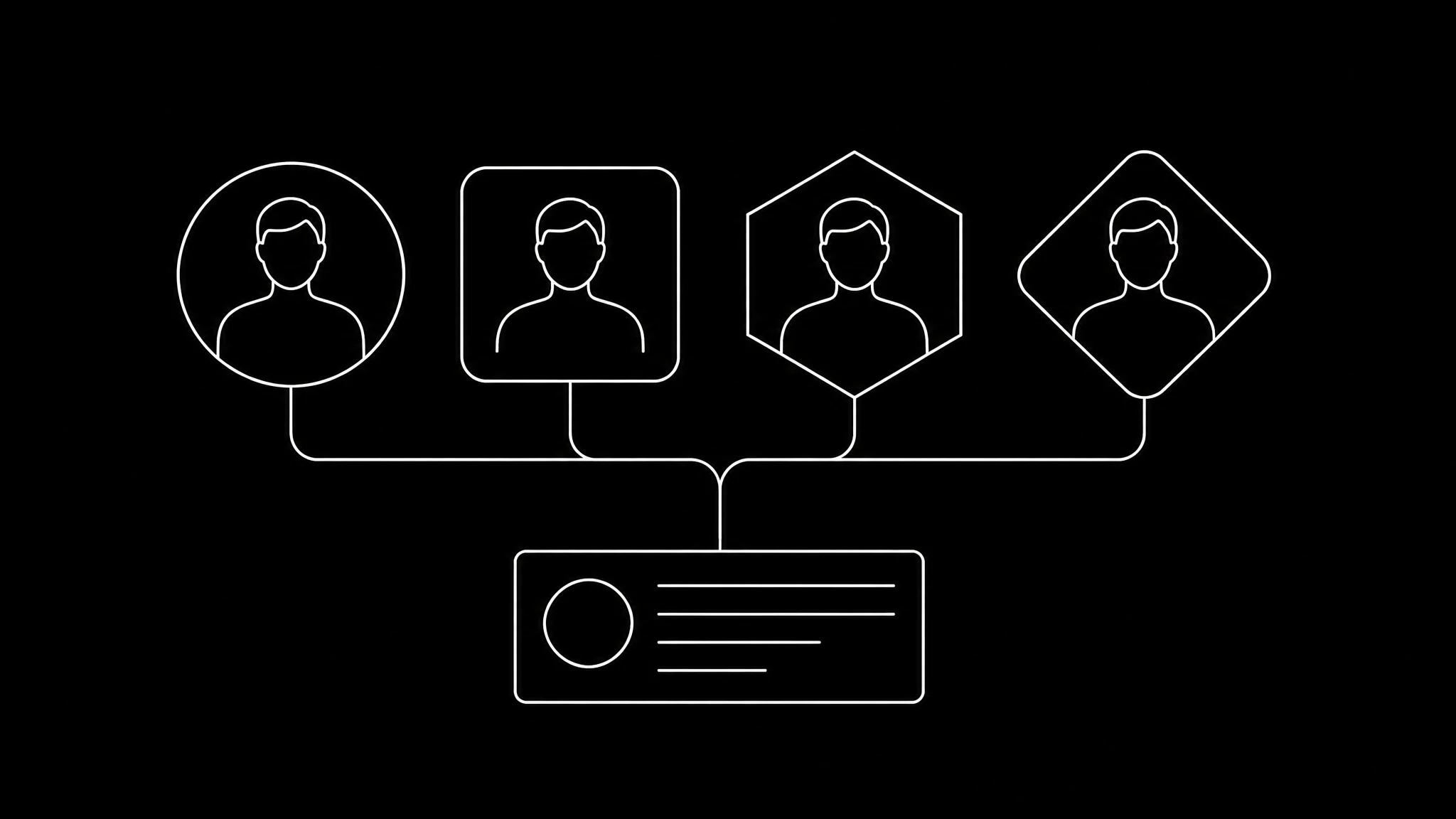
Write the character sheet first
Before generating anything, write down who the character is. This text gets pasted into every prompt, so it is worth getting right once:
- Silhouette and proportions, the shape people recognise from across a room.
- The face: eye shape, expression, anything distinctive.
- A palette taken from your brand colours.
- One signature item, a hat, a scarf, a badge, that appears every time.
- Personality in three words, and one thing the character never does.
Generate, compare, save
Generate a batch of takes from the sheet and compare them side by side. Refine the winner with follow up prompts until it is right, then save it as an avatar, which is free. From then on every new image starts from that saved source, at 2 credits each: new poses, expressions and settings, the same character.
Keeping it on model
Each image and each clip is generated independently, so a character drifts unless you carry it. Reuse the canonical description almost word for word, start from the saved image, and never redescribe the character from memory. Remakes of short videos go further and pass up to nine reference frames to the model. The full list of drift fixes is in fix AI video glitches.
Giving it a voice
The presets include character voices as well as narrators, or you can clone a voice actor who has agreed to it. Characters are the easy case for lip sync, because nothing crosses the mouth and the head holds still, so a talking mascot usually works on the first render. More in AI cartoon lip sync.
Why organisations use characters
A character is not tied to any one employee, so it survives people leaving, it can appear in every language through dubbing, and it never needs a shoot. Give it colours from your brand; the AI brand kit reads them from your website. Check that the design does not copy an existing character, and note that Percify does not watermark output on any plan.
Create a character in four steps
- 1
Write the sheet
Silhouette, face, palette, signature item and personality.
- 2
Generate and pick
Compare a batch of takes and refine the winner.
- 3
Save it as an avatar
Free, then 2 credits in the chat for every new image of the same character.
- 4
Give it a voice
A character preset or a licensed clone, then lip sync from one image.
One character, many shots
Real Percify output: a mascot shown from several angles, and a 3D character that talks.
Multi angle scene
one mascot, several views
Multi angle scene
the same character, new shots
Tyler
a 3D character
Frequently asked questions
What is an AI character generator?
A tool that turns a written description into a character you can reuse. On Percify you generate it with image models, save it as an avatar, then make new images and talking videos of the same character.
How do I keep an AI character consistent?
Reuse one canonical description word for word in every prompt and start every image from the same saved avatar. Redescribing the character each time is what makes it drift.
Can an AI character talk?
Yes. Give it a voice, a character preset or a licensed clone, and generate the lip sync from one image. Characters sync reliably because nothing crosses the mouth.
How much does it cost to make a brand mascot with AI?
On Percify, saving the character as an avatar is free and each new image of it is 2 credits in the chat. A 20 second talking clip is 40 credits on the fast model at 480p.
Can I use an AI character for my business?
Percify does not watermark output on any plan. Make sure the design is original and does not copy an existing character or trademark.
Keep reading
Design your character once
Write the sheet, save the winner, and reuse it everywhere.