Brand workspace · beta
Your brand kit, read from your website
An AI brand kit on Percify starts from your website address: the scan reads your name, logos, colours, fonts and social accounts, then writes down how the brand sounds and who it speaks to. That is the core of a set of brand guidelines, read from a URL rather than written from scratch, and it is what every later post, script and video is generated against. From that read, Composer deals content ideas in rounds of three that you approve, save and schedule. The first brand analysis on an account is free and later ones cost 10 credits. The brand workspace is in beta and open to every plan.
- 1
- website address to start
- Free
- first brand analysis on an account
- 10
- credits for each later analysis
- 3
- ideas dealt per Composer round
Credits cost about 2 cents each depending on the plan, so a minute of talking video at 120 credits works out at roughly $2 to $3.
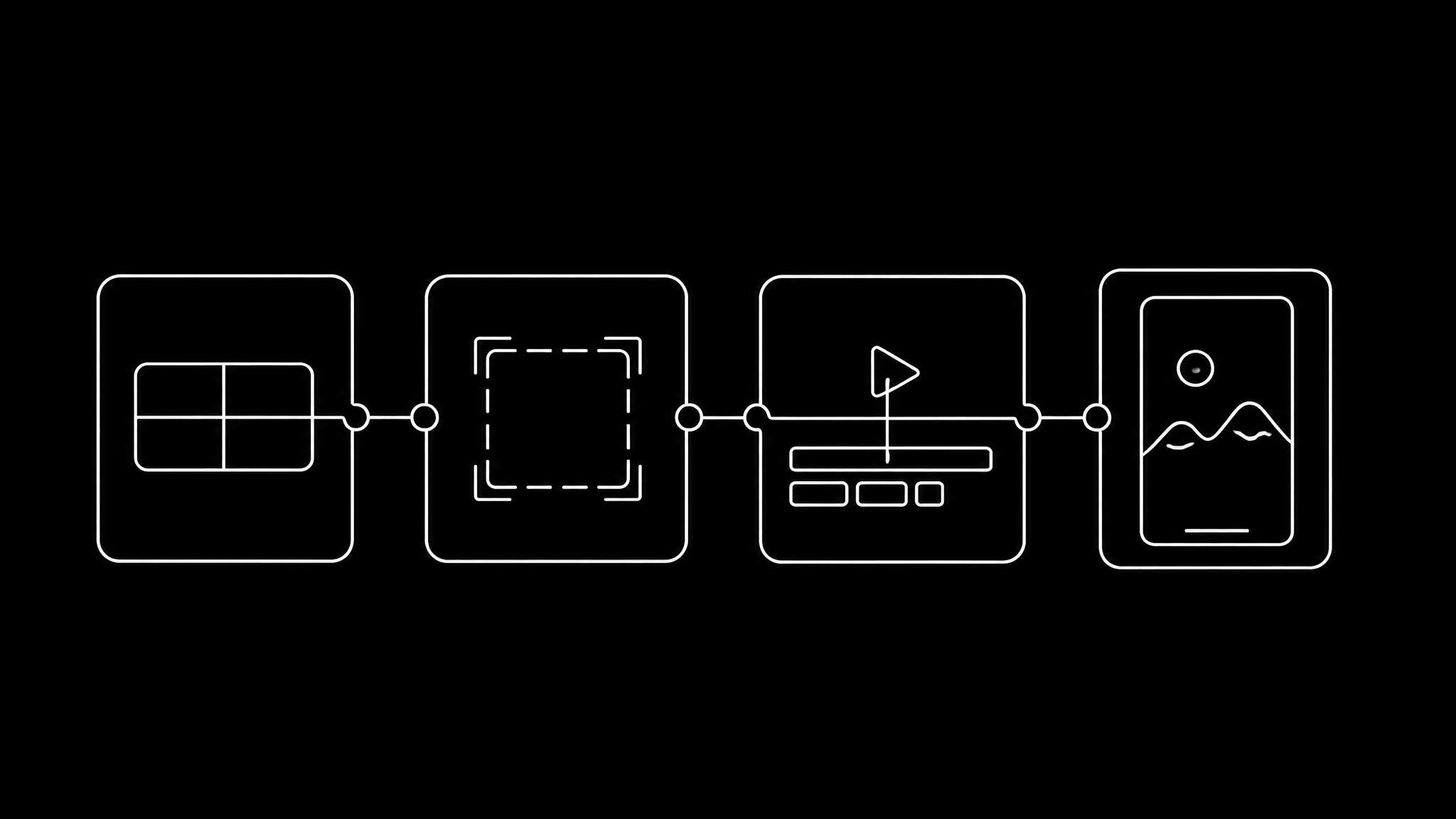
What the scan reads
Paste the address and the scan collects what your site already says about you:
- Your name and logos.
- Your colour palette and your fonts.
- Your social accounts.
- Your key pages, and from them how the brand sounds, who it speaks to and what it claims.
Check the read before you use it
A brand read is only useful if it is specific to you. If a line in it could describe any company in your category, correct it before anything is generated from it, because every idea downstream inherits it. The read is a starting draft that you own, not a verdict.
From kit to content: Composer
When the scan finishes it lands in Composer, which is already dealing: content ideas arrive in rounds of three, built from your brand read. You approve the ones worth making, save them, and schedule them. It is part of the brand workspace: the first read is free, and Composer rounds and scheduling come with a paid plan.
Bring in outside evidence
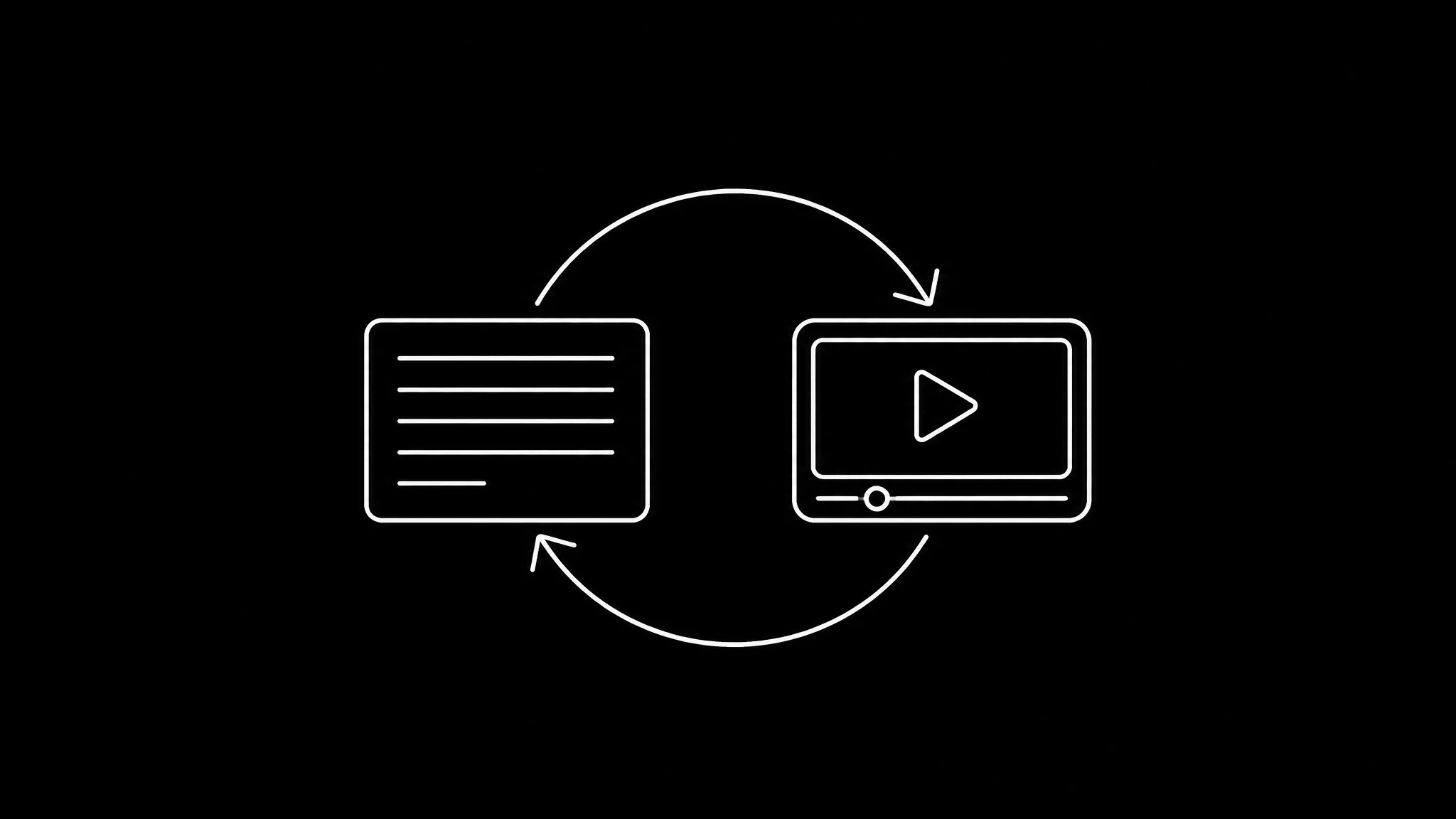
Anything generated from your own description is plausible by construction, never validated. Add the accounts you compete with and the ideas can lean on what actually performs in your category, counted rather than estimated. See competitor video analysis.
Use the kit everywhere
The colours feed a brand mascot in the AI character generator. Your own face and voice, cloned once in clone yourself, make every video on the plan yours rather than a stock presenter.
From website to plan in four steps
- 1
Paste your website
The scan reads your name, logos, colours, fonts and socials.
- 2
Check the read
Correct anything that could describe a competitor as well as you.
- 3
Deal a round
Composer deals three ideas built from your brand.
- 4
Approve, save, schedule
Keep the ones worth making and put them on the calendar.
What a brand turns into
Real Percify output of the kind a plan calls for.
Product ad
a short spokesperson clip
Company update
a message in the brand voice
Brand mascot
one character, several views
Frequently asked questions
How do I make a brand kit with AI?
Paste your website address. The scan reads your name, logos, colours, fonts and social accounts, then writes down your brand voice and audience.
What does the brand scan read from my website?
Your name, logos, colour palette, fonts, social accounts and key pages, and from those pages how the brand sounds and who it is for.
Can it create brand guidelines from my website?
It creates the core of them, from the website address alone: your logo, colour palette, fonts, and a written description of how the brand sounds and who it speaks to. That is the part most teams never write down, and it is what every later post, script and video is generated against. What a scan does not produce is a full brand book: no logo clear-space rules, no minimum sizes, no print specifications. If you need a usage manual for an agency, take the palette, fonts and voice from here and put them in it.
Does it work out my target audience?
Yes, as part of the same scan. The read comes back with named audience segments, a description of who each one is and the pain points they have, taken from what your site actually says rather than guessed, and it lists three to six competitors a customer would compare you to. Anything it could not determine from your pages is reported as a gap instead of being filled in with something plausible. What it is not is a firmographic ideal customer profile: there are no company size bands, industry codes or revenue tiers. It is the audience a content plan is written against.
Is this a brand style guide, a brand book or a brand kit?
People use all three names for overlapping things. A brand kit is usually the assets, a style guide the rules for using them, and a brand book the wider story. Percify reads the assets and the voice from your site and keeps them as the brand your content is generated from, so it does the brand kit job and the voice half of a style guide.
How much does a brand analysis cost?
The first brand analysis on an account is free. Later ones cost 10 credits.
What is Composer?
The part of the brand workspace that turns your brand read into content ideas, dealt in rounds of three that you approve, save and schedule.
Is the brand workspace on the free plan?
A free account gets the first brand read. The workspace, Composer rounds and scheduling need a paid plan.
Keep reading
Start from your own website
One address in, a brand read and a round of ideas out. The first analysis is free.