Clone Yourself · digital twin
An AI clone of yourself from one photo
To clone yourself with AI you need two things: one clear photo of your face and a recording of your voice at least 5.6 seconds long. On Percify your own photo is the face, so there is nothing to pay for it, and saving your cloned voice is free. You pay for what you make: a talking video is 2 credits a second, so 10 seconds is 20 credits. After that, every talking video, podcast, dub and remake can run as you instead of a stock presenter.
- 1
- clear photo for the face
- 5.6 s
- minimum voice sample; 15 to 30 s is better
- 0
- credits to set up your face and voice
- 2
- credits a second for a talking video
Credits cost about 2 cents each depending on the plan, so a minute of talking video at 120 credits works out at roughly $2 to $3.
In short
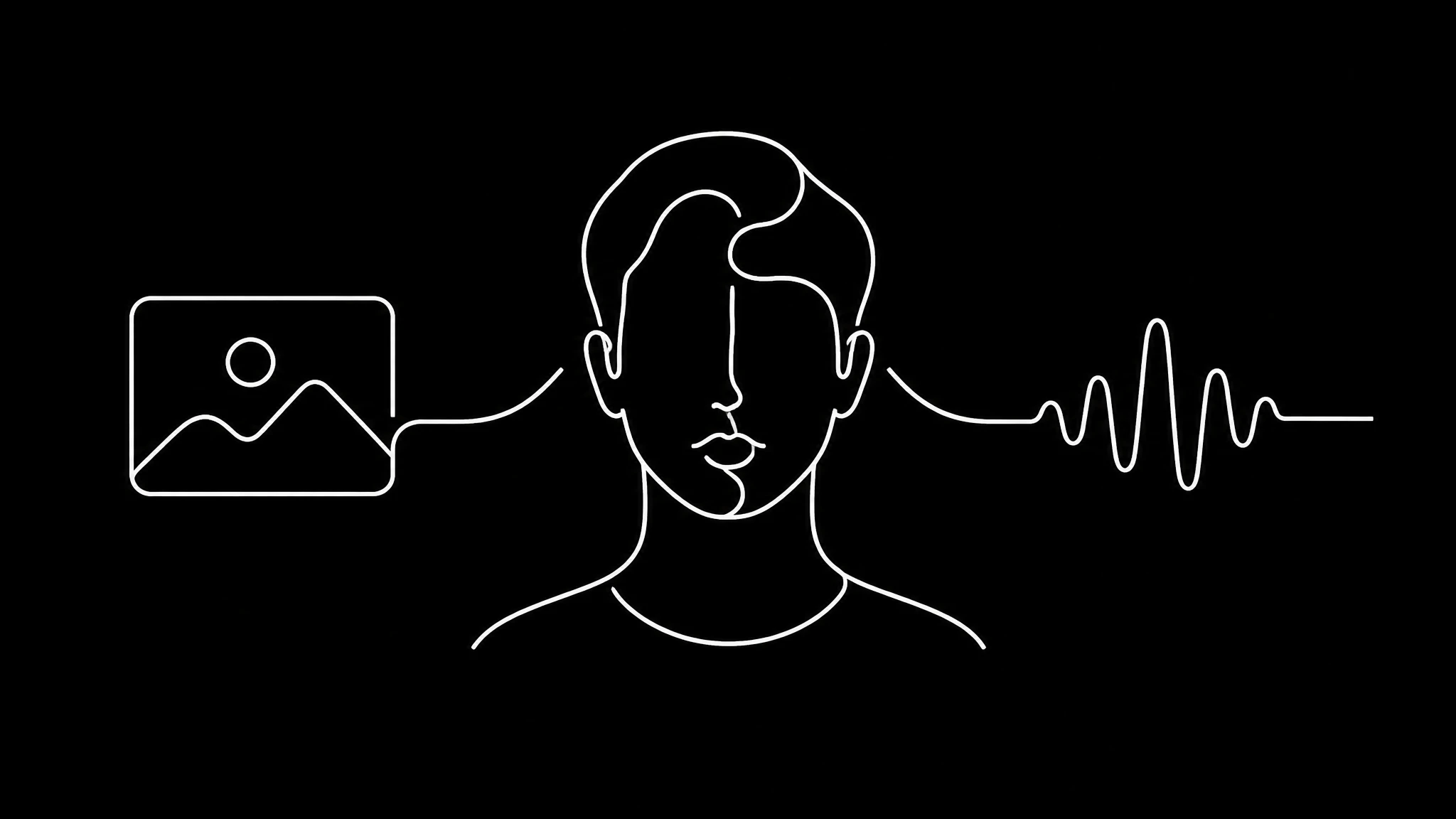
A digital twin on Percify takes one photo and 15 to 30 seconds of your voice. Your own photo is the face, so there is nothing to pay for it; new styled pictures of you are 5 credits each. Saving your cloned voice is free. After that, a talking video is 2 credits a second (about $2 to $3.20 a minute) and speech is 2 credits for up to 40 words. No watermark, and you own what you make.
The face: one photo, and what makes it good
You upload one clear photo. There is no scanning session, no turntable and no video capture. Because a lip sync model rebuilds the mouth region rather than animating a rig, the photo decides quality more than any setting does. The rules are unglamorous:
- The face fills at least a third of the frame. Below about a quarter of the frame width there is not enough mouth detail to rebuild.
- Nothing across the mouth: no hand, no microphone, no stray hair.
- Even, frontal light. Hard side light bakes a shadow into every frame generated from it.
- A neutral or slightly open mouth. A wide smile is a hard starting position to animate out of.
The voice: 5.6 seconds is the floor, not the target
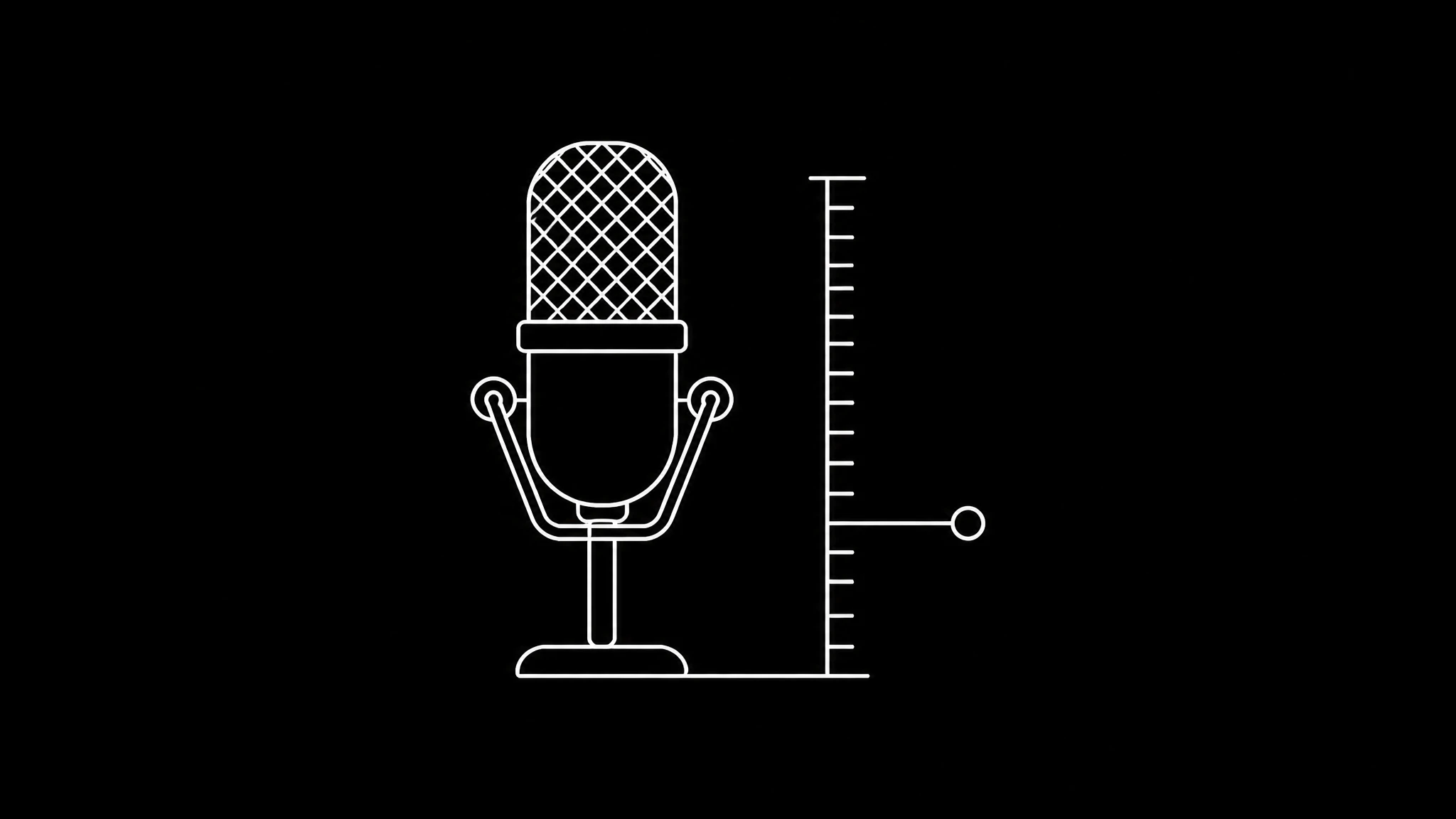
The voice clone needs at least 5.6 seconds of you talking. Anything shorter is padded by repeating the clip to about 6.2 seconds so the request still works, but a three second clip looped twice still holds three seconds of vocal information, and the clone comes out flat.
Record 15 to 30 seconds and say something with range in it: a question, a statement, a number. Room matters more than microphone. Curtains, a sofa or a bed beat bare walls and an expensive mic. Keep a steady distance, and normalise the levels if they swing.
What the twin unlocks
Once a face and a voice exist, they are inputs everywhere. Platforms that build the presenter for you keep the likeness inside their product; a twin you own can be pointed at any of these. See the talking head generator, the AI podcast generator and remaking a viral video.
| Studio | What your twin does there |
|---|---|
| Avatar Studio | Says a written script to camera |
| Voice Studio | Speaks a dub in your own voice |
| Podcast Studio | Takes one side of a two person conversation |
| Content Replication | Performs a proven short's structure as you |
Do this first, not last
Most people spend their first credits on a stock presenter, decide the result is fine but impersonal, and only then wonder whether they could have used themselves. Cloning first costs nothing extra and makes everything afterwards yours. A talking video of your clone is 2 credits a second.
Clone only what you have the right to
Your own face and voice are the easy case. A colleague, a client or a public figure is not, whatever a tool will technically accept. Rules such as the EU AI Act are converging on disclosure for synthetic likenesses, and provenance standards like C2PA attach a signed record of how a file was made.
Decide your disclosure position once, deliberately, rather than after someone asks. The checklist is in ethical AI video generation.
Build your twin in four steps
- 1
Choose the photo
Face at least a third of the frame, lit evenly from the front, mouth clear and relaxed.
- 2
Record 15 to 30 seconds
A soft room, a steady distance, and a sentence with range: a question, a statement, a number.
- 3
Create the face and the voice
Your photo is the face and saving the voice is free. Both are then yours to reuse.
- 4
Make it talk
Write a script and render a talking video, or use your twin in a podcast, a dub or a remake.
Twins that talk
Each of these is one photo, given a voice.
Alex
talks from one photo
Mollie
a podcast host, no camera
Maya
the same idea, a stylised look
Frequently asked questions
How do I make an AI avatar that actually looks like me?
Start from one photo where your face fills at least a third of the frame, lit evenly from the front, with nothing across your mouth and a neutral expression. The photo decides the likeness more than any setting does.
How long does my voice sample need to be?
At least 5.6 seconds of clear speech. Shorter samples are padded by repetition, which makes the clone flatter. Record 15 to 30 seconds with some range in it.
How much does it cost to clone yourself?
On Percify your own photo is the face, so there is nothing to pay for it, and saving your cloned voice is free. A talking video is 2 credits a second, so 10 seconds is 20 credits. New styled pictures of you are 5 credits each, if you want them.
Can I clone someone else?
Only faces and voices you have the right to use. Your own is the easy case; a colleague, client or public figure is not, regardless of what a tool accepts.
What can I do with my digital twin?
Make talking videos from a script, take one side of a two person AI podcast, speak dubs in your own voice, and perform proven short video formats as yourself.
Keep reading
Clone yourself first
One photo and half a minute of your voice. The face and the voice cost nothing; a talking video is 2 credits a second.