Voice · troubleshooting
Fix the words your AI voice says wrong
When an AI voice mispronounces a word, change the text, not the voice: respell the word the way it sounds, write acronyms and numbers the way you want them spoken, and use punctuation to place pauses. Then regenerate only the line that was wrong. On Percify a short audio clip costs 3 credits, so fixing one word never means redoing a whole script. Fix the audio before rendering the face, because the mouth is generated from it.
- 3
- credits to regenerate a short line
- 5
- credits for a longer clip
- 52
- preset voices to test a word on
- 1
- line per clip, so fixes stay local
Credits cost about 2 cents each depending on the plan, so a minute of talking video at 120 credits works out at roughly $2 to $3.
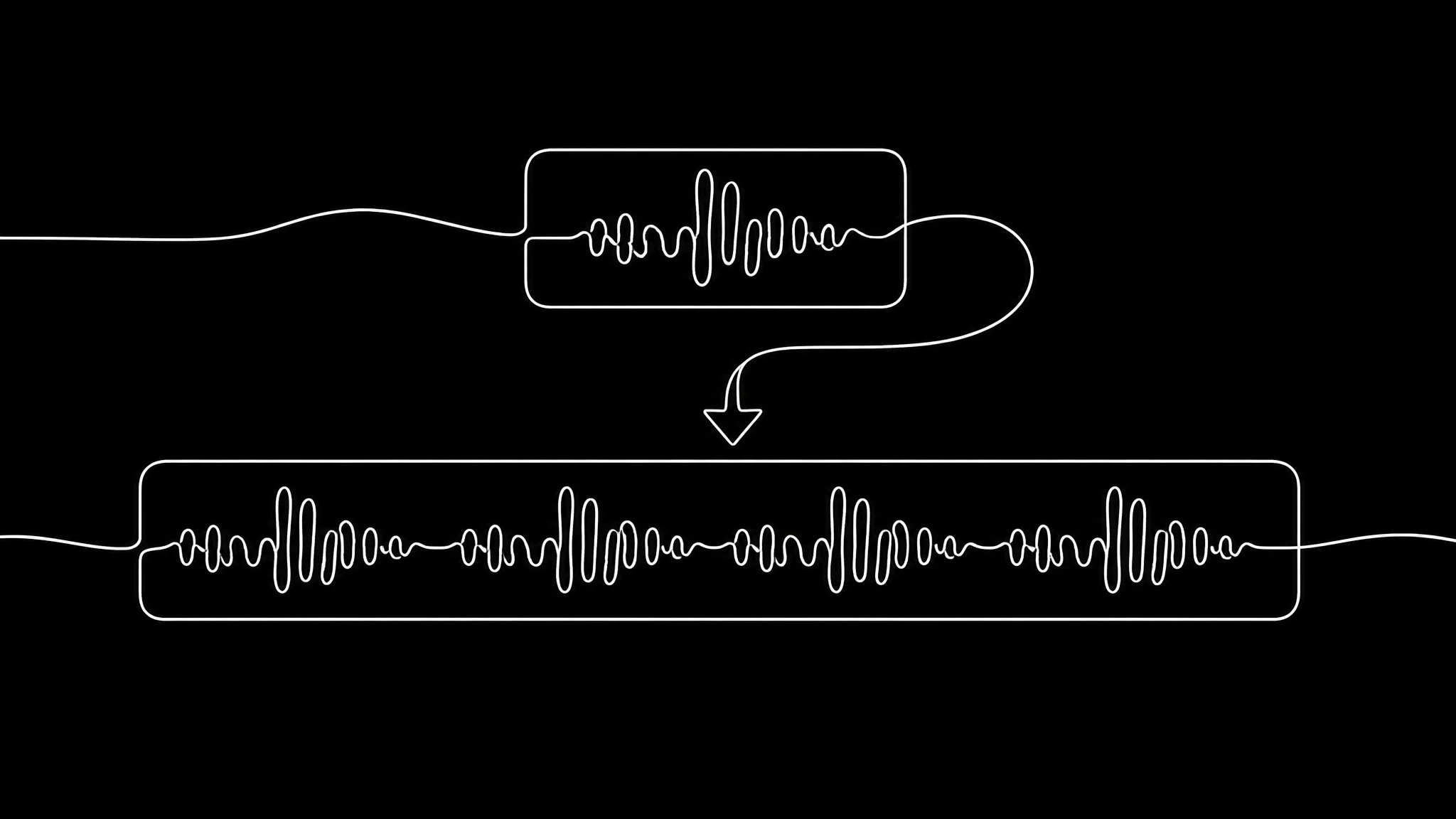
Why AI voices get words wrong
A synthetic voice predicts how to say a word from its spelling and the words around it. That guess is good for ordinary vocabulary and fails in the same places every time: names, brands, acronyms, numbers, and words spelled the same but said differently. Because it is text in and sound out, the reliable fix is in the text.
The fixes, by kind of word
Write the word the way you want it heard. The screen never shows this text, so it only has to sound right:
| Kind of word | Write it as | Example |
|---|---|---|
| An unusual name | The syllables you want, stress in capitals | Siobhan as "shiv AWN" |
| An acronym said as letters | Letters separated by spaces | API as "A P I" |
| An acronym said as a word | The word it sounds like | SaaS as "sass" |
| A year or a number | Words | 2026 as "twenty twenty six" |
| A brand name | A phonetic respelling | Percify as "PUR sih fye" |
| A word with two readings | A rewrite that removes the doubt | "I read it" as "I went through it" |
Pauses and emphasis come from punctuation
Punctuation is the only direction a synthetic voice takes. A comma makes a short pause, a full stop makes a landing, and a question mark lifts the end of a line. One idea per sentence is the simplest way to make a voice sound unhurried. If a line sounds rushed, it usually needs a full stop, not a different voice.
Fix the audio before the video
In a talking video, the mouth is generated from the audio. Change a word after rendering and the lip sync no longer matches, so that clip has to be rendered again. Listen to every line first, fix what is wrong at 3 credits a line, then render the face once.
Keeping one line per clip makes this cheap. It is the same reason a narrated deck works best with one clip per slide.
Keep a pronunciation list
Once you find the respelling that works for a product name or a colleague, write it down and reuse it. A short list of your brand terms, with the spelling that sounds right, saves the same fix every week. If whole sentences sound off rather than single words, the problem is the voice sample; see fix a voice clone.
Fix a word in three steps
- 1
Find the word
Listen to each line before any video is rendered.
- 2
Respell it
Syllables for names, spaced letters for acronyms, words for numbers.
- 3
Regenerate the line, then render the video
3 credits for the audio, then one lip sync render from the corrected track.
Narration that lands
Real renders where the audio drives the mouth, so the words have to be right first.
Explainer
a walkthrough introduction
Company update
names and numbers, said right
Christine
a course introduction
Frequently asked questions
How do I fix AI voice mispronunciation?
Change the text rather than the voice. Respell the word the way it sounds, then regenerate only that line. On Percify a short audio clip costs 3 credits.
How do I make an AI voice say an acronym correctly?
Write it the way you want it said: letters separated by spaces if it is spelled out, like "A P I", or the word it sounds like if it is said as a word, like "sass".
Why does the AI voice read numbers strangely?
Numbers and years can be read several ways. Write them out in words, such as "twenty twenty six", so there is only one way to say them.
Do I have to regenerate the whole video to fix one word?
Only that clip. Regenerate the line, then render the lip sync for that clip again, because the mouth is generated from the audio. Fixing audio before rendering avoids it.
How do I add pauses to an AI voiceover?
With punctuation. Commas add short pauses, full stops add longer ones, and one idea per sentence keeps the delivery unhurried.
Keep reading
Say it the way you mean it
Respell the word, regenerate the line, render the face once.