Voice Studio · troubleshooting
Fix AI dubbing that feels off
AI dubbing fails in five predictable ways: the mouth was generated from the original language, the translated lines run longer than the cuts, the voice does not match the speaker, the voice sample carried noise, or the file drifts because of a variable frame rate. Each has its own fix, and retrying the same dub fixes none of them. The most common, a dub played over the original mouth, needs the mouth regenerated from the translated track.
- 5
- faults behind almost every bad dub
- 5.5 s
- a 4 s English line, spoken in German
- 5.6 s
- minimum clean voice sample
- 0
- of these fixed by retrying unchanged
Credits cost about 2 cents each depending on the plan, so a minute of talking video at 120 credits works out at roughly $2 to $3.
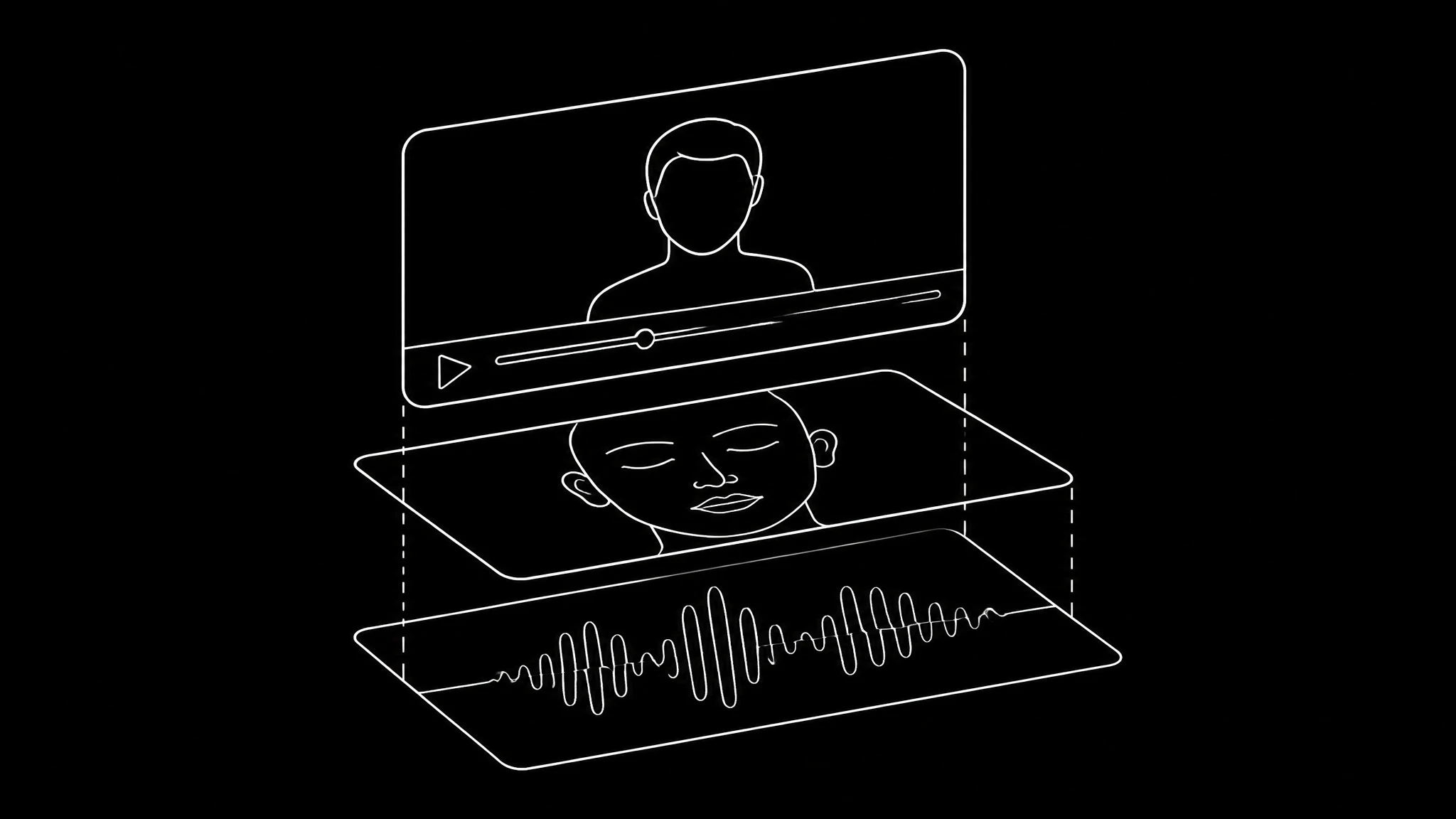
The five faults
Everything downstream of a dub is driven by the audio track, so most fixes are audio fixes. Find the row that matches what you see:
| Fault | What you notice | The fix |
|---|---|---|
| Mouth from the original audio | Timing right, every shape wrong | Regenerate the mouth from the translated track |
| Lines run long | Speech spills past cuts, delivery sounds rushed | Shorten the translation or loosen the edit |
| Voice does not match | Wrong age, gender or energy for the face | Clone the original speaker with permission, or pick a closer preset |
| Noisy sample | Hiss, room echo or music inside the voice | Record a clean 15 to 30 second sample and clone again |
| Drift over time | In sync early, off by the end | Convert to a constant frame rate before generating |
The mouth is the fix people miss
The shapes a mouth makes differ between languages, and some sounds have no visual match at all. So a dub over the original mouth keeps perfect timing and wrong shapes. It is the single most common reason a dubbed clip feels off, and no quality setting changes it. Translate first, then generate the mouth from the new track. More on mouth faults in fix AI lip sync.
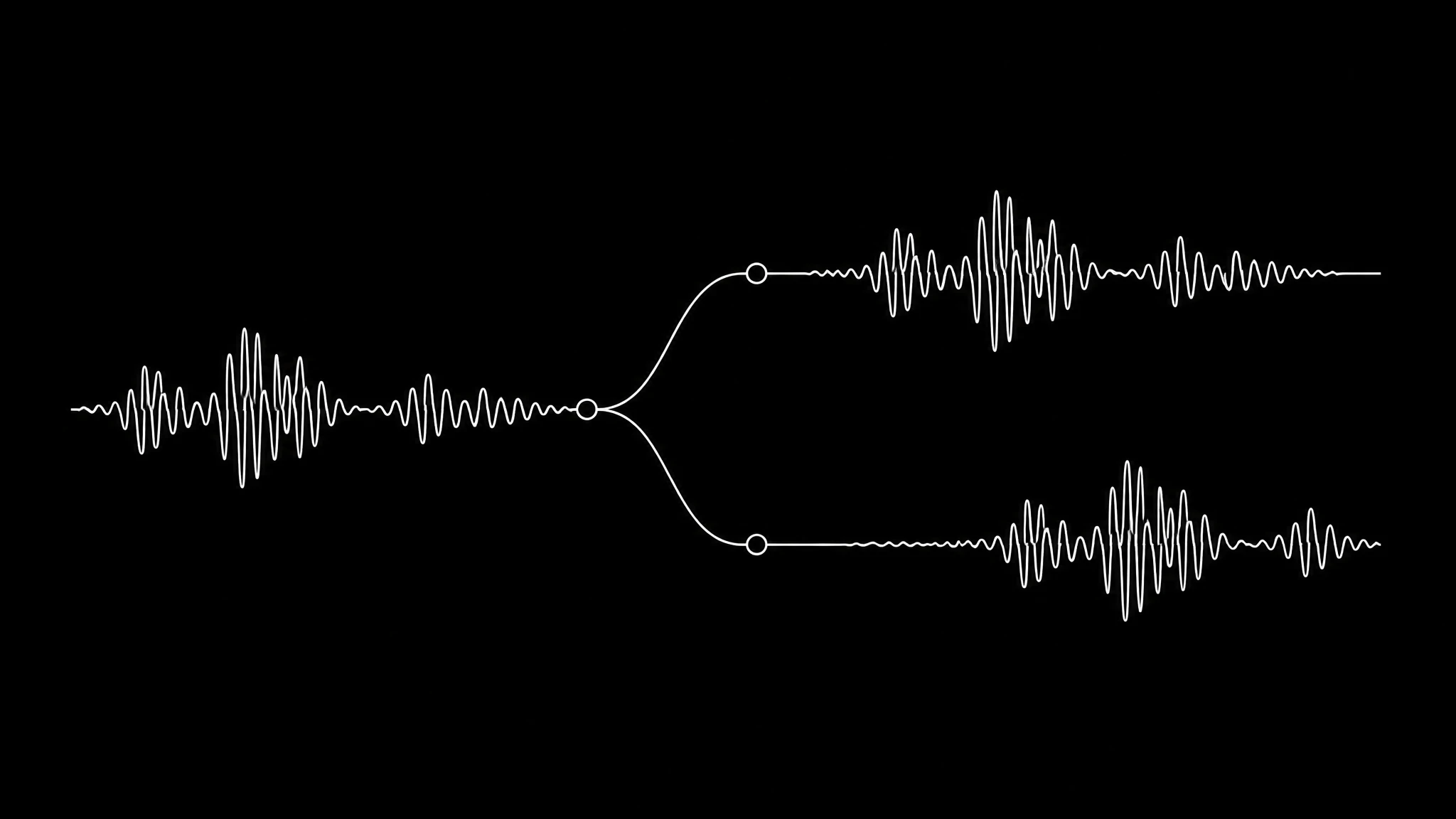
When the translation runs long
A sentence that runs four seconds in English can run five and a half in German. If the edit has hard cuts timed to the original, the dub will drift against them and the voice will sound rushed trying to fit. Shorten the translated line, or accept that the dub is a recut and let the edit breathe around it.
Unnatural tone, accent and noise
A voice clone copies what it hears, including the room. A flat reading gives a flat clone, echo in the sample comes back in every line, and music under the recording confuses it. Record 15 to 30 seconds in a soft room at a steady distance, say something with range in it, and never clone from a track that has music on it.
Punctuation is the only direction a synthetic voice takes. Commas create pauses and full stops create landings, so a line that sounds rushed often just needs one. Setup details are in fix a voice clone.
Check before you publish
Sync is only half of a good dub. Before it goes out:
- Watch the closed shapes, M, B and P, in the new language.
- Have a native speaker read the translation. A wrong meaning in perfect sync is still wrong.
- Listen for names, brands and numbers; see fix AI voice pronunciation.
- Play it on a phone at normal volume, where most people will hear it.
Repair a dub in four steps
- 1
Name the fault
Match what you see to one of the five rows above before spending credits again.
- 2
Fix the audio first
Shorter lines, a cleaner sample, or a closer voice. The video follows the audio.
- 3
Regenerate the mouth
Generate the lip sync from the translated track, never the original one.
- 4
Recheck the edit
Loosen cuts around the new length and convert to a constant frame rate.
Dubs that hold
Lip sync generated from the audio that plays, in whatever language it is.
Christine
a close, clean presenter shot
News anchor
steady framing, easy to dub
Mollie
a podcast host
Frequently asked questions
Why is my AI dubbing out of sync?
Usually the mouth was generated from the original language while the dub plays, so the shapes are wrong even when the timing is right. If sync is fine early and off late, the file has a variable frame rate.
How do I fix AI dubbing that sounds unnatural?
Clone from a clean 15 to 30 second sample with some range in it, recorded in a soft room, and use punctuation to place pauses. A flat or noisy sample produces a flat or noisy voice.
Why do dubbed lines run longer than the original?
Languages differ in length. A four second English line can take five and a half seconds in German, so shorten the translation or loosen the edit.
Can I remove background noise from a voice clone?
Clone again from a clean recording. The clone copies what is in the sample, so noise and echo in the sample come back in every line.
Does retrying the dub fix it?
No. All five faults live in the input or the order of operations. Change the audio, the translation or the file, then generate again.
Keep reading
Dub it the right way round
Translate, voice it, then generate the mouth from the new track.