Quick Answer
The best free AI avatar generator depends on what free has to cover. For a talking video of yourself with no watermark and commercial rights, Percify: no plan carries a watermark (except Remake replicas, which carry a small AI-disclosure mark) and every plan, grants commercial rights, while talking video uses credits, 2 a second on the fast engine. HeyGen's free plan makes 3 videos a month of up to a minute, with watermark removal from its $29 Creator plan. Synthesia's free plan gives up to 10 minutes of video a month but carries its logo and cannot download. D-ID's 14 day trial has a full screen watermark and a personal use licence. And across 1,267 real generations, the engine mattered more than the tool: failure rates ran from 0.4 to 38.5 percent.
What the free plans of Percify, HeyGen, Synthesia, D-ID, Colossyan and Vidnoz really give in 2026 (videos, length, downloads, watermark, licence), plus failure rates across 1,267 real generations.
Keep reading
Related next steps
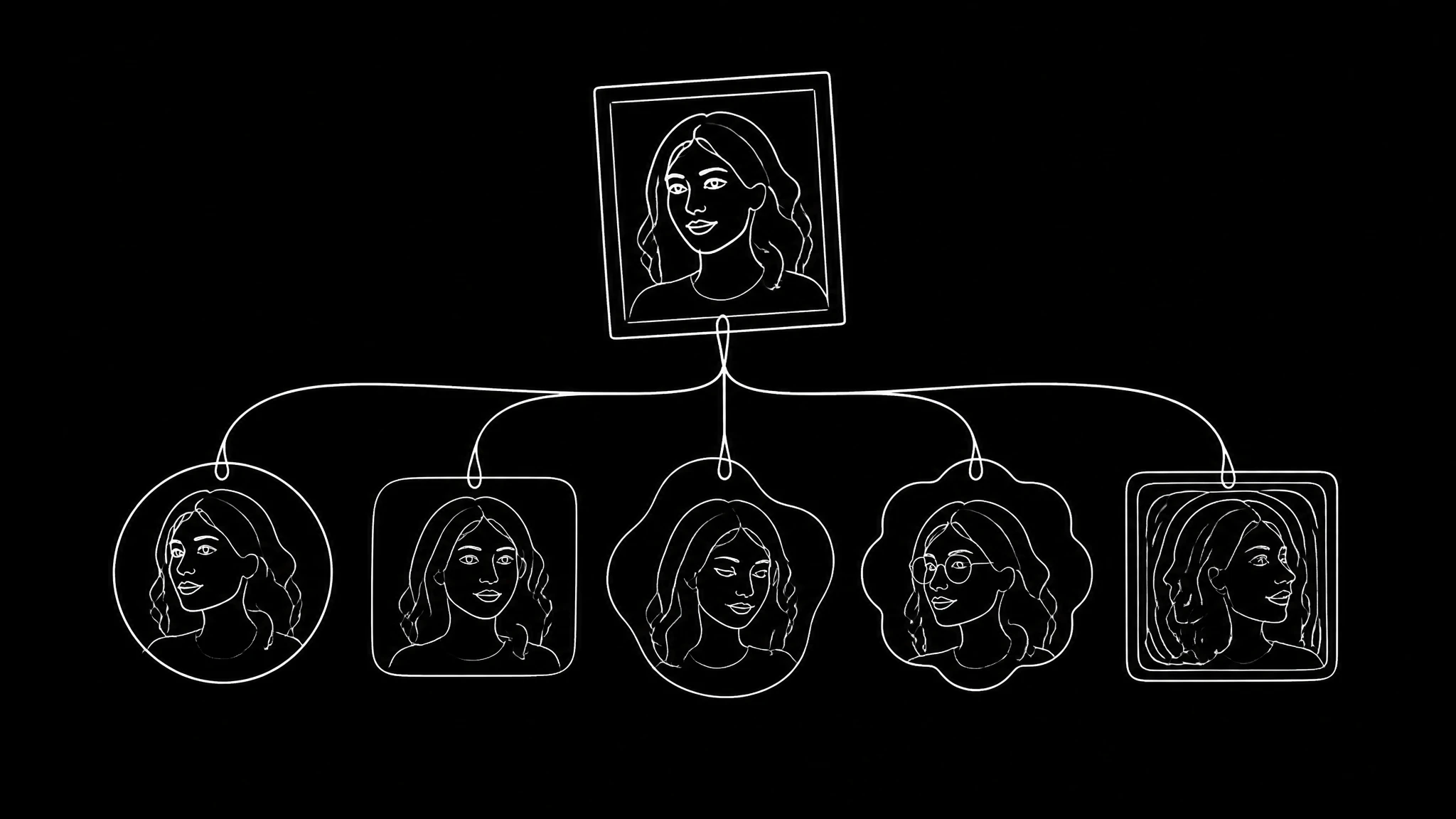
Every tool in this category says it makes AI avatars for free. What differs is what "free" covers, how often the generation fails, and how many attempts you need before one looks like you. This page does both halves: what the six free plans people ask about actually give, read off each vendor's own pricing page on 13 September 2026, and what 1,267 real avatar generations on Percify show about failures and retries.
We make one of these tools, so every claim about the others comes from their own pages, linked and dated, and every number about ours from our own records.
What each free plan gives in 2026
| tool | the free plan | limits | watermark | licence | first paid plan |
|---|---|---|---|---|---|
| Percify | account free, no card; videos need a plan | talking video is metered: 2 credits a second on the fast engine | none, on any plan | commercial, on every plan | Starter, $12 a month for 450 credits |
| HeyGen ↗ | 3 videos a month, 1 custom video avatar, 500+ stock avatars | videos up to 1 minute | removal listed only from Creator | not stated for the free plan | Creator, $29 a month |
| Synthesia ↗ | Basic: 1,200 credits a month, up to 10 minutes of video, no card | videos cannot be downloaded | Synthesia logo, removed from Starter | not stated | Starter, €16 a month billed yearly |
| D-ID ↗ | 14 day trial: 3 minutes of video, 1 personal avatar | a video can be at most 5 minutes | full screen watermark | personal use only | Lite, $4.70 a month billed yearly, still watermarked |
| Colossyan ↗ | Starter, free to start: 20 minutes a month, 15 custom avatars, no card | minutes a month | removal from Professional | not stated | Professional, $59 a month billed yearly |
| Vidnoz ↗ | 30 credits a day, about 60 seconds of video | up to 3 minutes a video, 720p | Vidnoz watermark | commercial, with the watermark | Starter, $19.99 a month billed yearly, no watermark |
Two things stand out. Only one of the six has no watermark on its free output, and the licence differs more than the output does: D-ID's trial is for personal use only, while Vidnoz grants a commercial licence and keeps its watermark on the video.
Which free plan fits which job
- A talking video of yourself, for public use, with no watermark: Percify. What you pay for is credits, not the right to use the result.
- A few short test videos with a studio presenter: HeyGen's free plan, 3 a month of up to a minute.
- Training video drafts you do not need to download yet: Synthesia Basic.
- Trying a talking photo for two weeks, for yourself: D-ID's trial.
- Short commercial clips where a watermark is acceptable: Vidnoz.
- Course and training content: Colossyan.
"Free" means four different things
Before comparing anything, work out which one a tool is offering, because they are not close to equivalent. The licence question is also the one that decides whether a business can use the result at all, which the enterprise comparison covers per product.
Free trial. A credit allowance that runs out. D-ID's 14 day trial is the clearest example, and it is fine for testing whether your photo works.
Free tier with a watermark. Generation you can use for testing, but the output carries a mark: HeyGen, Synthesia (its logo), Colossyan and Vidnoz, on the day we checked. Watermark removal is the most common paid upgrade in this category, and the per tool watermark policies differ more than the output does.
Free but not commercially licensed. You can generate, you cannot use it for business. D-ID licenses its trial and its Lite plan for personal use only. This one catches people out because nothing about the output looks different.
Genuinely free output. Rare. Percify puts no watermark on any plan (except Remake replicas, which carry a small AI-disclosure mark) and grants commercial rights on every plan; what runs out is credits. Check the licence, not the price.
The practical consequence is that "best free avatar generator" is not really a quality question. It is a licence question, and it is answered on a pricing page rather than by looking at results.
The number nobody publishes: how often it fails
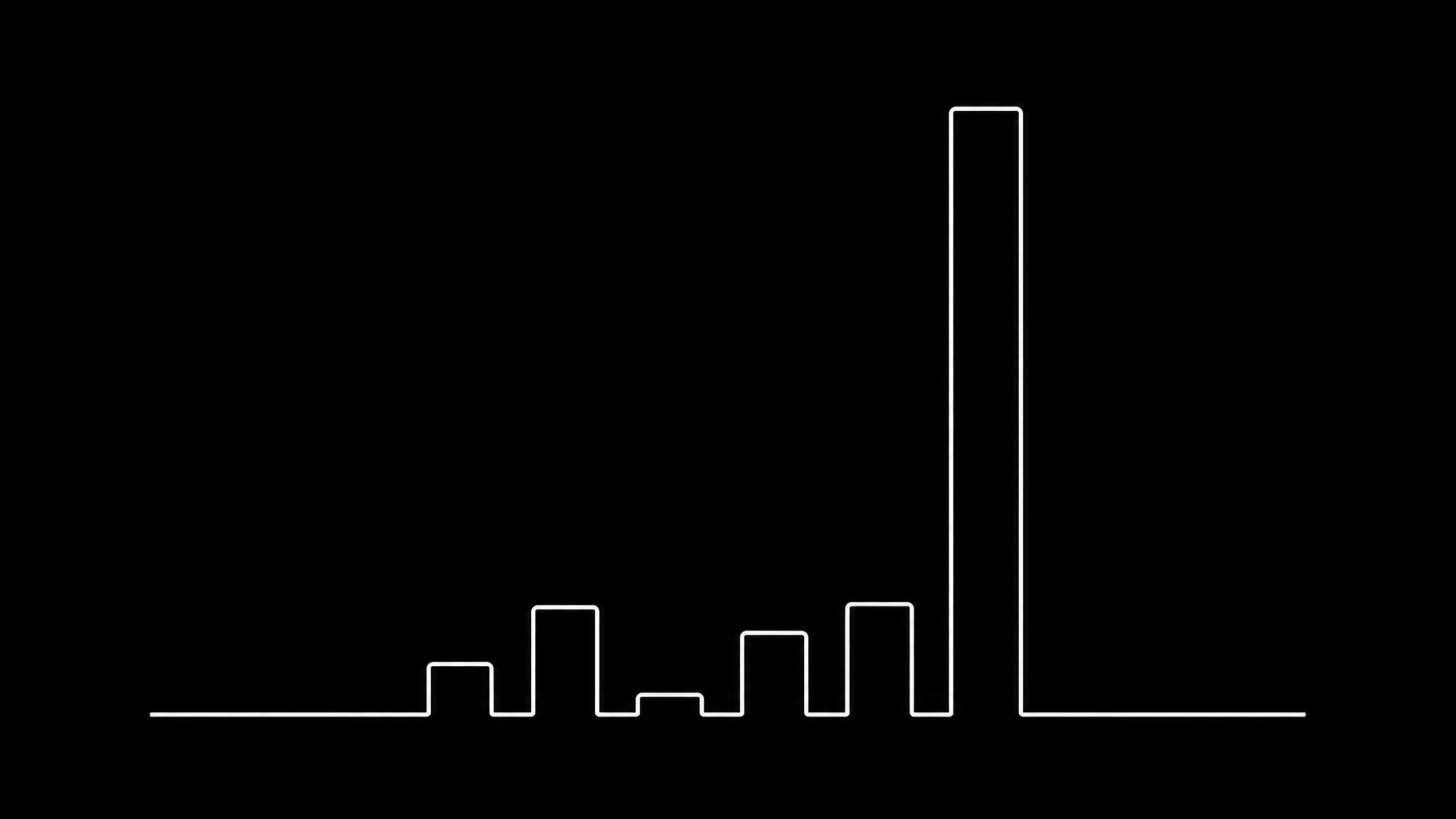
Here are 1,267 avatar generations on Percify over the 180 days to 2 September 2026, grouped by the engine that ran them. Failure rate is a property of the engine, not of your prompt, so switching costs nothing, and the pricing page shows what each one charges per run.
| engine | generations | failure rate | credits |
|---|---|---|---|
| z-image-turbo | 636 | 1.1% | 2 |
| runpod-p-video | 235 | 0.4% | 11.8 |
| flux-kontext-pro | 232 | 5.2% | 5 |
| nano-banana-2-edit | 131 | 10.7% | 2 |
| flux-schnell | 20 | 0.0% | 2 |
| gpt-image-2 | 13 | 38.5% | 5 |
Failure rate ranges from 0.4 percent to 38.5 percent depending purely on which engine runs the job. That is a spread of roughly ninety times, on the same platform, with the same inputs.
Nothing about a tool's marketing tells you this, and it is the difference between a smooth first attempt and burning half your free allowance on errors. If a product does not tell you which model produced a result, you cannot attribute a failure to anything. Ours records it in the model catalogue.
The gpt-image-2 figure is worth reading honestly rather than hiding: it is a small sample, 13 generations, and its high rejection rate comes from stricter content filtering rather than from broken output. It is on this list because leaving it off would make the table a marketing asset instead of a measurement.
The retry problem is bigger than the failure rate
Failures are visible. Attempts that succeed but do not look like you are not, and they cost the same. It is the same lesson as replicating a video, where 86 percent of failures happen before generation even starts.
In this dataset the most repeated prompt was run 31 times. Then 25, then 22, 21, 17, 16. Somebody ran the same instruction 31 times, and every one of those generations succeeded technically.
That is what actually consumes a free allowance. Not errors, but a result that is technically fine and wrong for your purpose. It is the same pattern that appears in talking photos, where about 9 percent of source images get retried because the source, not the model, was the problem.
What decides whether an avatar looks like you
If you are generating an avatar from a photo of yourself, four things matter far more than the tool. If the avatar will later speak, these rules get stricter still, because lip sync needs pixels on the mouth specifically.
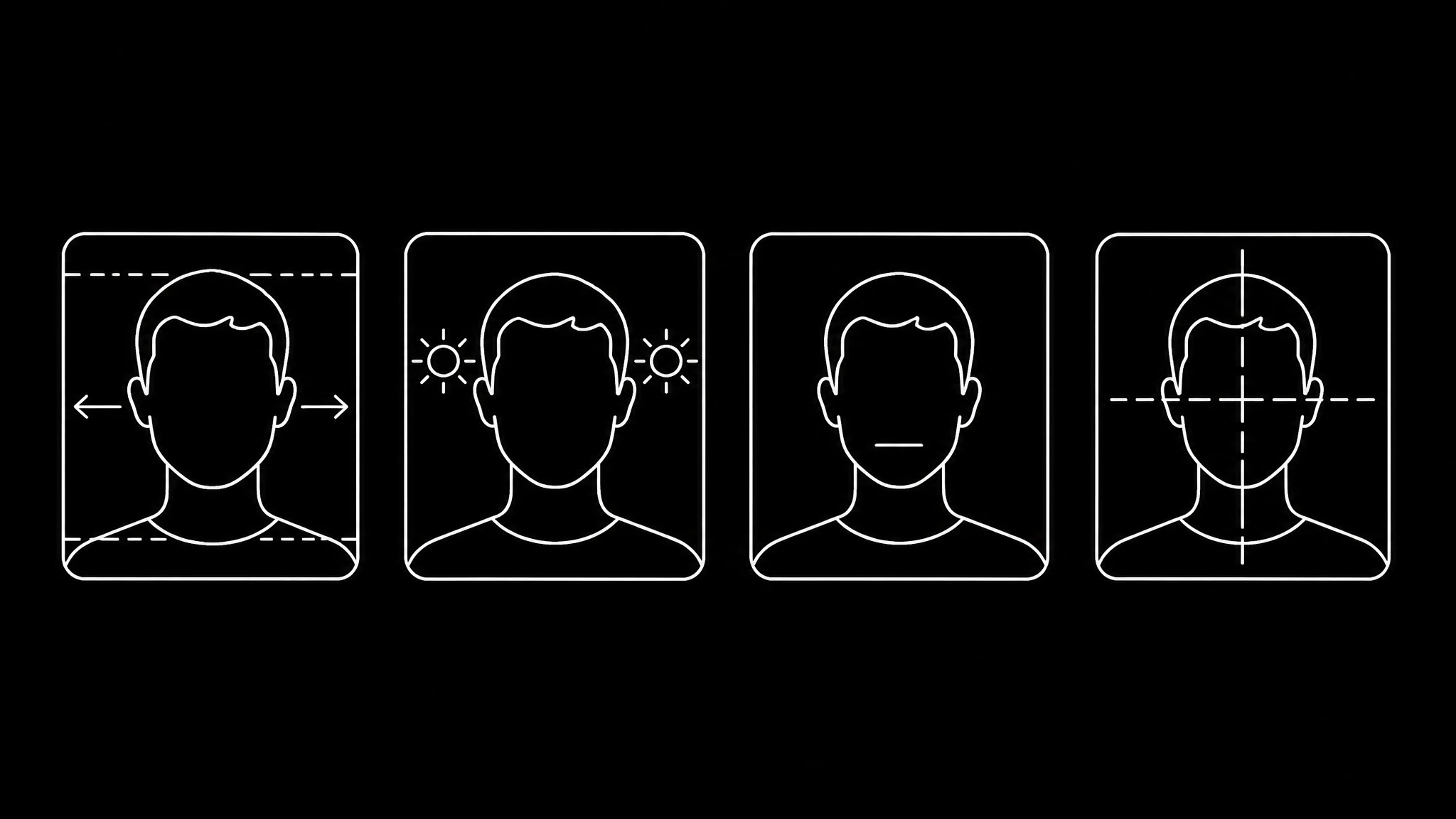
The face has to be large in the source. At least a quarter of the frame width. Everything downstream, including lip sync if you later make it speak, depends on how many pixels landed on the face.
Even lighting. Hard shadows get baked in as features. The model has no way to know a shadow is not part of your face.
A neutral expression. A strong expression in the source constrains every generation afterwards. Neutral gives the model room.
One face, facing forward. Two faces gives unpredictable results. Past three quarters profile, the geometry stops being reliable.
These are the same rules that govern photo animation, because it is the same underlying model behaviour.
Prompt length is not the lever people think
The prompt run 31 times was not short. Long, detailed prompts do not reliably beat short ones for avatar work, because the identity comes from the source image and the prompt mostly steers style. Style prompts are also where placeholder templates hide, so it is worth checking that a named style actually changes the output rather than passing your photo through unchanged. The model list shows what ran.
What does work is changing one thing at a time. Thirty one runs of a slightly reworded paragraph produce thirty one variations of the same misunderstanding. Two runs that change only the lighting instruction tell you what the lighting instruction does. This is the single cheapest improvement available to anyone burning a free allowance.
The five approaches, and who each is for
Photo to avatar. Your face, restyled. The only approach that produces a specific person, and the one most people actually want. Cheapest per generation in our data at 2 credits on the fast engines.
Text to avatar. Describe a person and get one. Good for a character, useless for yourself, and the identity is different every run unless you fix a seed.
Stock avatar libraries. Pre made presenters, as Synthesia ↗ and HeyGen ↗ offer. Consistent and instant, but the person is not you, which rules it out for personal branding.
Talking photo. A still that speaks, which D-ID ↗ built its product around. This is avatar plus voice, and a different job from generating a likeness; on Percify it costs 2 credits a second on the fast engine.
3D or stylised avatars. Game and metaverse style. A different category with different tools, and searchers looking for this rarely want any of the above.
Most disappointment in this category comes from picking a tool built for one of these and expecting another. If the goal is a talking presenter rather than a still likeness, start from the lip sync comparison instead, since that decides the approach.
What free plans will not let you do
Worth knowing before you invest time, with the examples we found on 13 September 2026:
Use it commercially. The licence is the paid gate more often than quality is: D-ID's trial and Lite plan are for personal use only. Rights on a cloned voice work differently again, and voice cloning and copyright covers that separately.
Remove the watermark. HeyGen lists watermark removal from Creator ($29 a month), Synthesia removes its logo from Starter, Colossyan from Professional and Vidnoz from Starter. Percify has none to remove.
Download, or download at full quality. Synthesia's free plan cannot download videos, and Vidnoz's free plan exports 720p.
Make long videos. HeyGen's free videos stop at a minute and Vidnoz's at 3 minutes, and D-ID's FAQ ↗ caps any video at 5.
Batch and API access. Almost universally paid: Synthesia lists its API on Creator (€58 a month billed yearly), Percify from Scale ($65 a month).
A cheaper way to spend a free allowance
- Fix the source photo first. Face large, evenly lit, neutral, forward. This costs nothing and removes most retries.
- Generate two, not ten. If neither is close, the problem is the source or the approach, not the seed.
- Change one variable per attempt. Style, or lighting, or framing. Never all three.
- Check the licence before you like the result, because falling for an output you cannot use is the expensive mistake.
- Note which engine ran it. A 38.5 percent failure rate is a model property, not bad luck, and switching is free.
What this does not cover
Generating an avatar is not the same as making it speak, which is lip sync and has its own constraints and costs. It is not dubbing either, and it is not the same as replicating a video format, which starts from a reference rather than a face. If the result is going anywhere public, the platform publishing rules decide how it must be labelled. Nor is it the same as generating a character from scratch, which is a text to image job rather than a likeness job, and the free tools worth testing on are a cheap way to tell the two apart.
Nor does generating a likeness settle whether you may publish it. Consent, disclosure and platform rules are separate questions, and what to check before publishing covers them.
Doing it, in order
Pick the free plan whose licence covers your use, using the table at the top. Pick a photo that passes the four checks. Use a cheap fast engine for the first attempts, because at 2 credits the cost of learning is trivial. Change one thing per run and stop at two if it is not converging. Then, if the avatar needs to speak, move to the talking photo workflow, which has its own rules. If the avatar is for a business rather than a personal profile, check the enterprise terms before you standardise on anything.
You can generate one now ↗ without a credit card, with no watermark on the result, and the pricing page sets out what each engine costs per run.
Ready to Create Your Own AI Avatar?
Make a talking video of yourself from one photo, in your own voice. No watermark on any plan.
Cancel anytime from your profile
Got questions?
Frequently asked
It depends on what free has to cover. For a talking video of yourself with no watermark and commercial rights, Percify: no plan carries a watermark (except Remake replicas, which carry a small AI-disclosure mark) and every plan grants commercial rights, and talking video costs 2 credits a second on the fast engine. For a few short studio presenter videos, HeyGen's free plan (3 a month, up to a minute each). For training drafts you do not need to download, Synthesia Basic. For a two week talking photo trial for personal use, D-ID.
Percify puts no watermark on any plan (except Remake replicas, which carry a small AI-disclosure mark). On their pricing pages on 13 September 2026, HeyGen listed watermark removal only from Creator ($29 a month), Synthesia's free plan carried its logo, D-ID's trial had a full screen watermark, and Vidnoz and Colossyan watermarked their free output.
Only if the plan's licence allows it. Percify grants commercial rights on every plan. Vidnoz's free plan includes a commercial licence but keeps its watermark on the video. D-ID licenses its trial and its Lite plan for personal use only.
On HeyGen's pricing page on 13 September 2026: 3 videos a month of up to a minute each, access to Avatar IV, 500+ stock video avatars and 1 custom video avatar. Watermark removal is listed from the Creator plan, $29 a month, upward.
Yes. Basic is free with no card and includes 1,200 credits a month, enough for up to 10 minutes of video. Downloading videos and removing the Synthesia logo both start on Starter, €16 a month billed yearly, per its pricing page on 13 September 2026.
It depends almost entirely on the engine. Across 1,267 generations on Percify, failure rates ranged from 0.4 percent on runpod-p-video and 1.1 percent on z-image-turbo up to 10.7 percent on nano-banana-2-edit and 38.5 percent on gpt-image-2, a spread of roughly ninety times on the same platform with the same inputs.
Usually the source photo rather than the tool. The face should fill at least a quarter of the frame width, be evenly lit with no hard shadows, carry a neutral expression, and be the only face, facing roughly forward. In our data the most repeated prompt was run 31 times, and every one of those generations succeeded technically while still being wrong.
No. Generating a likeness and animating it into speech are separate jobs with separate costs and constraints. On Percify an avatar image costs 2 credits on the fast engines, and a talking video 2 credits a second on the fast engine. Lip sync depends heavily on how many pixels landed on the mouth and on audio clarity, neither of which matters for a still avatar.
