Quick Answer
Content Replication takes a TikTok, Reel or Short under two minutes and rebuilds its structure: every shot boundary, camera move, transition, overlay and sound hit becomes a blueprint, and each clip is generated fresh against the source keyframes before being stitched back together. The original footage is never reused. The words are yours; the cutting, the music bed and the sound design are what get replicated, because those are what make a format recognisable.
Paste a link under two minutes and Percify rebuilds the format, not the footage. What the blueprint captures, what gets reused, and where remakes still break.
Percify Content Replication
Remake a short, 5 credits to read the video
Paste a TikTok, Reel or Short under two minutes and Percify reads it into a shot by shot blueprint for 5 credits, about 10 cents, refunded if the read fails. Every clip is then generated fresh against the source keyframes, so no frame of the original is reused.
See how it works →
Keep reading
Related next steps
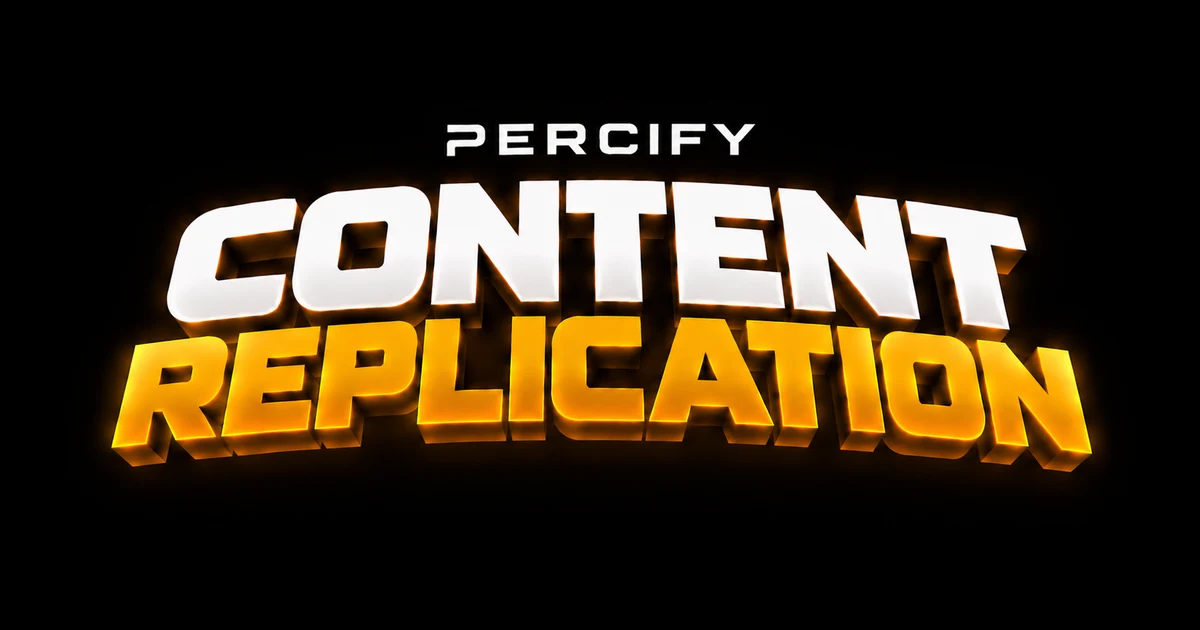
Paste a link. Percify downloads the clip, reads it, and writes a plan to perform that same structure again with your avatar and your words. Nothing from the original video appears in the output.
That distinction is the whole feature. A format is not its pixels — it is the hook in the first second, where the cuts land, whether the camera drifts or locks off, what the music does underneath, and which sounds hit on the edits. Those are reproducible. The footage is not, and reusing it would be someone else's work.
The blueprint, field by field
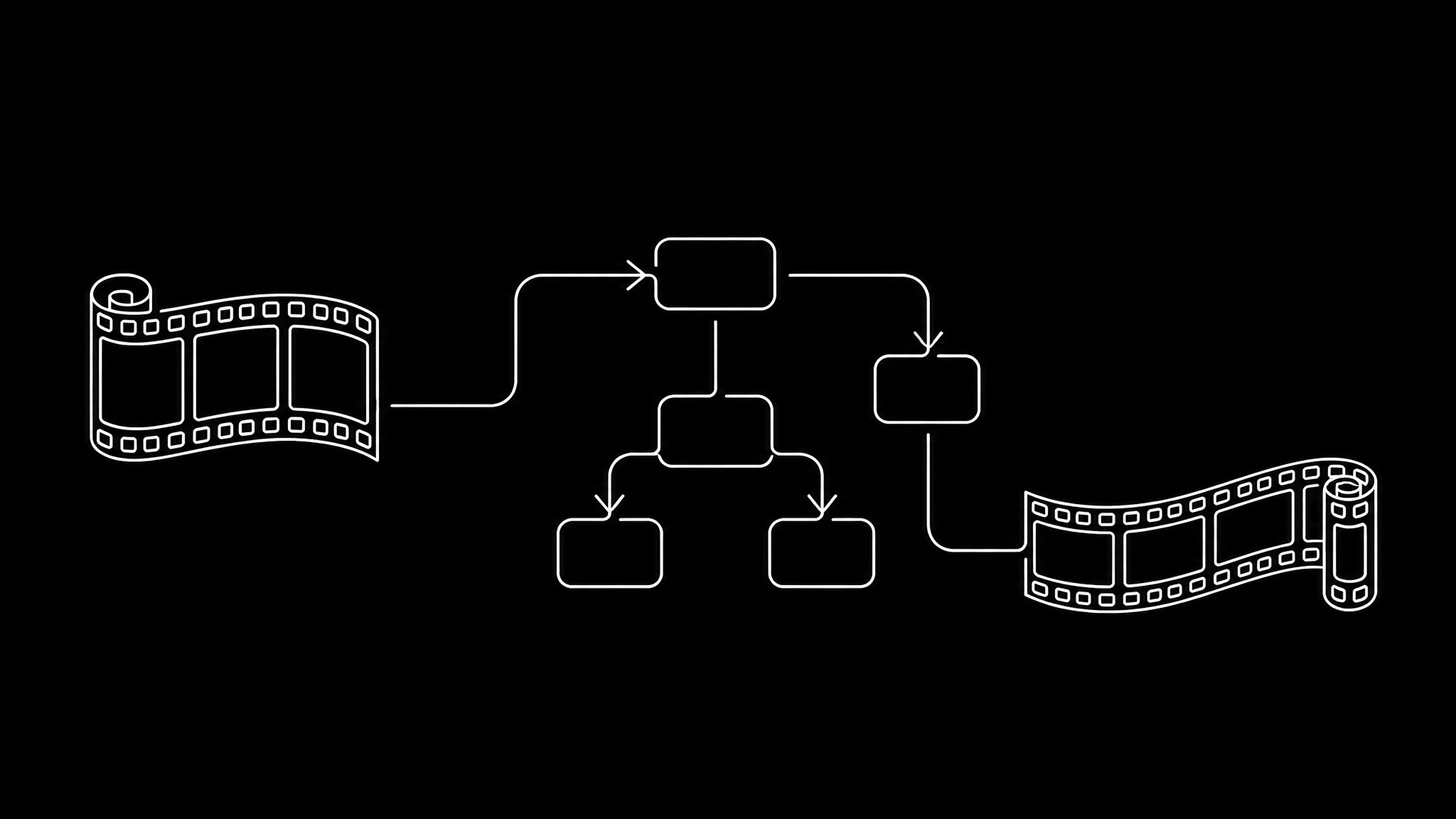
A source video is read by Gemini 2.5 Flash into a shot-accurate blueprint. Per clip, it records:
- Narrative purpose — hook, build, payoff, cta or transition — and one sentence on what this clip hands to the next.
- Camera: framing, movement (static, push-in, pull-back, pan, whip, handheld, drift, tracking) and intensity. Subtle drift counts as movement; only a genuinely locked-off shot is recorded as static.
- Beats: one line per second of what happens.
- Audio, split three ways. Voice is who speaks and how. Music is what the bed does — enters, holds, swells, drops. SFX are discrete hits with the second they land on.
- Overlays: captions, headlines, stickers and UI, with their rectangle, animation and word-level timing.
- Layout: single, split-screen, picture-in-picture, 2x2 grid or cutout — and when the frame is composed of several regions, each region gets its own rectangle and its own prompt with its own camera move.
- Transition out: not just "dissolve" but how long it takes, whether it travels and in which direction, what is drawn over it, and what sound lands on the cut.
That last one shows why the detail matters. A hard cut with a whoosh on it is a different edit from a silent hard cut, and flattening them into one label loses exactly what made the original feel the way it did.
The insight worth stealing
The audio split is the most useful idea in the whole system, and it holds whether or not you use our tool:
The voice is the script. The music and the sound design are the format.
When a format gets reused, the words change and the bed stays. That is why a sound carries a template across thousands of videos while the scripts are all different — something TikTok's own creative resources ↗ circles without naming. Treating the two as one blob is why most attempts at remaking a video produce something technically similar that does not feel the same.
Character consistency, and why prompts repeat themselves
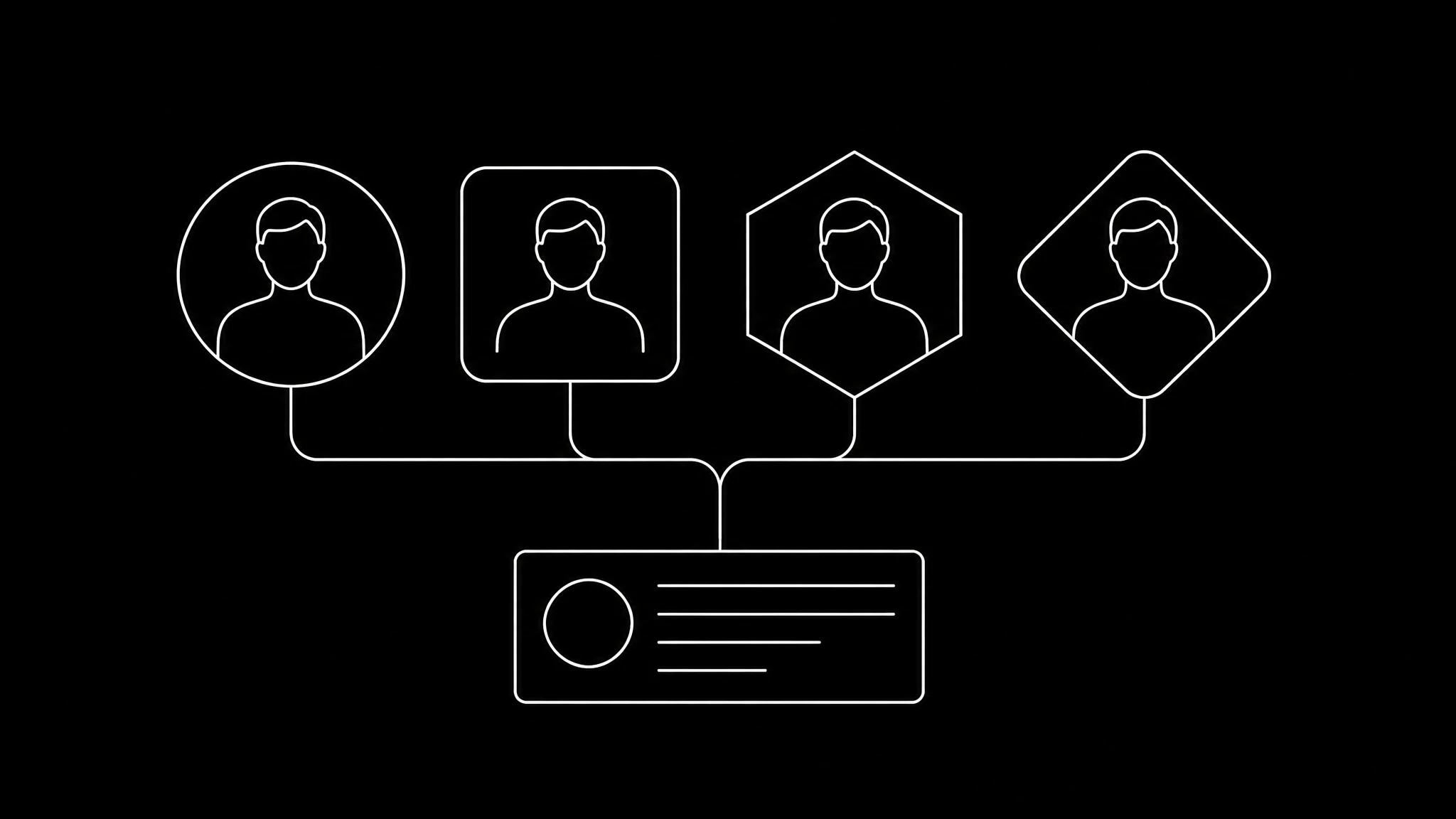
Each clip is generated independently. Nothing carries between them automatically, so a person can quietly become a different person in shot three than in shot one.
The fix is deliberate repetition. Every recurring subject is registered once with a canonical appearance description, and that description is reused nearly verbatim inside every clip prompt they appear in. Improvising a fresh description per clip is what makes AI remakes drift.
On top of that, the source's own keyframes are fed to the model as reference images — up to nine — so characters stay the same people across clips. It is the closest thing to a character-consistency system these video models currently expose. The underlying problem — deciding where one shot ends and the next begins — is shot transition detection ↗, and it is as old as digital video. Google's own guidance on prompting video models ↗ makes the same point from the other direction: specificity is what buys you repeatability.
Where the seams are, honestly
Two limits are worth knowing before you paste anything.
Multi-shot packing caps at two shots per take. Some models render several consecutive shots, hard cuts included, inside one generation — which halves the number of seams, and seams are where character identity resets. But on a real four-shot, nine-second short, a take asked to render three cuts came back with the cuts mistimed or missing. Two shots, meaning one commanded cut, is what executes reliably. Every other cut becomes a real stitch.
Clean plates and overlays are kept separate. Video generators render text badly, so no prompt ever mentions captions or UI. The plate is generated clean and the overlays are cataloged separately with their own timing. If a source's whole identity is its caption style, the remake reproduces it as an overlay rather than as burnt-in pixels — usually better, occasionally not what people expect.
Source limits
| limit | value |
|---|---|
| maximum source length | 2:00 |
| maximum uploaded file | 150 MB |
| what to paste | a TikTok, Reel or Short, or a trimmed upload |
TikTok links ingest directly. YouTube and Instagram block our cloud provider's shared egress with a bot check, so those need a residential proxy configured — an operational limitation rather than a policy choice, and the reason an upload sometimes works when a link does not.
Then you watch them side by side
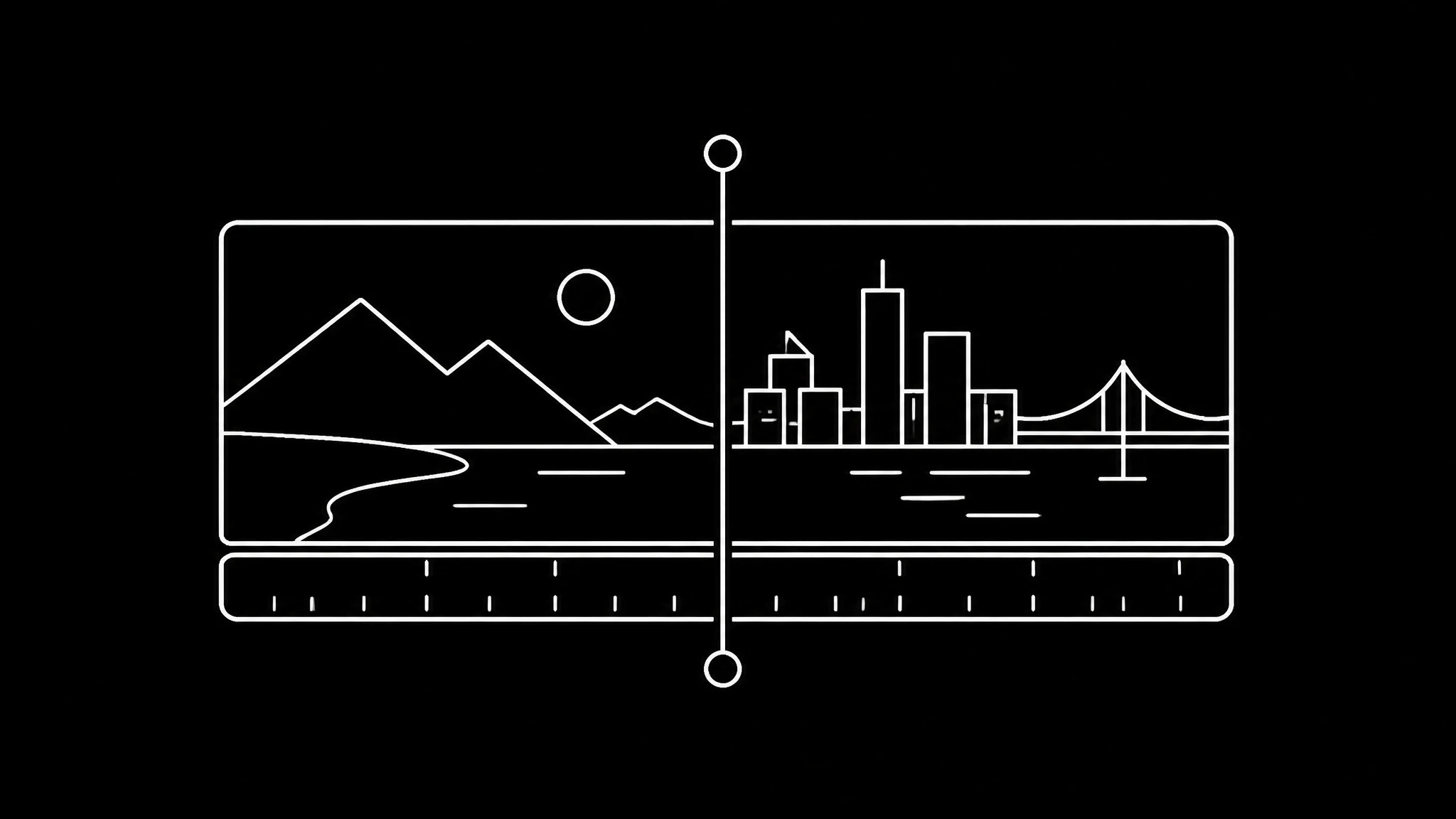
A run ends in a synced viewer: original on the left, your version on the right, playing together, with a downloadable comparison. That is a deliberately uncomfortable way to present a result, and it is the right one. The gap between the two is the only honest feedback about whether the blueprint caught what mattered.
From there a format can be saved and re-run with a different script, adapted to a different character, or edited clip by clip.
How to pick a source that will work
- Under two minutes, and ideally under thirty. Short formats are tighter, so the blueprint has less room to drift.
- Clear shot boundaries. Hard cuts replicate better than long morphs; AI-generated sources that dissolve between scenes are the hardest case.
- A structure you can actually fill. If the format is three claims and a punchline, you need three claims and a punchline.
- Something you would be happy to be seen making. The output is your face and your words inside someone else's structure — which is how formats have always travelled, and also why the ethics checklist is worth two minutes first. Both the EU AI Act's transparency provisions ↗ and platform policy are converging on labelling synthetic video, so decide your position deliberately.
If you want the walkthrough rather than the architecture, remaking a video shot for shot is the step-by-step version. To make it your face performing, build your twin first. To find formats worth replicating at all, Viral Intelligence is the surface that shows what is actually working. The credit cost per clip depends on the model tier a run uses, and the model catalogue lists what each one can do.
Related on Percify
- Shot-for-shot remakes, step by step — the walkthrough version.
- Viral Intelligence — find formats worth remaking.
- Build your digital twin — make it your face performing.
- Avatar Studio — a straight talking-head clip instead.
- Realtime Video — fast clips for the gaps.
- Get 4:5 right — the dimensions that break remakes.
- Every studio at a glance — the whole product on one page.
- Real output — finished work rather than experiments.
- Avatar generators ranked — how we compare.
- What it costs — one credit meter.
Ready to Create Your Own AI Avatar?
Make a talking video of yourself from one photo, in your own voice. No watermark on any plan.
Cancel anytime from your profile
Got questions?
Frequently asked
No. The source is read into a blueprint and every clip is generated fresh, conditioned on the source keyframes for character consistency. None of the original footage appears in the output.
Two minutes. Uploads are capped at 150 MB. TikTok links ingest directly; YouTube and Instagram block our cloud provider's shared egress with a bot check, so those need a residential proxy or a trimmed upload instead.
The structure: shot boundaries, camera movement, transitions with their length and direction, overlay timing, the music bed and the sound hits. The spoken words are yours. A useful way to hold it is that the voice is the script while the music and sound design are the format.
Because each clip is generated independently, so nothing carries over automatically. The fix is registering each recurring subject with one canonical appearance description, repeating it nearly verbatim in every clip prompt, and feeding the source keyframes as reference images.
Up to two shots, meaning one commanded cut. Models that advertise multi-shot rendering handle a single cut reliably, but a take asked for three cuts came back with them mistimed or missing on a real four-shot short. Every additional cut becomes a real stitch.

