Quick Answer
Podcast Studio renders a two-person conversation as one video, where each speaker animates from their own audio track and visibly listens while the other talks. You write the dialogue rather than uploading recordings. It costs 150 credits per minute, runs from 15 seconds to a 3-minute cap, and is 480p only — 720p would cost twice as much upstream and fail our own minimum-margin rule, so it is a pricing decision rather than a missing setting.
A two-person AI podcast where both speakers listen. How the alternating turns are built, what it costs per minute, and why there is no 720p option.
Keep reading
Related next steps
The model underneath takes exactly two audio tracks and an order from a fixed list. Read literally, that means it can do speaker A for ninety seconds and then speaker B for ninety seconds. Two monologues stapled together, which is not a conversation.
That limitation is worth stating because it is the interesting part. Most tools that claim two-speaker output are doing exactly this, and it shows: one person talks while the other sits frozen, then they swap.
How the conversation is actually built
The way out is on the server, not in the prompt.
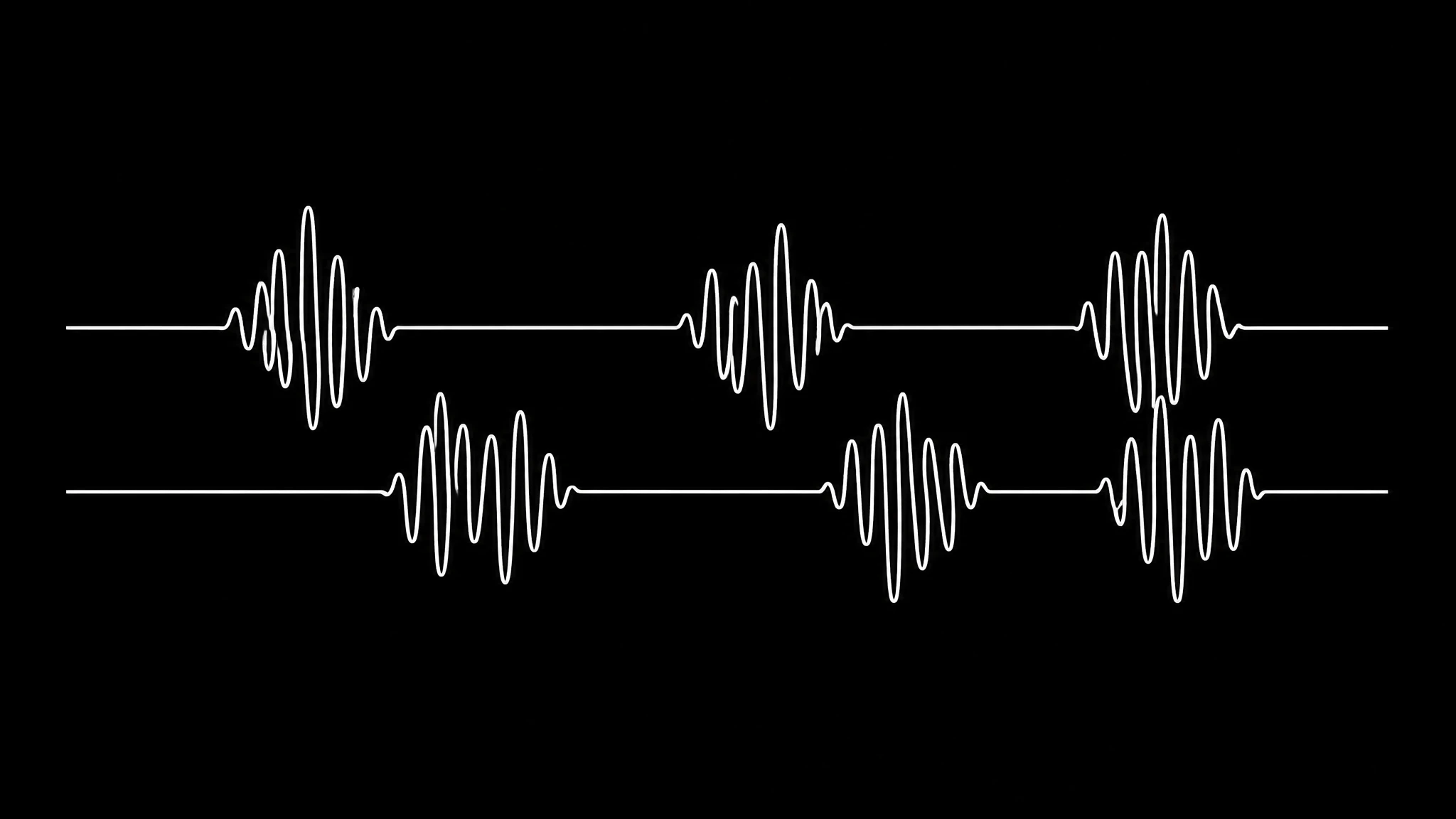
Every turn is synthesized separately. Then both audio tracks are built at full length, with silence where the other person is talking, and the two are rendered together rather than in sequence.
The result is that each side animates from the energy of its own track. A stretch of silence is not a gap — it renders as a person listening. That is the difference between a conversation and two clips edited back to back, and it is entirely a consequence of how the tracks are assembled.
It was verified on a real render before the feature shipped, which is the only way to check a claim like this: the failure mode is subtle, and it looks fine in a still frame.
You write it, you do not upload it
This screen first shipped as two audio upload slots. That version asked you to arrive with a recorded podcast in order to make a podcast, which is a circular requirement and it was the right thing to cut.
Now you write the dialogue and the voices are synthesized, using the same class of text-to-speech models ↗ that drive the rest of the platform. The upload path still exists on the API for callers who genuinely already have audio — worth knowing if you are building against the public API or the MCP server rather than clicking through the app.
What this changes practically: you can draft a conversation, look at it, and change a line, which is a different activity from editing a recording. Scripts get better when revising them is cheap.
What it costs, and the honest arithmetic
150 credits per minute. The margin behind that is not a guess, and it is worth showing because it explains the constraints:
| input | value |
|---|---|
| provider rate, 480p | $0.03 per second |
| one minute of output | $1.80 to us |
| our minimum margin | 40% |
| minimum defensible price | 120 credits |
| what we charge | 150 credits (52% margin) |
There is no 720p tier, and that is economics rather than engineering. At $0.06 per second, the same 150 credits would return a 4% margin and fail the same guard that governs every public model on the platform. Adding HD means roughly doubling the price, and that is a pricing conversation rather than a config flag.
We would rather say that plainly than ship a greyed-out button. The pricing page has the current credit meter, which is shared across images, voices and video.
Why three minutes is the ceiling
Half margin, half physics.
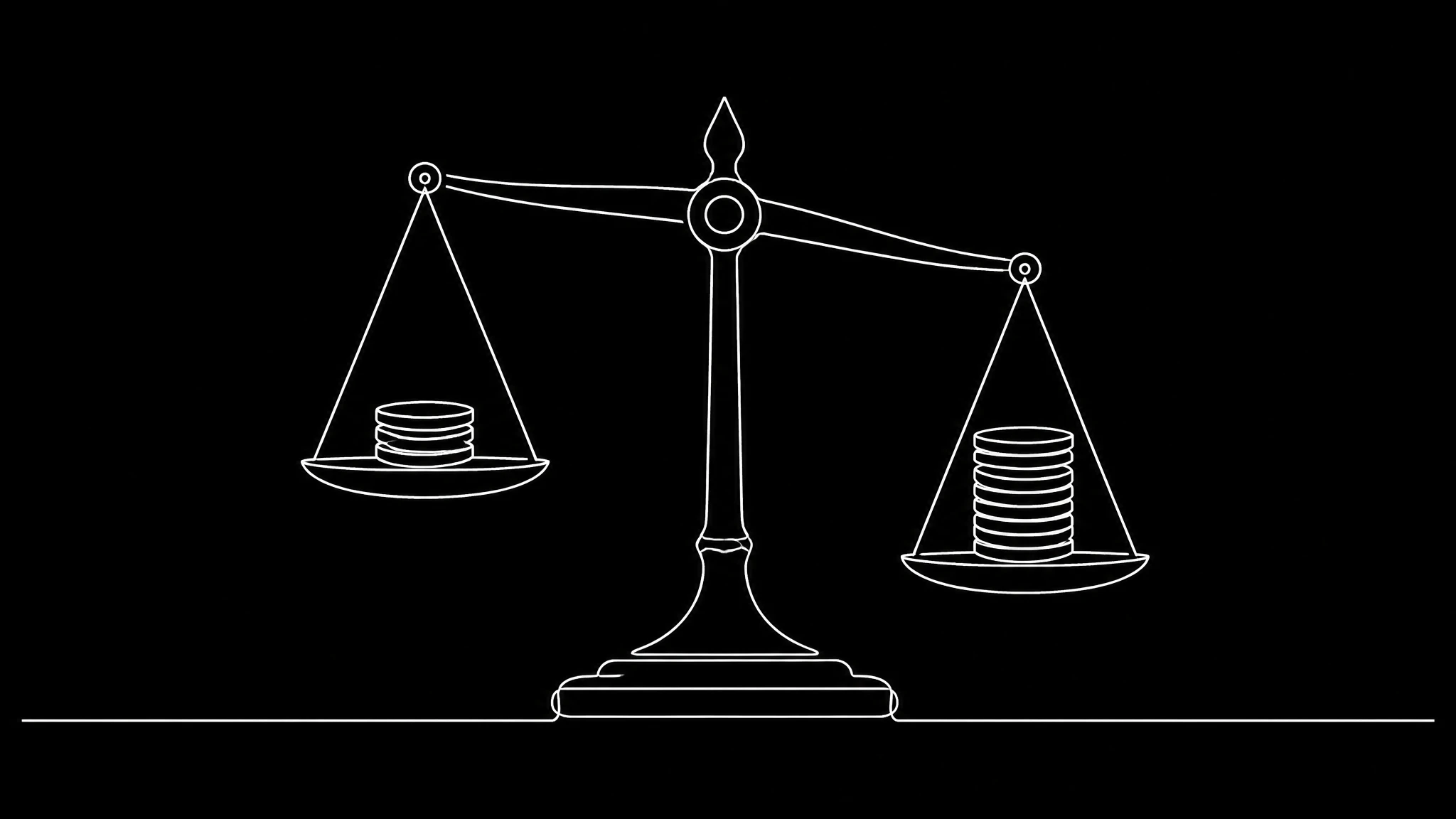
The provider spends 10 to 30 seconds of compute per second of output. Three minutes of video is therefore 30 to 90 minutes of waiting. Ten minutes could be five hours — and ten minutes at cost is about $18, which is most of a month's credits on a mid plan spent on a single render.
So the cap is 3:00, with a 15-second floor at the other end. If you want a long-form podcast, the honest answer today is to make several segments, or to record a real one. If you want a two-minute conversation that explains something, this is built for exactly that.
The one second you are charged for
A small thing we decided to be explicit about: the provider renders exactly one second more than the audio it is given. Every time. It was measured across three real renders, each precisely +1.00 second — 12.04 seconds of audio came back as 13.04 twice, and 18.96 came back as 19.96. It is a constant tail, not rounding.
That second is included in the billed length, because we are charged for it. Billing the audio length instead would quietly hand the provider a second of margin on every render, and on a 15-second minimum that is 6% of the job.
Most tools would round this away silently. Printing it is the same instinct behind publishing a 9% retry rate on lip sync: the number is real either way, and you should know it.
What to make with it
Two speakers is a genuinely different format from a talking head, and it suits different material:
- An objection and an answer. One speaker raises the thing your buyers actually say; the other answers it. This is the format that converts, and it is hard to do as a monologue without sounding defensive.
- A concept explained to someone. Teaching lands better when there is a person being taught. Public radio has known this for decades.
- A recap with a second opinion. Agreement is boring; mild disagreement is watchable.
What does not work: two speakers who agree about everything, or a script where one of them exists only to say "interesting, tell me more." If the second voice has nothing to add, use Avatar Studio and save the credits.
One practical note on distribution: a two-person video travels as video. If you also want it as an audio show, the audio track stands alone well enough to post to Spotify for Creators ↗ — but write it as video first, because the listening shots are the reason to make it here at all.
Setting one up
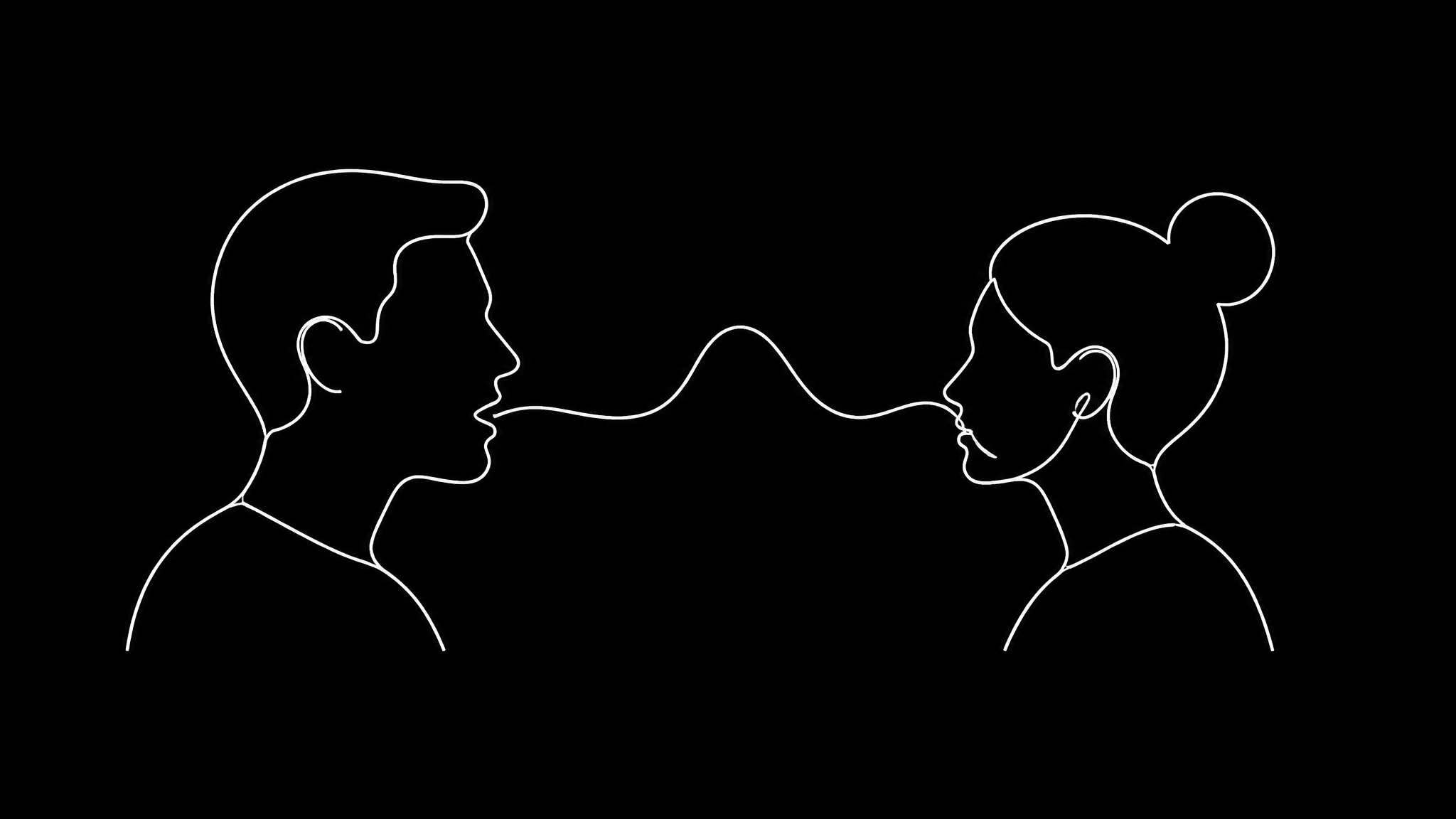
- Write the dialogue as turns. Short ones — under twenty seconds each — read as conversation; long ones read as a monologue with interruptions.
- Give the two speakers distinct voices. There are 52 presets, or use your own cloned voice for one side and a preset for the other.
- Keep the whole thing under three minutes, and expect to wait 30 to 90 minutes for a full-length render.
- Watch the listener, not the speaker. The listening side is where this format either works or does not.
If you want your own face on one of those two chairs, build your twin first. If you would rather find out what topics are worth two people talking about, Viral Intelligence is the surface for that. And if you are comparing against recording a real podcast, tools like Riverside ↗ and Descript ↗ solve the opposite problem — they make real recordings easier, where this makes the recording unnecessary. The full feature list shows where each one sits.
Related on Percify
- Voice Studio — give one speaker your own voice.
- Avatar Studio — one speaker instead of two.
- Build your digital twin — put your face in one of the chairs.
- Viral Intelligence — find something worth two people discussing.
- When the lip sync looks wrong — the four faults, diagnosed.
- Which engine holds sync — measured per engine.
- Every studio at a glance — the whole product on one page.
- What it costs — one credit meter.
- Real output — finished work rather than a showreel.
Ready to Create Your Own AI Avatar?
Make a talking video of yourself from one photo, in your own voice. No watermark on any plan.
Cancel anytime from your profile
Got questions?
Frequently asked
Yes. On Percify each speaker's audio track is built at full length with silence where the other is talking, and both are rendered together, so a silent stretch animates as a person listening rather than freezing. Rendering the turns in sequence is what produces two monologues instead of a conversation.
150 credits per minute on Percify. The provider charges $0.03 per second at 480p, so a minute costs us $1.80; 150 credits holds a 52% margin against our 40% minimum.
720p costs the provider $0.06 per second, twice the 480p rate. At the same 150 credits per minute that returns a 4% margin and fails the pricing guard applied to every public model. Offering HD would mean roughly doubling the price, which is a pricing decision rather than a config change.
From 15 seconds to 3 minutes. The provider spends 10 to 30 seconds of compute per second of output, so three minutes of video is 30 to 90 minutes of waiting and ten minutes could take five hours.
No. You write the dialogue and the voices are synthesized — the studio originally shipped with two upload slots, which asked you to have a podcast in order to make one. The upload path still exists on the API for callers that already have audio.

