Quick Answer
Voice Studio does two jobs: it clones a voice from a short sample so any script is spoken in it, and it dubs an existing video into another language. Cloning costs 5 credits. The reference sample must be at least 5.6 seconds of clear speech — anything shorter is padded by repetition, which makes the clone worse. There are 52 preset voices if you would rather not use your own. The trap in dubbing is that translated audio needs the mouth regenerated from the translated track, not the original.
How voice cloning and dubbing actually work on Percify: the 5.6 second sample floor, 52 preset voices, what cloning costs, and the trap that breaks dubbed lip sync.
Keep reading
Related next steps
Voice Studio answers two questions that feel like one:
- Whose voice says this? Yours, cloned from a sample, or one of the presets.
- What language does it say it in? The original, or a dub.
They share a screen because they share a constraint: everything downstream — the talking avatar, the podcast, the ad — is driven by the audio track. Get the audio right and the video follows. Get it wrong and no amount of re-rendering the face will save it.
The 5.6 second floor nobody tells you about
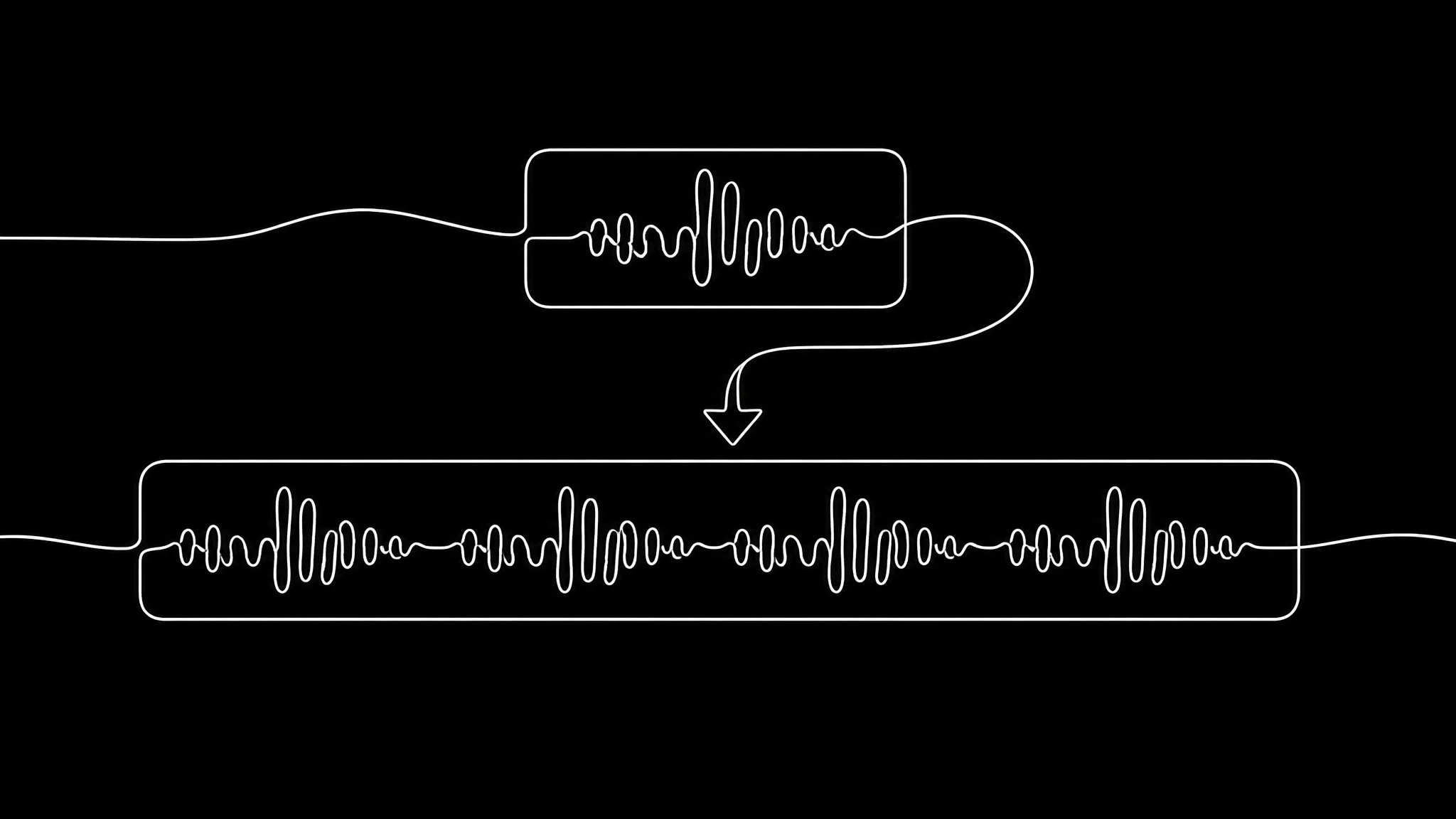
Voice cloning takes a reference recording of you talking. The engine we run, `chatterbox-turbo`, needs at least 5.6 seconds of it.
If your sample is shorter, we do not reject it. We pad it — the clip is repeated until it reaches about 6.2 seconds, and the padded version is what the engine hears. That keeps the feature working on a three-second recording instead of throwing an error at you, and it is genuinely the right fallback.
But it is a fallback, not a feature. A repeated three-second clip contains three seconds of vocal information no matter how many times it loops. The clone will be thinner, flatter and more prone to odd emphasis than one built from a real sample.
So the practical advice is: record fifteen to thirty seconds. Not because we require it, but because the floor is where quality starts, not where it lives. Say something with range in it — a question, a statement, a number — rather than reading one flat sentence.
Cloning costs 5 credits, once, and the voice is then yours to reuse. That is roughly what a couple of images cost, which is deliberate: this is a setup step, not a per-use charge.
When to use a preset instead
There are 52 preset voices on the platform. They are worth using when:
- You are drafting and do not want to spend a clone on a script that may change.
- The video is not about you — a product explainer, a faceless channel, a training clip.
- You want two distinct speakers, which is what Podcast Studio is built around.
They are the wrong choice when the whole point is that it is you. A cloned voice on your own avatar is the difference between a spokesperson video and a stock one, and audiences hear it even when they cannot name it.
Dubbing, and the trap in it
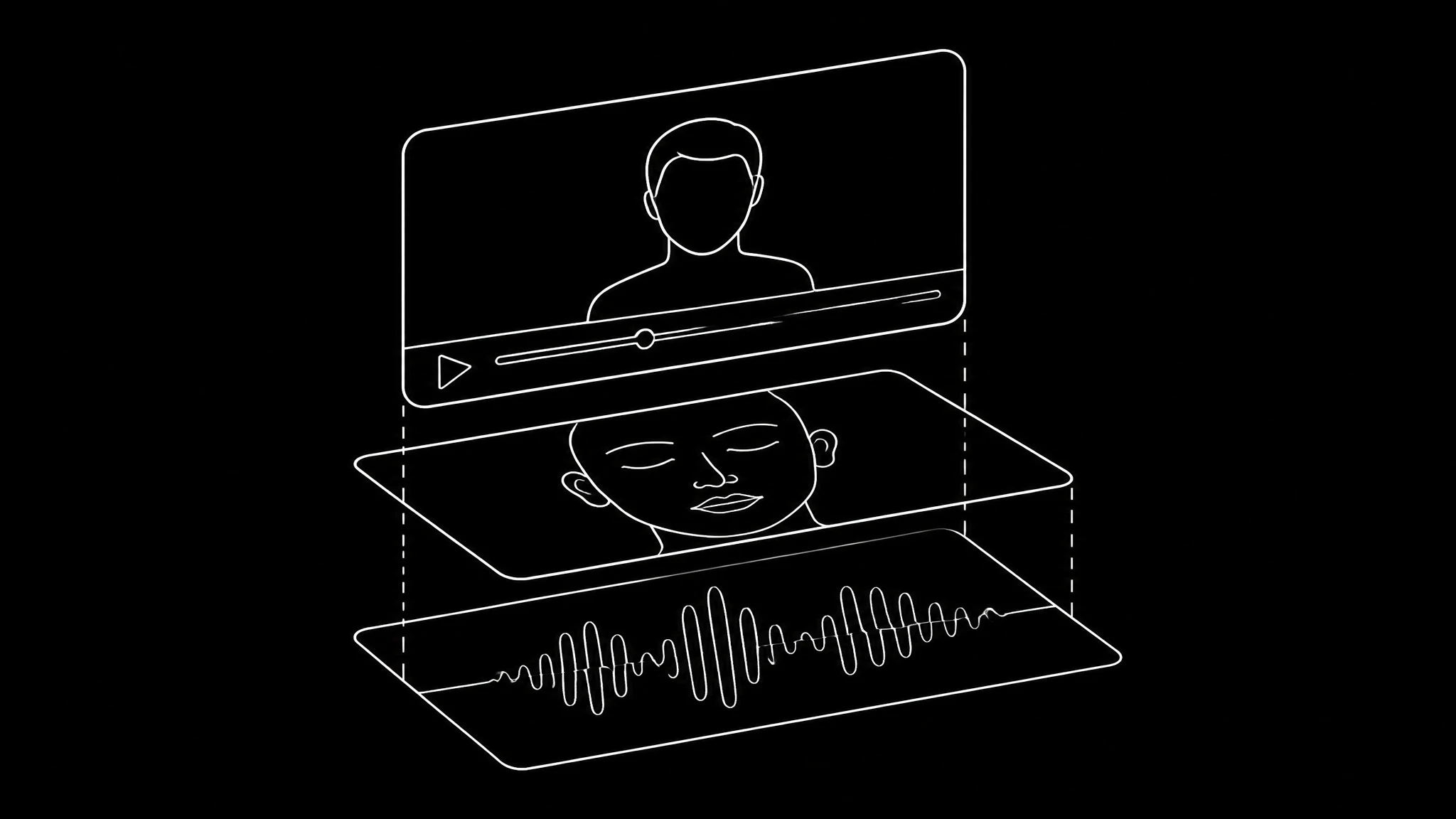
Dubbing looks simple: translate the words, speak them in the same voice, keep the video. Two of those three are straightforward. The third is where dubbed video goes wrong, and it goes wrong quietly.
The mouth must be regenerated from the translated audio. If the face was animated from the original English and you then swap in the Spanish track, the timing can look almost right while every mouth shape is wrong — because visemes ↗, the visible shapes that correspond to sounds, differ between languages. Viewers cannot usually say what is wrong. They just find it unconvincing and scroll.
This is the single most common reason a dubbed clip feels off, and it is not a quality setting you can raise. Retrying the same way will produce the same fault. The full diagnosis is in why AI lip sync looks wrong, and the step-by-step version is the dubbing tutorial.
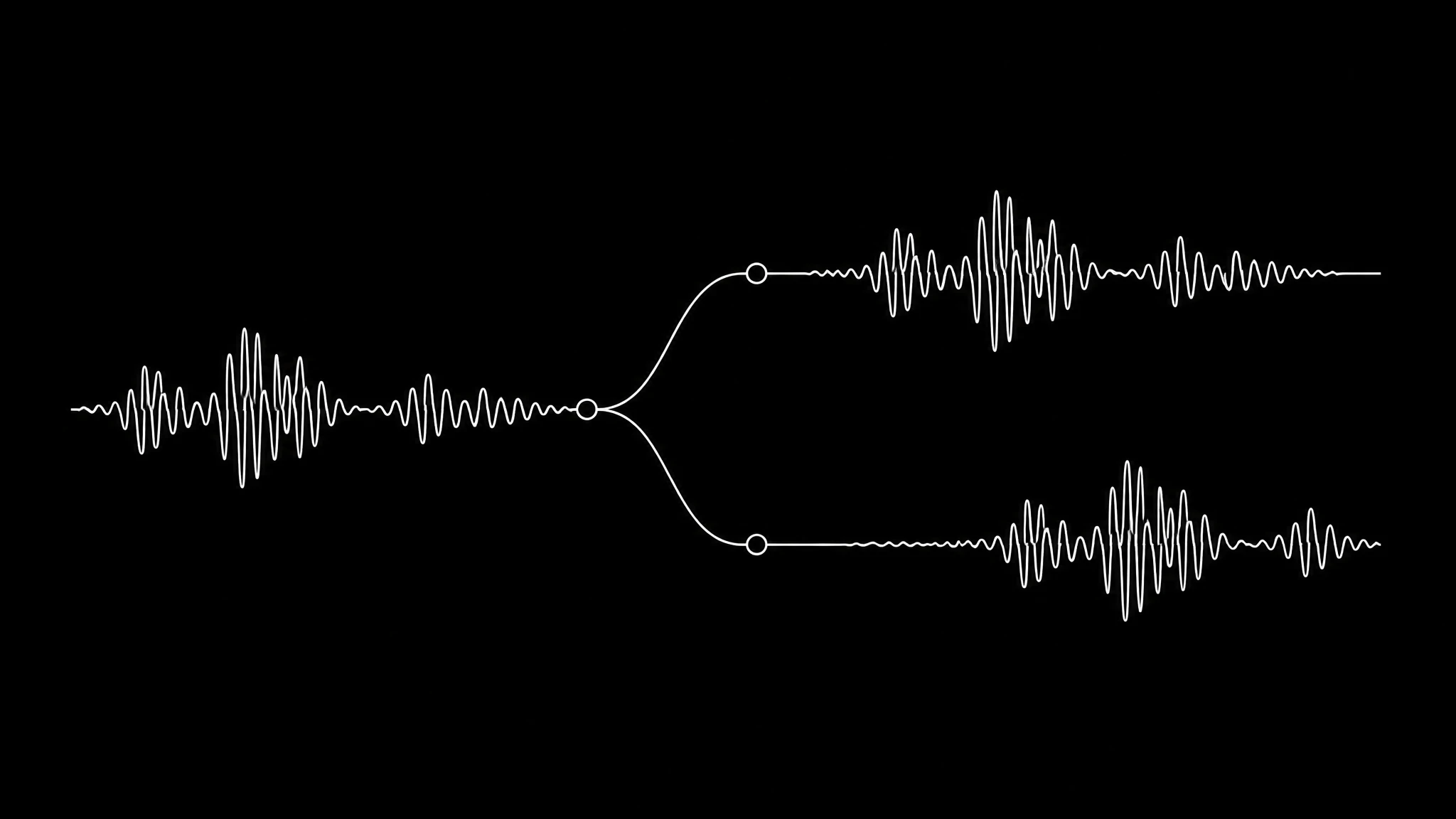
The second thing dubbing changes is length. A sentence that runs four seconds in English can run five and a half in German and three in Japanese. If your video has hard cuts timed to the original, a dub will drift against them. Either leave the edit loose, or accept that the dub is a re-cut rather than a re-voice. Anyone who has worked with subtitle timing standards ↗ already knows this problem by another name.
Getting a clean sample
The engine is copying what it hears, including the room. Three things matter more than your microphone:
- Soft surfaces. A room with curtains, a sofa or a bed beats a room with a good microphone and bare walls.
- Consistent distance. Moving closer and further mid-sentence teaches the clone to do the same.
- Even loudness. If your recording swings wildly, normalise it — ffmpeg's loudnorm filter ↗ does it in one command, and it is the same fix professional audio uses.
What does not matter: expensive hardware, a pop filter, or recording in a cupboard. A phone held at a steady distance in a carpeted room is a good sample.
What it costs to run
Everything is one credit meter. There is no separate audio subscription and no per-minute voice bill layered on top:
| action | credits |
|---|---|
| clone a voice | 5 |
| short audio generation | 3 |
| longer audio generation | 5 |
Video is where the money goes — a talking-head render averages 69 credits at 480p — so in practice the audio side of a project rounds to nothing. The full pricing is one meter across images, voices and video, and API access starts on the Scale plan.
Where it fits
Voice is the layer under everything else:
- Avatar Studio takes the audio and drives a mouth with it.
- Clone Yourself pairs the cloned voice with your cloned face, which is the setup most people should do first.
- Content Replication re-performs a short in your voice rather than the original creator's.
- Realtime Video is the one place voice is not the input — it generates picture, fast.
If you are comparing platforms, dedicated voice tools like ElevenLabs ↗ go deeper on audio alone; the trade is that the voice then lives outside whatever renders your video, and you own the sync problem. Our own dubbing page covers that boundary in more detail, and there is a ranked list of lip-sync tools if the video half is what you are really choosing between.
The short version
- Record 15-30 seconds of yourself talking in a soft room, at a steady distance.
- Clone it once, for 5 credits.
- Draft scripts against a preset if they are still changing.
- When you dub, regenerate the mouth from the translated audio — never from the original.
- Expect the dub to run a different length than the source, and leave the edit room for it.
You can hear what the output sounds like before spending anything.
Related on Percify
- Avatar Studio — give the voice a face.
- Build your digital twin — clone the face as well.
- Dub a video step by step — the walkthrough.
- Dubbing, end to end — the product page.
- Every studio at a glance — the whole product on one page.
- What it costs — one credit meter across audio and video.
Ready to Create Your Own AI Avatar?
Make a talking video of yourself from one photo, in your own voice. No watermark on any plan.
Cancel anytime from your profile
Got questions?
Frequently asked
At least 5.6 seconds for the engine Percify runs. Shorter samples are padded by repeating the clip to about 6.2 seconds, which keeps the feature working but produces a thinner clone — a repeated three-second clip still only contains three seconds of vocal information. Record 15 to 30 seconds for a good result.
5 credits, charged once, and the voice is then reusable. Short audio generations cost 3 credits and longer ones 5. It is the same credit meter as images and video rather than a separate audio plan.
The mouth was almost certainly generated from the original audio while you are hearing the translation. Visible mouth shapes differ between languages, so the timing can look right while every shape is wrong. Regenerate the lip movement from the translated track.
52 active preset voices. They are useful for drafting, for faceless content and for giving two speakers distinct voices in Podcast Studio. For content that is about you, a cloned voice is the point.
Usually not. The same sentence runs longer in German and shorter in Japanese than in English, so a dub drifts against hard cuts timed to the original. Treat a dub as a re-cut rather than a straight re-voice.

