Quick Answer
Realtime Video is a separate surface because generation in a handful of seconds is a different interaction, not a faster version of the old one. Clips run 5, 10 or 15 seconds at 480P or 768P; a verified 15-second run returned 15.1 seconds of video for 60 credits at 480P. The model composes several shots inside a single generation, hard cuts included, which is invisible unless someone tells you it is there. The prompt stays after you generate, so the loop is type, watch, retype.
A fast generation loop changes the interaction, not just the wait. Durations, resolutions, verified costs, and the multi-shot capability most people never find.
Keep reading
Related next steps
Every other generation surface we have is built around a 45 to 90 second wait. You fill in a form, commit, leave, and come back. That shape is correct when the wait is long: the form is a checkpoint, and clearing it afterwards is tidy.
At five seconds the shape is wrong. The loop becomes type, watch, retype — and a form that clears itself after every run is actively hostile to it. You lose the prompt you were iterating on precisely when you want to change one word of it.
So this screen behaves differently on purpose:
- The prompt stays after you generate.
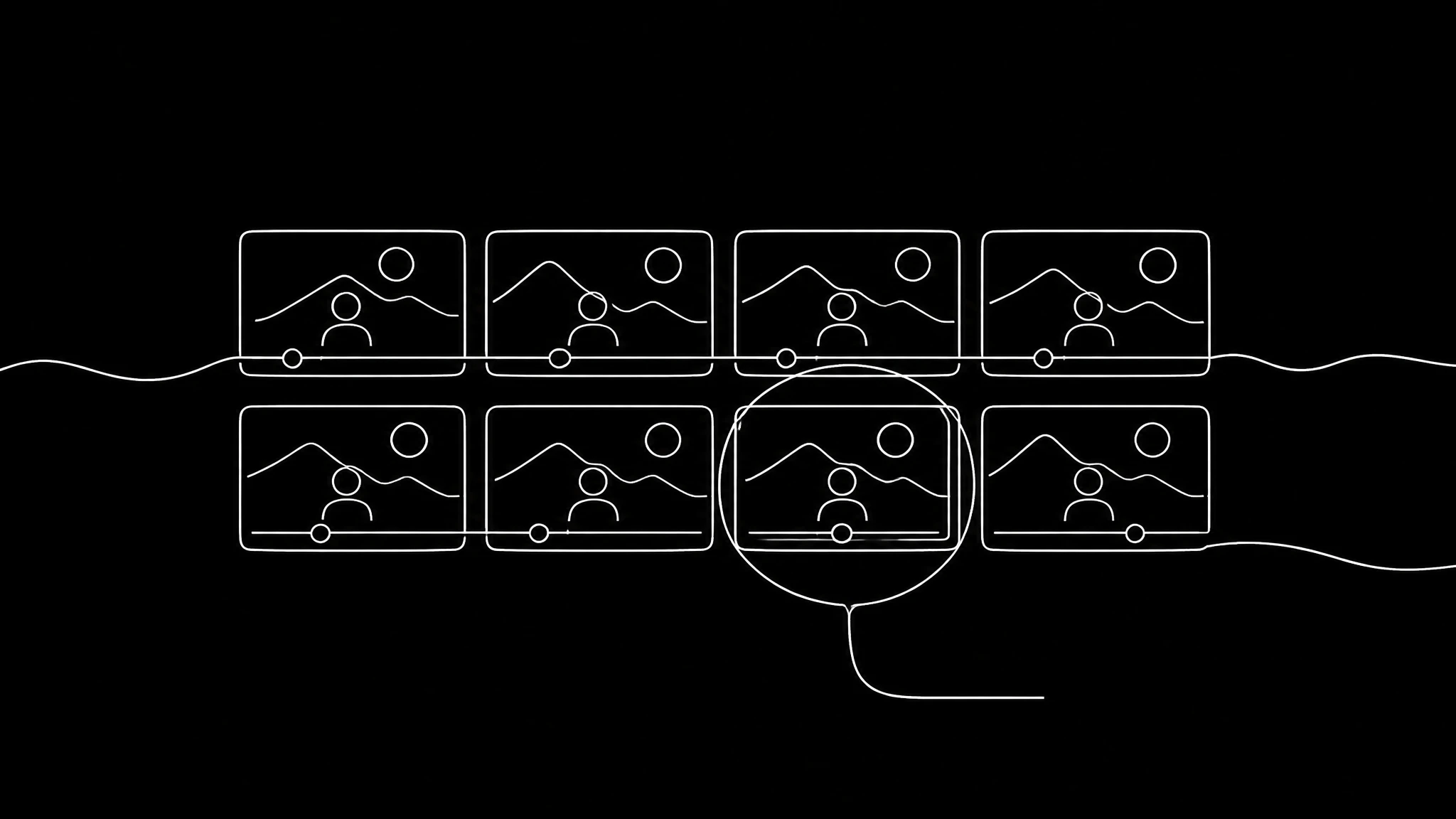
- Every result is kept in a strip you can scrub back through.
- Clicking an old take reloads the prompt that made it.
The unit of work is the iteration, not the submission. That is a small distinction on paper and the entire feel of the tool in practice.
What you can actually set
Two dials, and both ranges come from the provider rather than from us:
| setting | options |
|---|---|
| duration | 5, 10 or 15 seconds |
| resolution | 480P or 768P |
The duration range is worth a story, because we got it wrong twice in opposite directions.
It first shipped offering 4 seconds, which the provider rejects outright — the minimum is 5. That is a guaranteed failure, and because it refunded correctly, nobody complained and it stayed invisible for a while. Later the picker was authored with a maximum of 10, a cap the provider does not have. No error that time either; the range simply never offered 15, and a third of the model's capability was silently withheld.
Both bugs were quiet. The lesson we wrote into the code is short: read the provider's schema before changing a range, and treat a limit nobody complains about as suspicious rather than settled. Model hosts such as fal ↗ and Replicate ↗ publish those schemas openly, which makes there no excuse for guessing.
What a run costs
A 15-second run is verified: 15.1 seconds of output, 60 credits at 480P.
That is a useful benchmark to hold next to the rest of the platform. A talking-head render averages 69 credits at 480p for a median 19-second clip, so the two are in the same range — but one comes back in seconds and the other in minutes. What you are buying here is not cheapness, it is the ability to try eight ideas before lunch. The pricing page has the current meter.
The capability people never find
This model composes several shots inside one generation — verified as three distinct scenes with a hard cut, in a single 10-second call. It is not animating one frame the way lip-sync models do.
That capability is completely invisible unless someone tells you it is there, which is why the surface offers shot hints rather than leaving you to discover it. Most people write a single-scene prompt, get a single scene, and conclude the model cannot cut. It can; it just does what you asked.
Practically: if you want three beats, describe three beats and say where the cuts fall. If you want one continuous shot, say that too — an unspecified prompt tends to drift.
Two models, one surface, no toggle
There is a text-to-video model and an image-to-video model behind this screen, and you never pick between them.
The mode follows from whether a starting frame exists. Drop an image in and it is image-to-video; leave it empty and it is text-to-video. Asking somebody to choose a mode before they have decided what they are making is a question about our model catalogue rather than about their work, and it is the kind of question that quietly teaches people the tool is complicated.
Both models are the same family at the same price, so switching costs nothing and needs no warning. The full catalogue lists everything else we run, including the slower and more capable options.
Where fast is the wrong tool
Be clear about what this is not:
- It is not lip sync. For a person speaking a script, use Avatar Studio — mouth movement driven by audio is a different model class entirely.
- It is not a format remake. For rebuilding a short's structure, use Content Replication.
- It is not for final hero footage in most cases. 768P is the ceiling here.
Where it wins is exploration. Finding a look, testing whether a concept reads at all, generating b-roll and background plates, and building the intuition for what a prompt does — all of which are ruined by a two-minute wait and all of which are pleasant at five seconds.
It also runs on the ordinary playground plumbing, so it inherits credits, refunds, the reconciler and the public API automatically. Nothing here is a private path — which matters mostly when something goes wrong, because a failed run refunds through the same machinery as everything else.
Getting good results quickly
- Start at 5 seconds and 480P. You are looking for whether the idea reads, not whether it is sharp.
- Change one thing per iteration. The reason the prompt persists is so you can.
- Say the camera move out loud in the prompt. Slow push-in, locked off, handheld — models render what is specified and drift where it is not. Both Google's video prompting guidance ↗ and OpenAI's prompting guide ↗ land on the same principle: specificity buys repeatability.
- Ask for cuts explicitly when you want more than one shot.
- Move to 768P and 15 seconds only for the take you have already chosen.
The strip of past takes is the actual feature. Generating eight variations and picking one is a workflow that only exists when generation is cheap in time, and it produces better results than trying to write the perfect prompt first. If you want to see finished work rather than experiments, the explore page is real output, and the feature overview shows how this sits beside the slower studios.
Related on Percify
- Avatar Studio — when you need lip sync instead.
- Content Replication — rebuild a short's structure.
- Making a UGC video ad — turn takes into an ad.
- Build your digital twin — put yourself in the frame.
- Get 4:5 right — before you export.
- Viral Intelligence — find something worth making.
- Every studio at a glance — the whole product on one page.
- Avatar generators ranked — how we compare.
- What it costs — one credit meter.
Ready to Create Your Own AI Avatar?
Make a talking video of yourself from one photo, in your own voice. No watermark on any plan.
Cancel anytime from your profile
Got questions?
Frequently asked
Fast enough that the interaction changes — results land in seconds rather than the 45 to 90 seconds the other studios take. That is why the prompt persists after generating and every take is kept in a scrubbable strip: the loop is type, watch, retype.
5, 10 or 15 seconds. Those are the provider's limits, not ours. A verified 15-second run returned 15.1 seconds of video for 60 credits at 480P.
Yes, on this model. It composes several consecutive shots with hard cuts inside one call — verified as three distinct scenes in a single 10-second generation. Most people never see it because a single-scene prompt gets a single scene; you have to describe the beats and say where the cuts fall.
No. The mode follows from whether you provided a starting frame. Both models are the same family at the same price, so switching costs nothing.
For exploration: finding a look, testing whether a concept reads, generating b-roll. For a person speaking a script use Avatar Studio, and for rebuilding a short's structure use Content Replication. Realtime tops out at 768P.

